Automatic Call Transfers

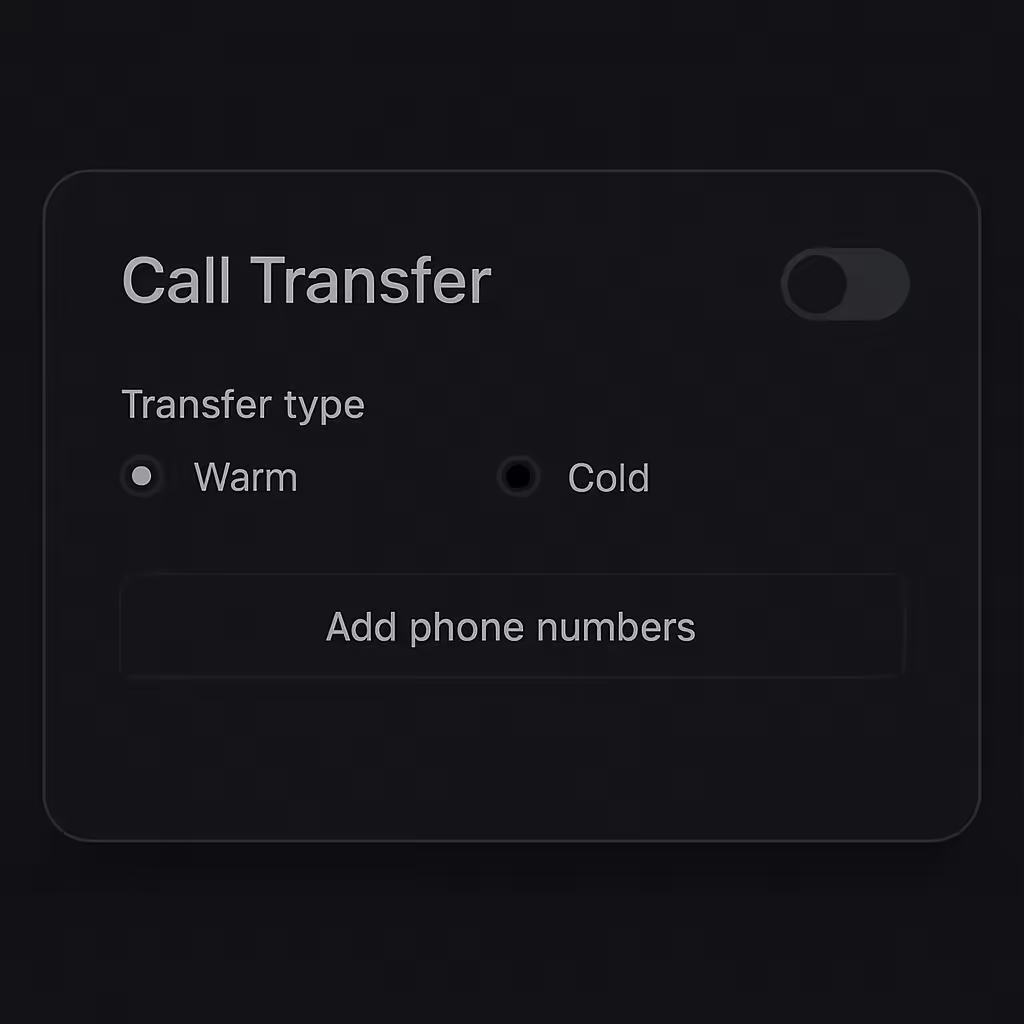
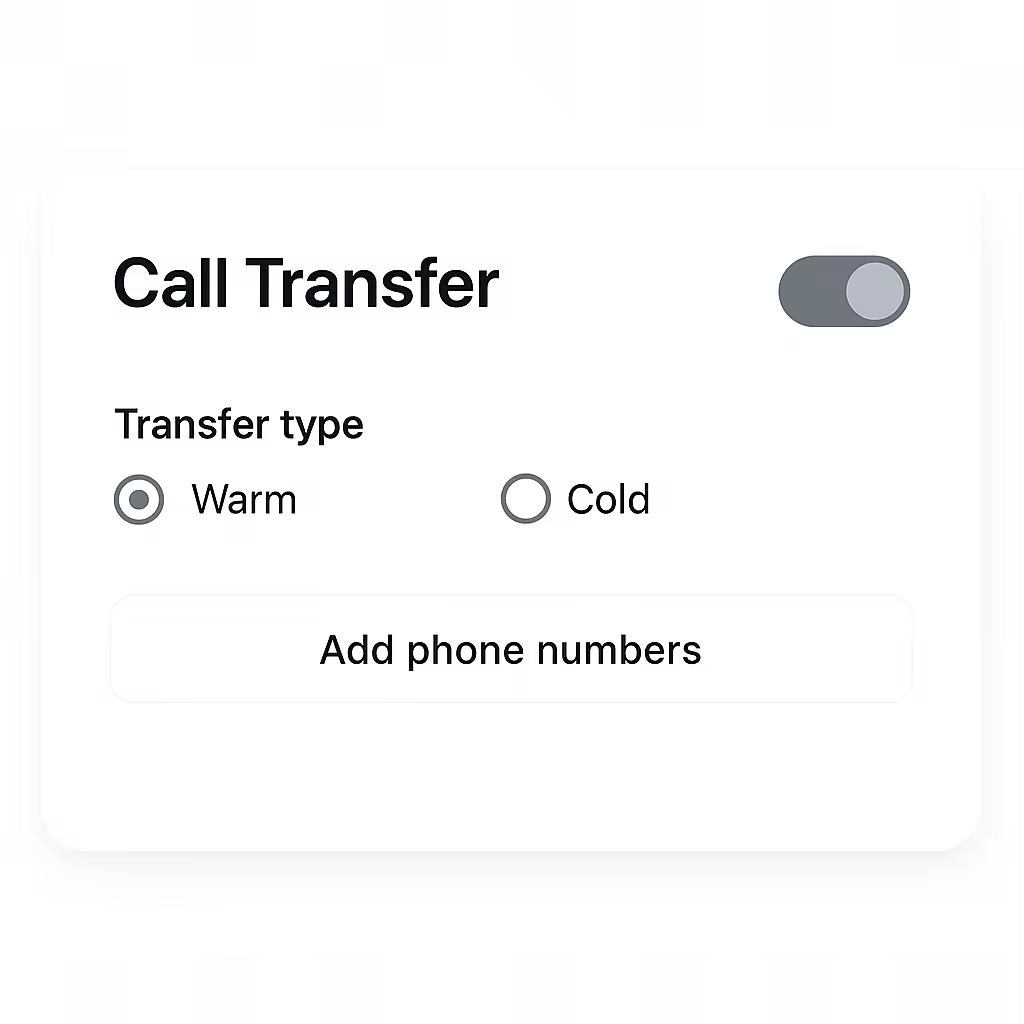
Your AI agents can now seamlessly transfer calls to human representatives when needed, ensuring customers always get the right level of support.
With the new Call Transfer feature, you can now:
- Choose your transfer method: Use cold transfer to connect customers directly to a human agent, or warm transfer to let your AI agent provide context and conversation summary before handing off.
- Define transfer scenarios: Configure exactly when your AI agent should transfer calls—whether it's for billing support, technical assistance, or escalation requests.
- Flexible routing options: Route calls using static destinations, schedule-based routing, or dynamic assignment based on availability.
- Multiple destinations: Add SIP addresses or phone numbers with round-robin distribution to balance load across your team.
Navigate to "Advanced Settings" → "Call Transfer" to configure how your AI agents transfer calls to human representatives.
