What's cooking?
Stay informed about Oration's newest features, improvements, and fixes. We're continuously refining our platform to help you succeed.
Five New Models via OpenRouter
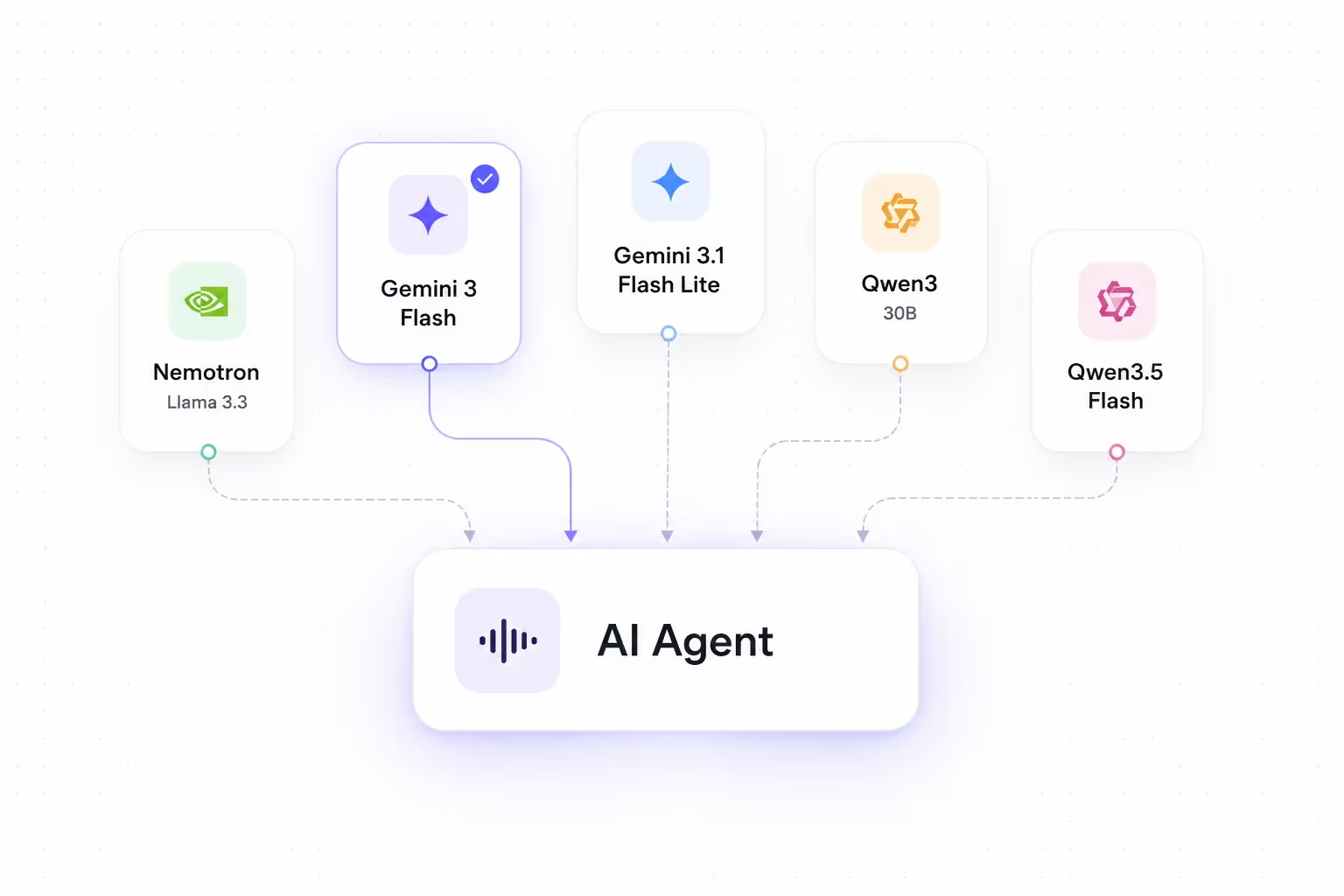
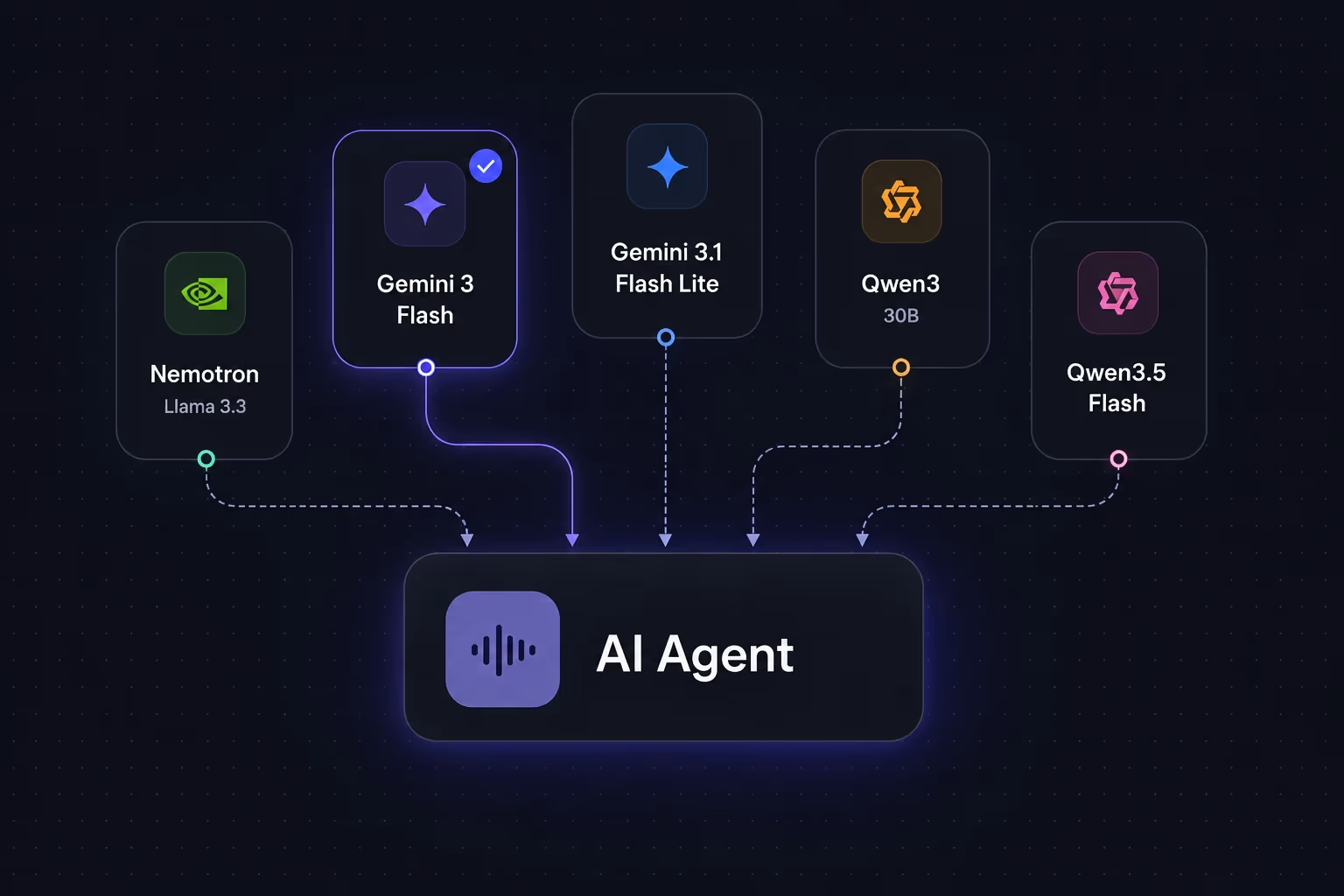
Five new models are now available for powering your AI agents, delivered via OpenRouter. Mix and match based on latency, quality, and cost — all with built-in support for 19 languages.
With these new models, you can now:
- Pick from five new LLMs: NVIDIA Llama 3.3 Nemotron Super 49B, Google Gemini 3 Flash, Google Gemini 3.1 Flash Lite, Qwen3 30B, and Qwen3.5 Flash — each suited to different conversation workloads.
- Reach customers in their language: All five models support 19 languages, including English, Hindi, Arabic, and multiple Indian regional languages, so your agents can converse naturally across markets.
- Switch models without rebuilding: Select any of these models from the model picker when configuring an agent. The rest of your setup stays the same.
To get started, open any agent, head to 'Advanced Settings' and choose one of the new models from the model picker.

Introducing Procedures: Structured Conversation Scripts
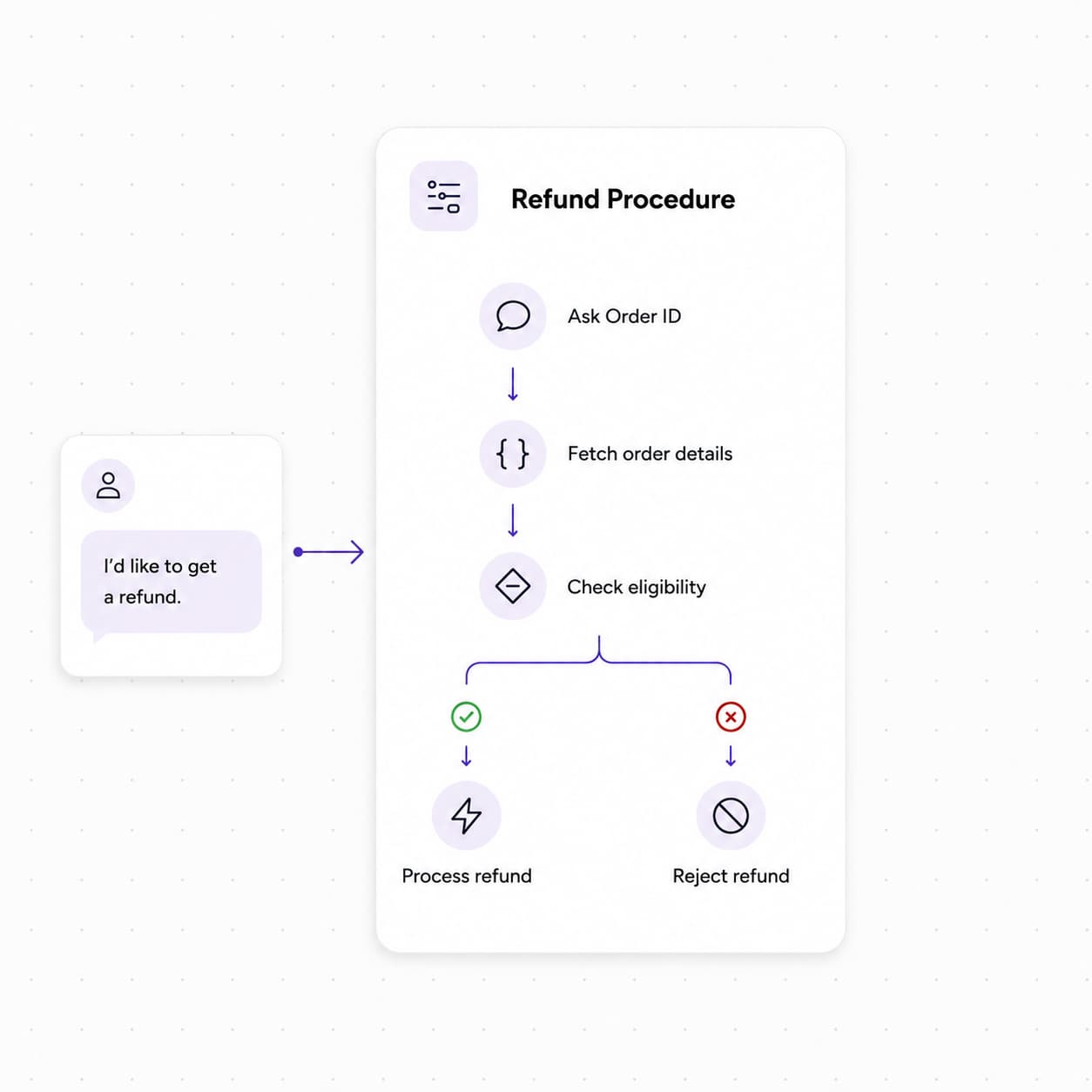
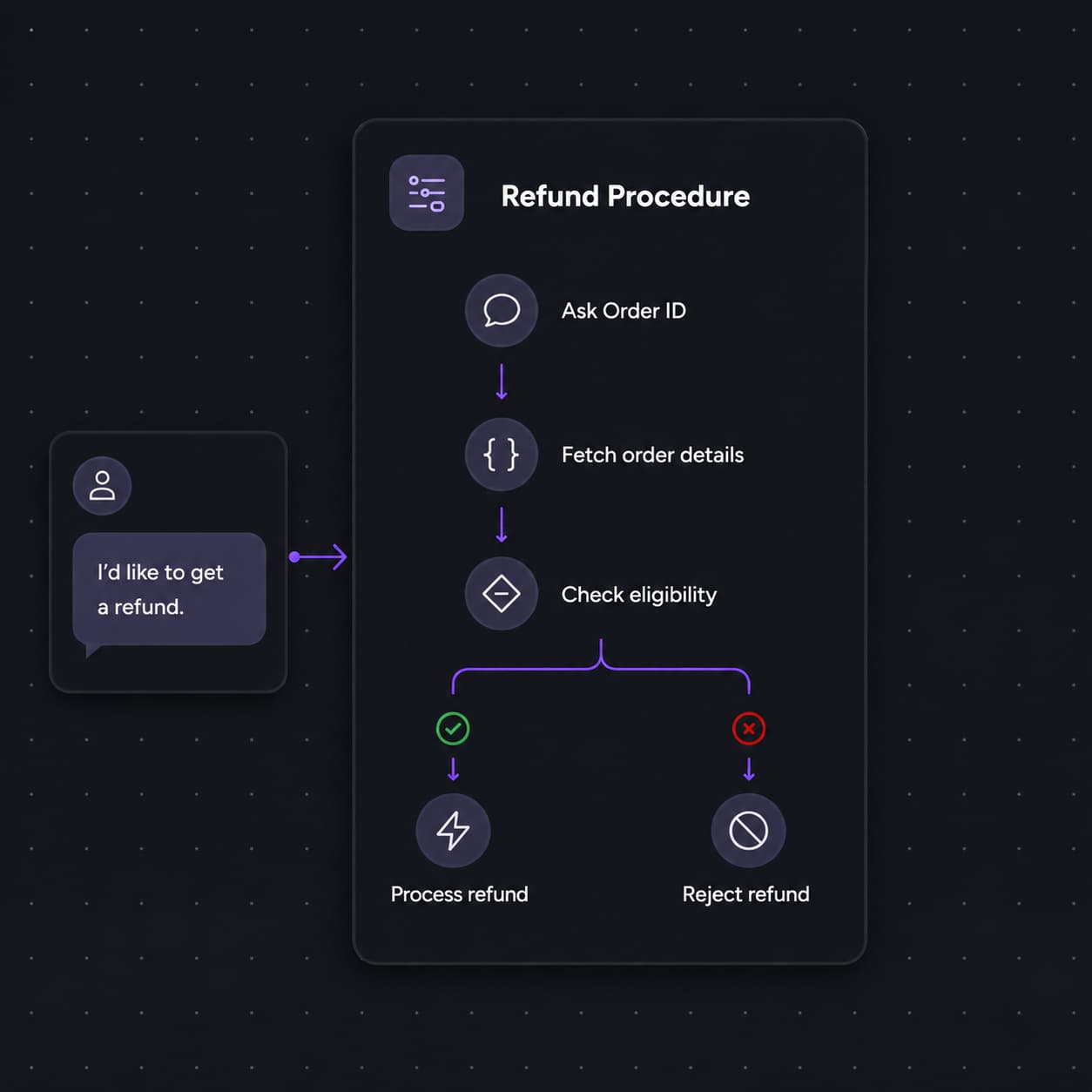
We've shipped Procedures, a new way to build reusable, multi-step conversation scripts and attach them to your AI agents. Design structured call flows on a visual canvas — from guided data collection to tool calls and transfers — then deploy them with full version control and flexible trigger conditions.
With Procedures, you can now:
- Design on a visual canvas: Build conversation scripts using specialized nodes — Conversation, Extract Variable, Logic Split, Tool Call, Transfer Call, Text-to-Speech, Press Digit, and End Call — and connect them with transitions that are unconditional, LLM-evaluated, or expression-based.
- Create, version, and publish with confidence: Draft procedures, iterate through versions, and publish when ready. Clone existing procedures to reuse proven scripts across agents or teams without starting from scratch.
- Attach procedures to any agent: Once published, link one or more procedures to an agent and configure when each should trigger — using natural-language conditions or code expressions — so the right script runs at the right moment in a conversation.
- Automate structured workflows live on calls: Handle refunds, onboarding steps, compliance checks, account changes, and other SOP-driven tasks with scripts that execute step-by-step during the conversation, keeping your agents consistent and on-brand.
To get started, open the Procedures section in your sidebar to create your first procedure. When you're ready to deploy, publish it and link it to an agent from the Agent Details page.
Transliteration Node in Flows
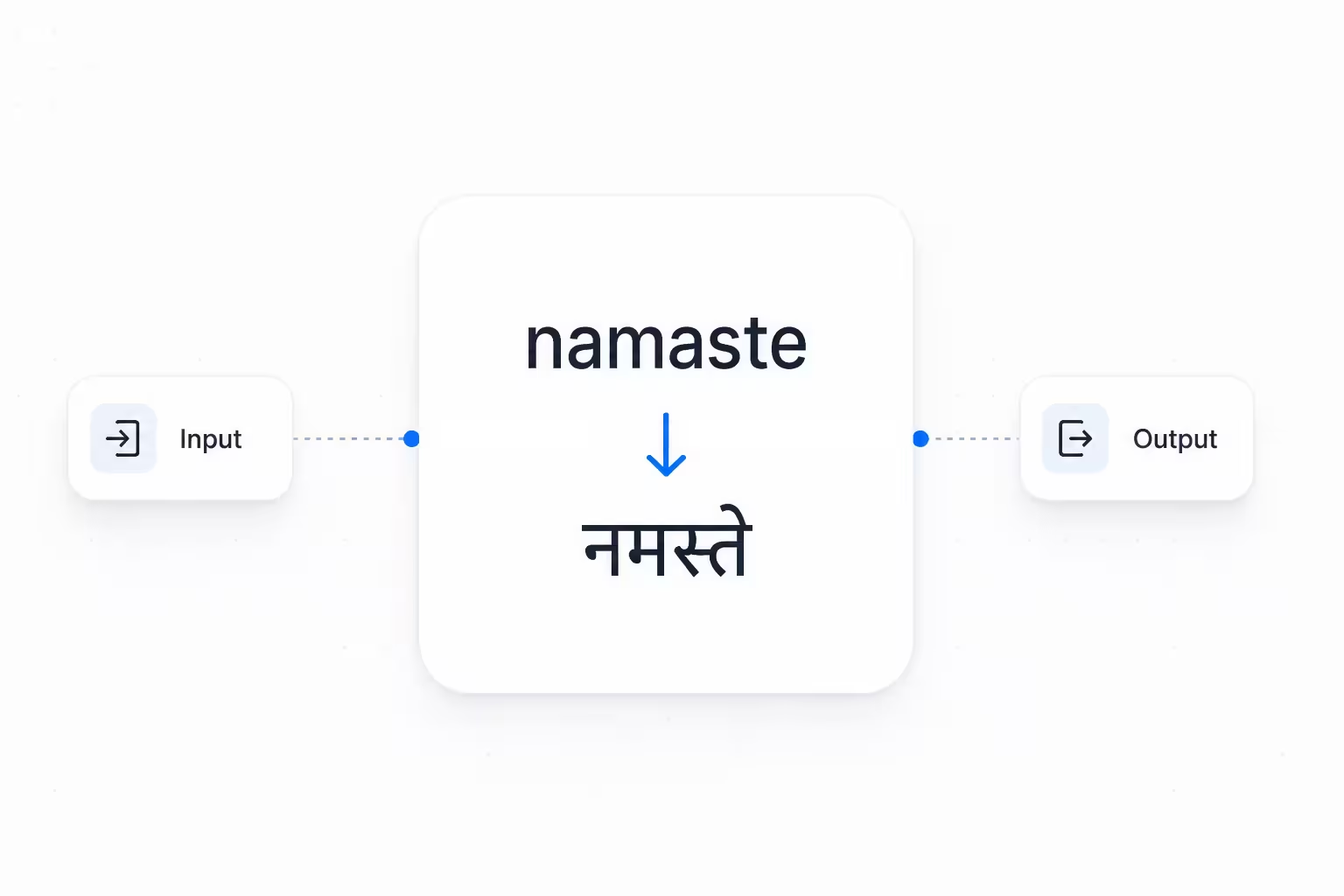
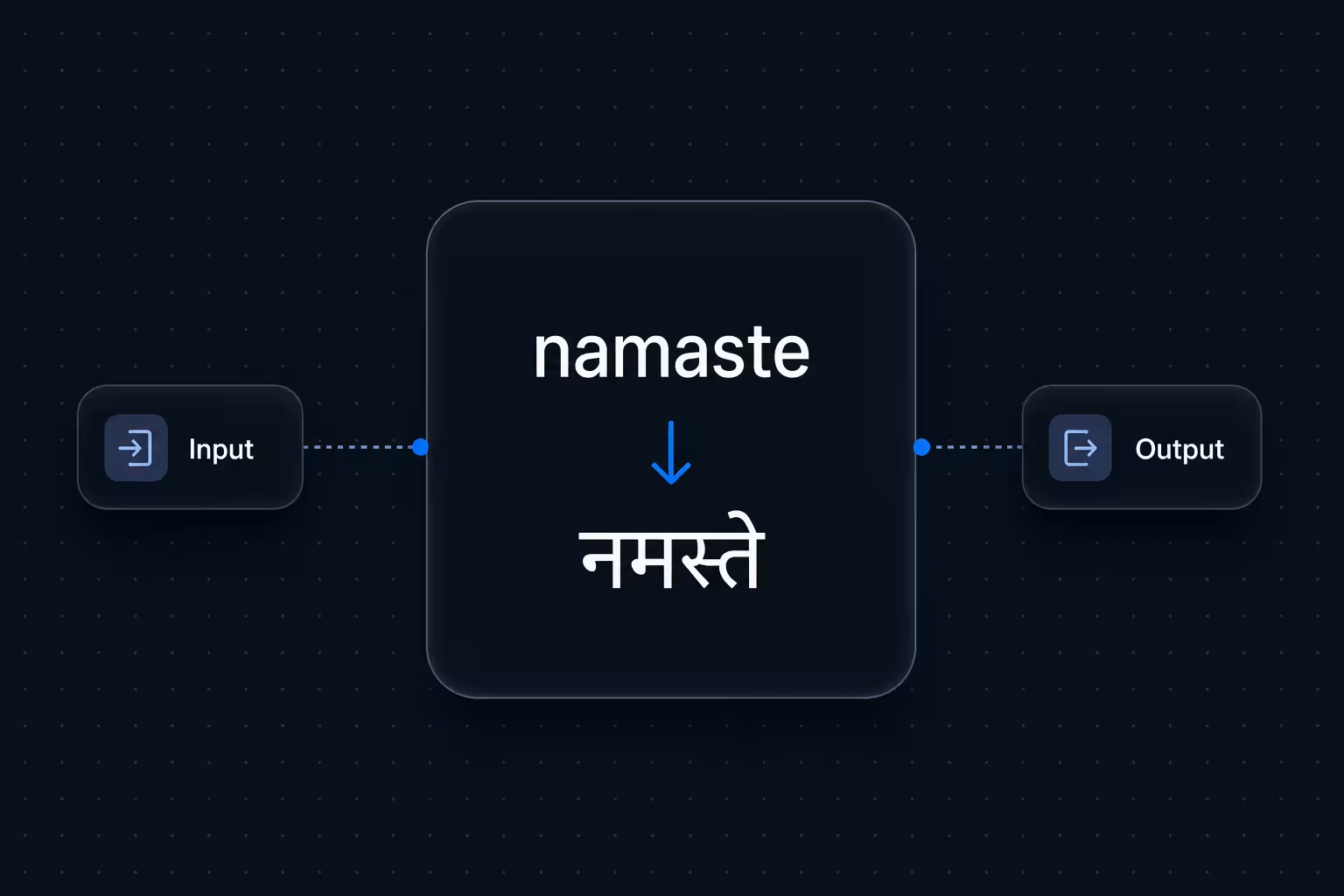
We've added a Transliteration utility node to Flows, so you can convert text between writing scripts mid-call — for example, Latin-script Hindi ("namaste") to Devanagari ("नमस्ते").
With the Transliteration node, you can now:
- Bridge script mismatches in real time: When caller input arrives in one script but your TTS or CRM expects another, transliterate it on the fly — no custom code or external API needed.
- Configure source and target languages: Set the input and output languages directly in the node settings, so each flow handles exactly the script pair it needs.
- Pass results to downstream nodes: The transliterated output is stored in a flow variable, ready for TTS nodes, CRM lookups, webhook payloads, or any step that follows.
- Handle edge cases gracefully: Success and Error output handles let your flow branch cleanly when transliteration succeeds or fails — keeping calls on track instead of breaking silently.
To get started, open any flow in the Flows editor, add a Transliteration node from the utility panel, and connect its output to the step that needs the converted text.
X.ai (Grok) TTS
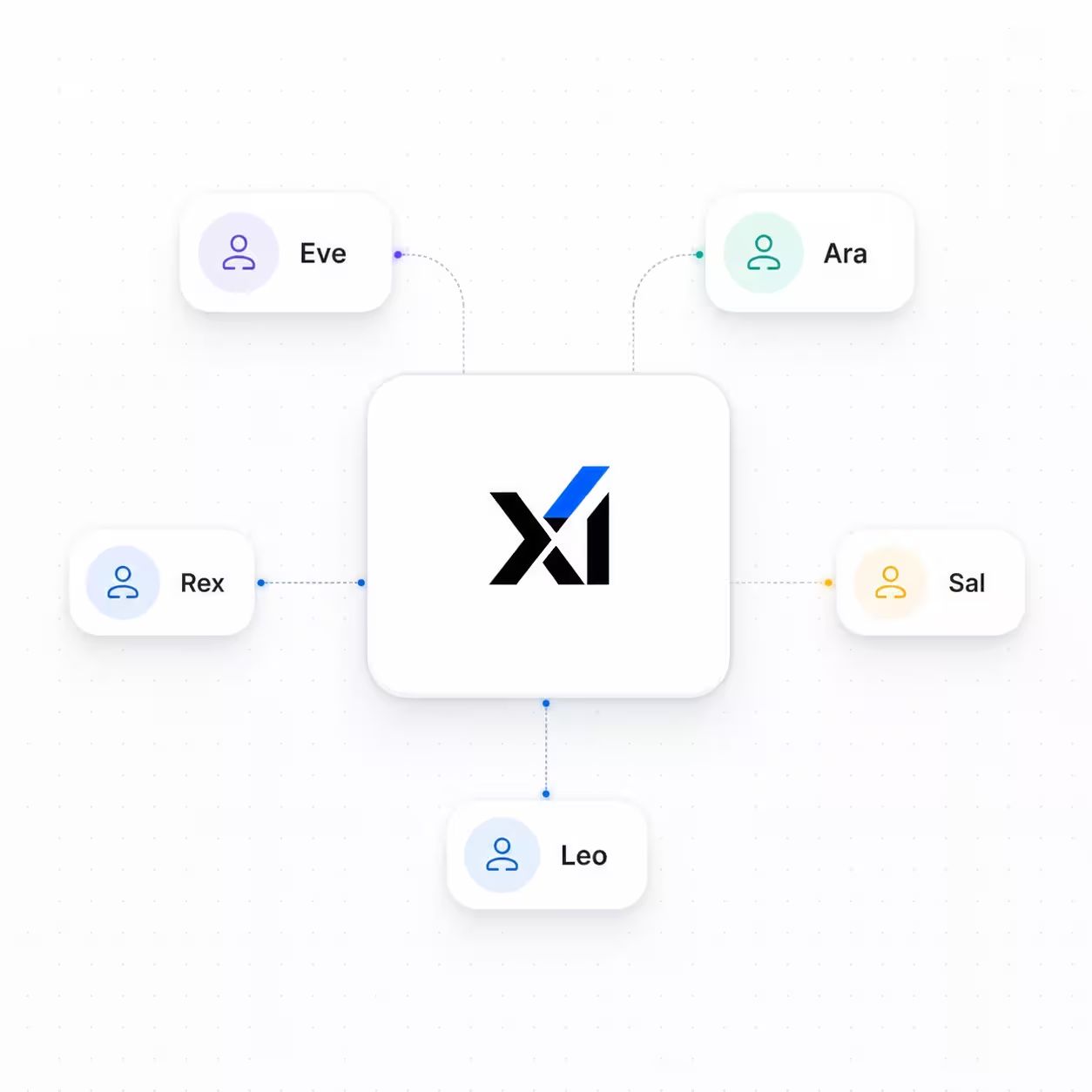
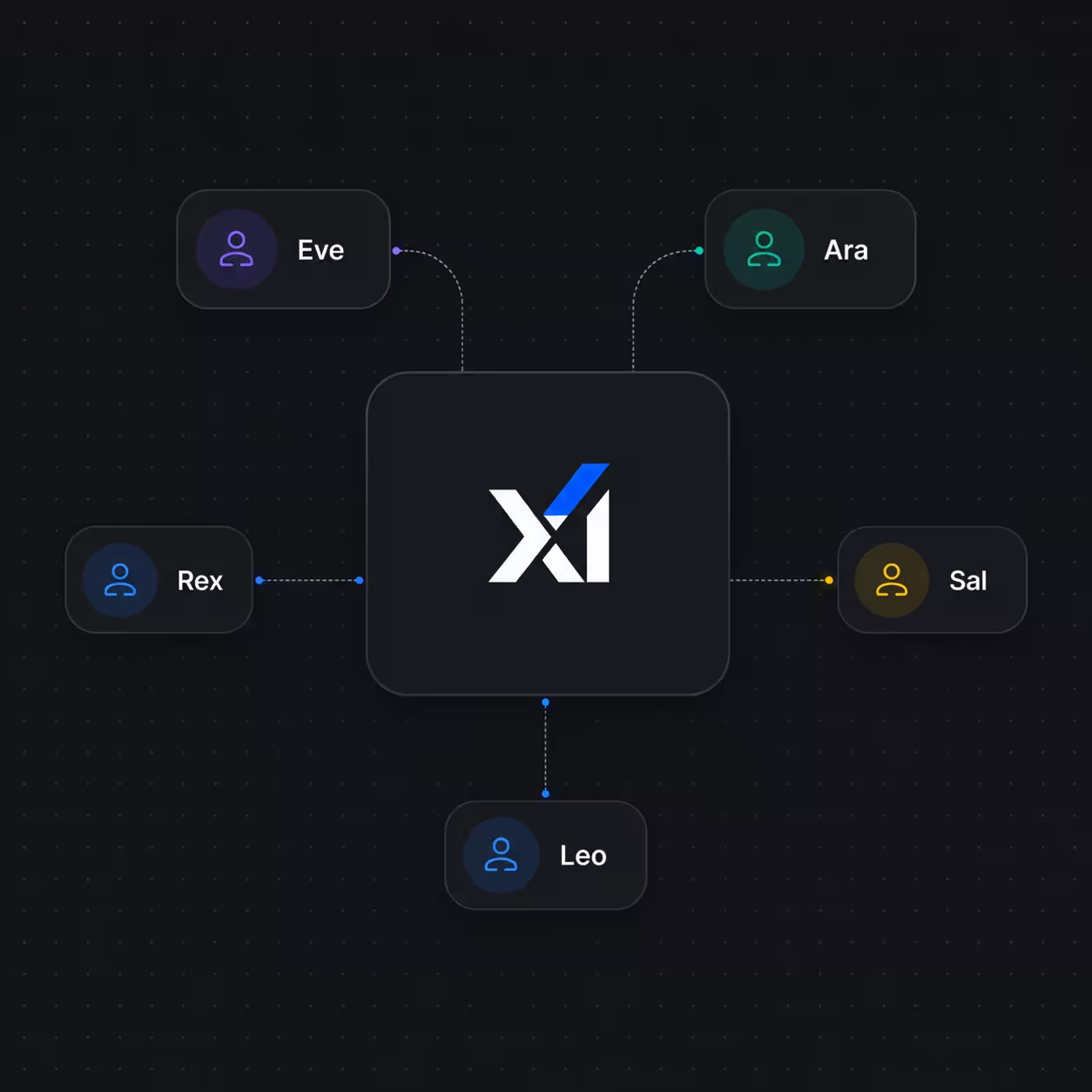
We've added X.ai (Grok) as a text-to-speech provider, giving your AI agents a fresh set of expressive voices backed by multilingual support right out of the box.
With X.ai TTS, you can now:
- Choose from five distinct voices: Pick from Eve, Ara, Rex, Sal, and Leo — each with its own character, making it easy to match the right voice to your brand's tone and audience.
- Reach customers in their language: X.ai TTS ships with support for over 25 languages, including English, Hindi, Arabic, Bengali, Chinese, French, German, Japanese, Korean, Spanish, and more — so your agents can speak naturally to a global customer base.
- Swap providers without rebuilding: X.ai slots in alongside existing TTS options, letting you switch or A/B test voice providers on any agent without touching the rest of your configuration.
To get started, go to Agents → Advanced Settings, scroll to the Speech Synthesis section, and select X.ai (Grok) from the provider dropdown. Then choose a voice and save.
Tool Authentication
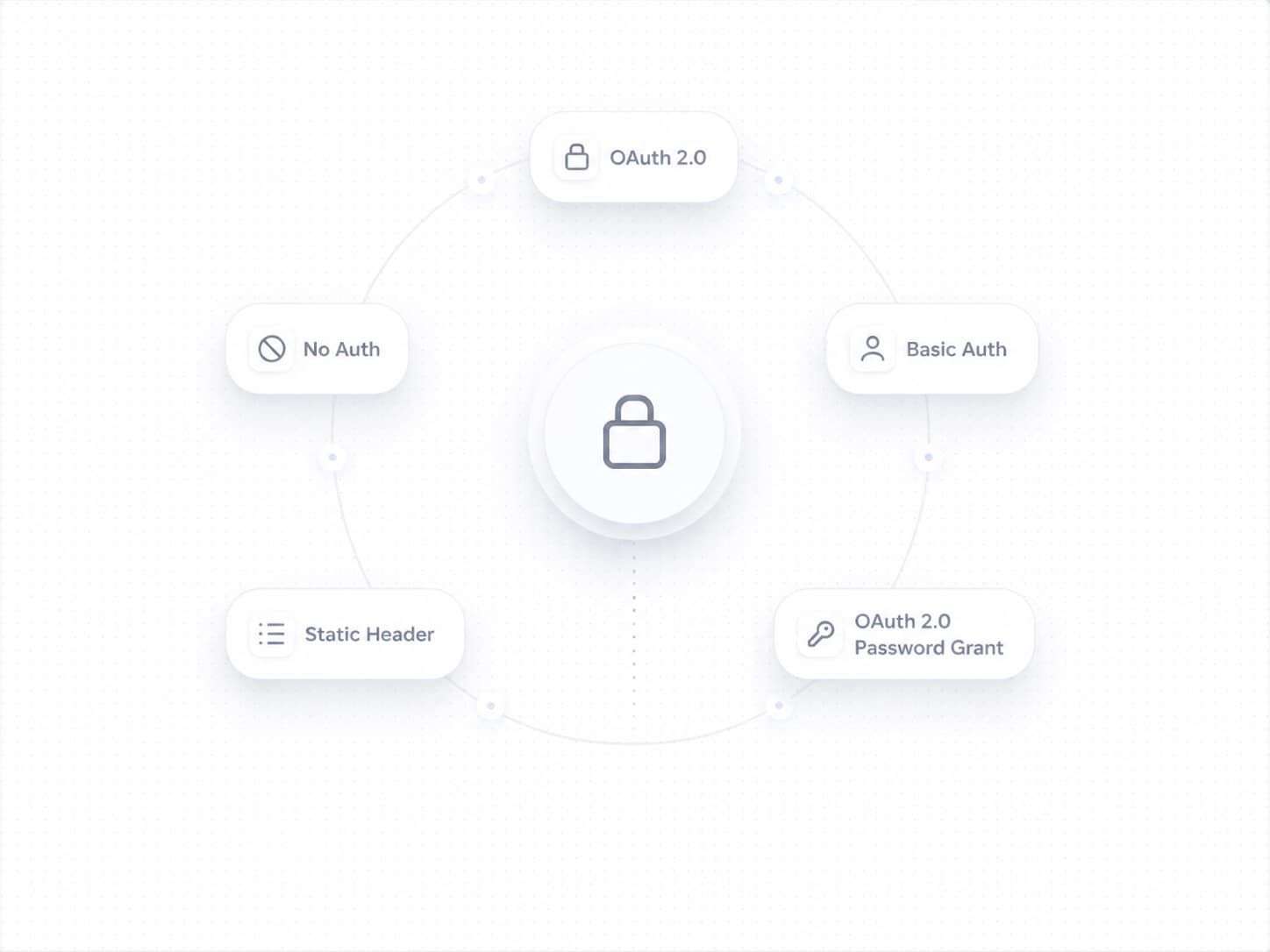
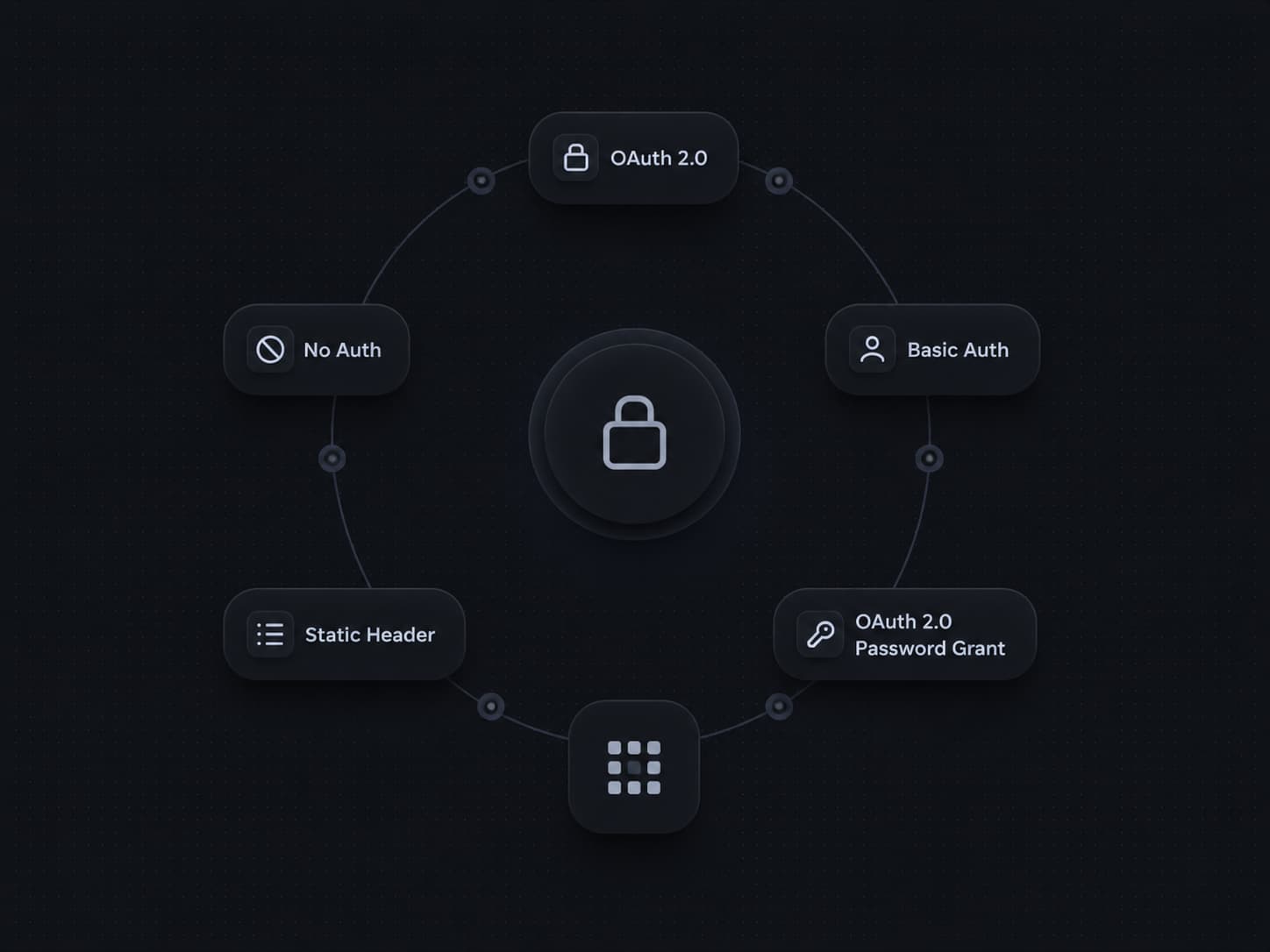
We've shipped Tool Authentication, giving you full control over how your tools connect to external APIs. Set up secure, credential-backed connections directly in the platform — no custom code required.
With Tool Authentication, you can now:
- Choose the right auth method for every API: Pick from five authentication types — None, Static Header, Basic Auth, OAuth 2.0 (Auth Code), and OAuth 2.0 (Password Grant) — so every tool connects exactly the way the external service expects.
- Connect to OAuth-protected services like Salesforce: Configure a token endpoint URL, client ID, client secret, username, password, security token, and scopes — all from a single panel. Credentials are encrypted at rest.
- Keep secrets safe: Sensitive fields like client secrets and passwords are stored securely and never exposed after saving.
- Fine-tune with advanced options: Expand the Advanced Options section to handle edge cases specific to your API provider.
To get started, go to Tools from the left navigation, open or create a tool, and click Configure Authentication to set up your credentials.
Voice Preview
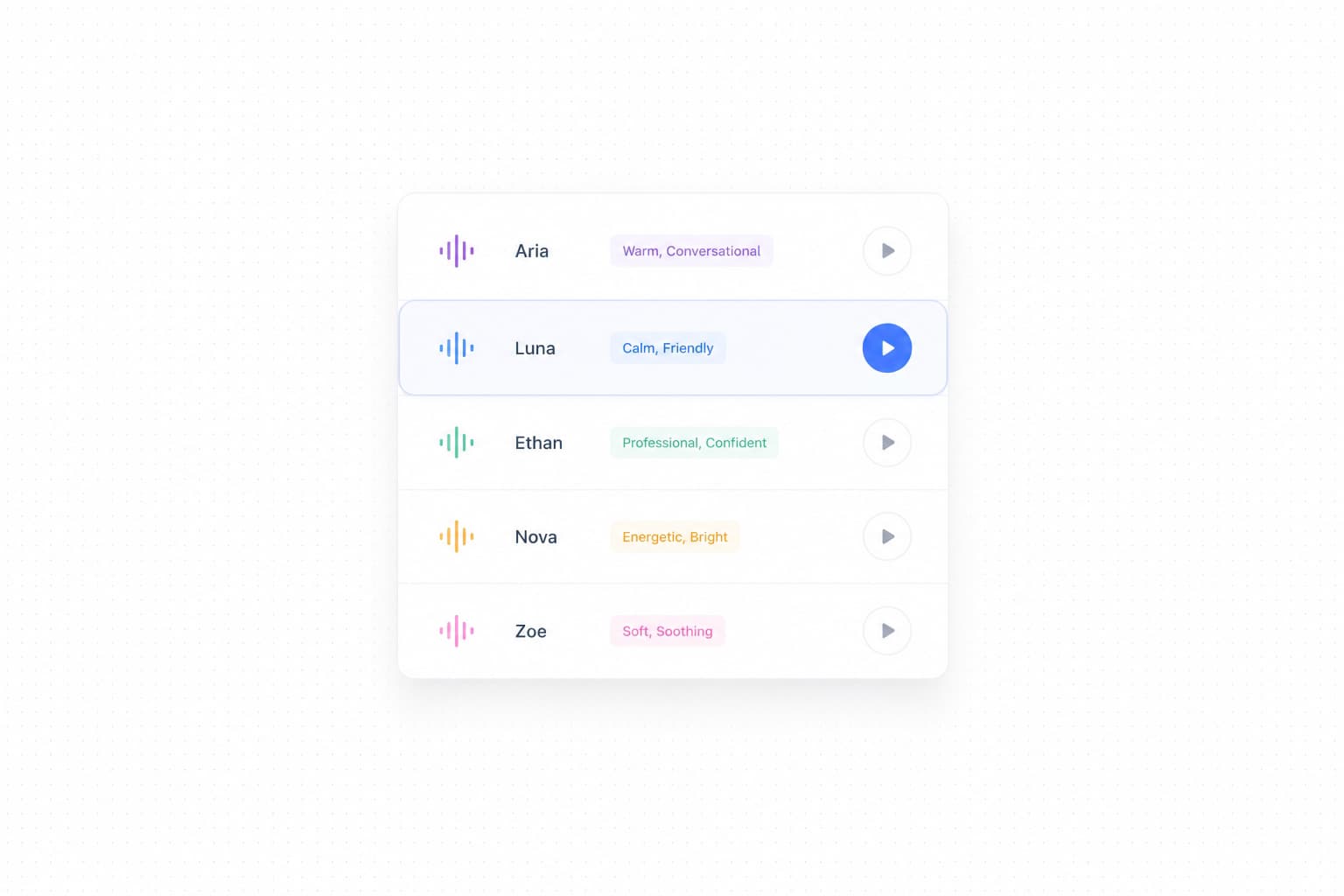
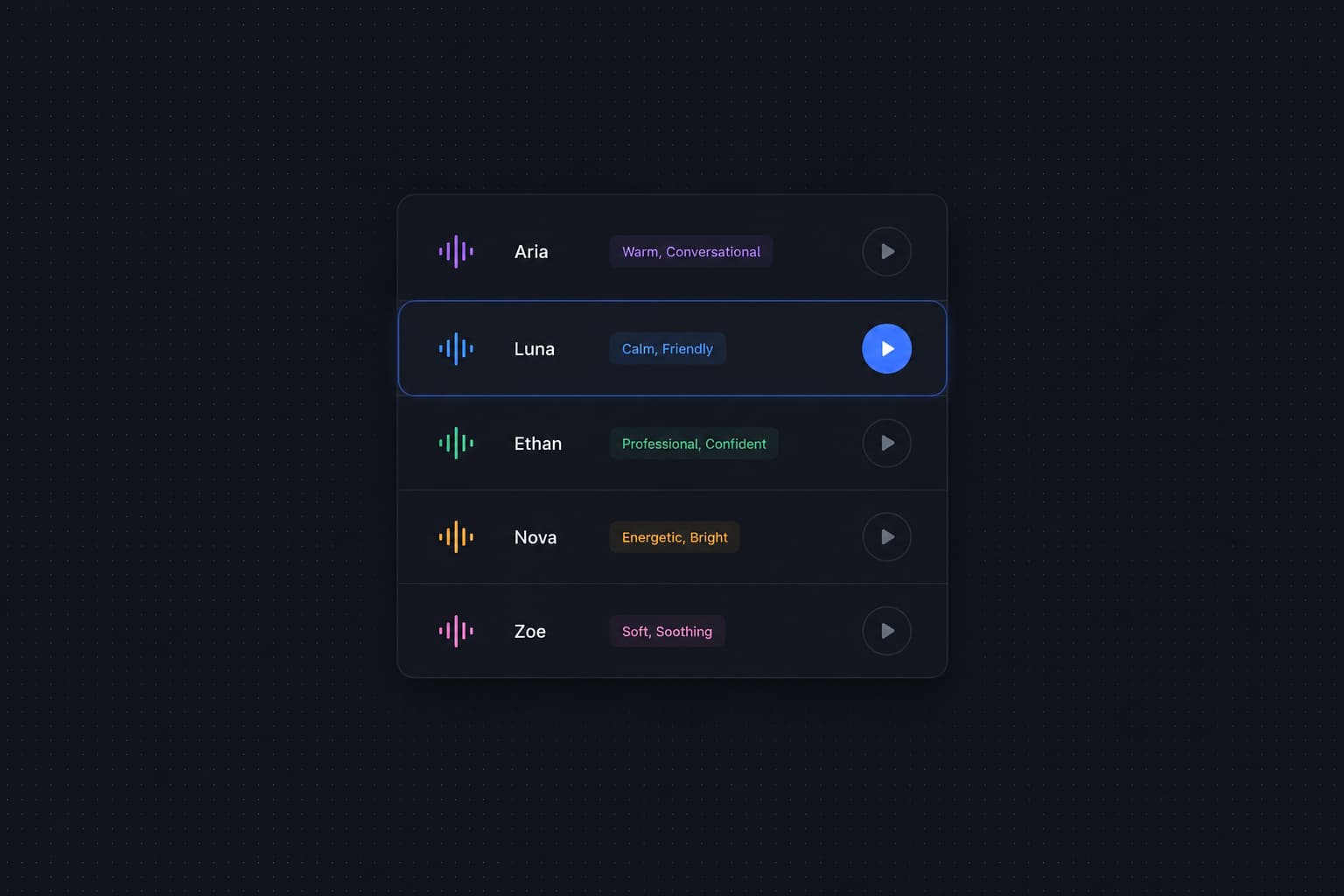
We've shipped Voice Preview, letting you audition any voice before assigning it to your AI agent. No more guessing how a voice sounds from its name alone — just hover and play.
With Voice Preview, you can now:
- Hear before you commit: Hover over any voice in the selection dropdown to reveal a play button. Click it to instantly hear a sample of that voice, so you always know exactly what your customers will experience.
- Compare voices side by side: Quickly cycle through multiple voices in one sitting — no need to save, deploy, and test just to evaluate a new voice.
- Pick the right tone with confidence: Whether you're looking for a warm, conversational tone or a crisp, professional one, previewing voices upfront makes the decision easy and intentional.
To try it, go to Agents → Advanced Settings, scroll to the Speech Synthesis section, and open the voice selection dropdown. Hover over any voice to see the play button.
Public Shareable Links for Conversations
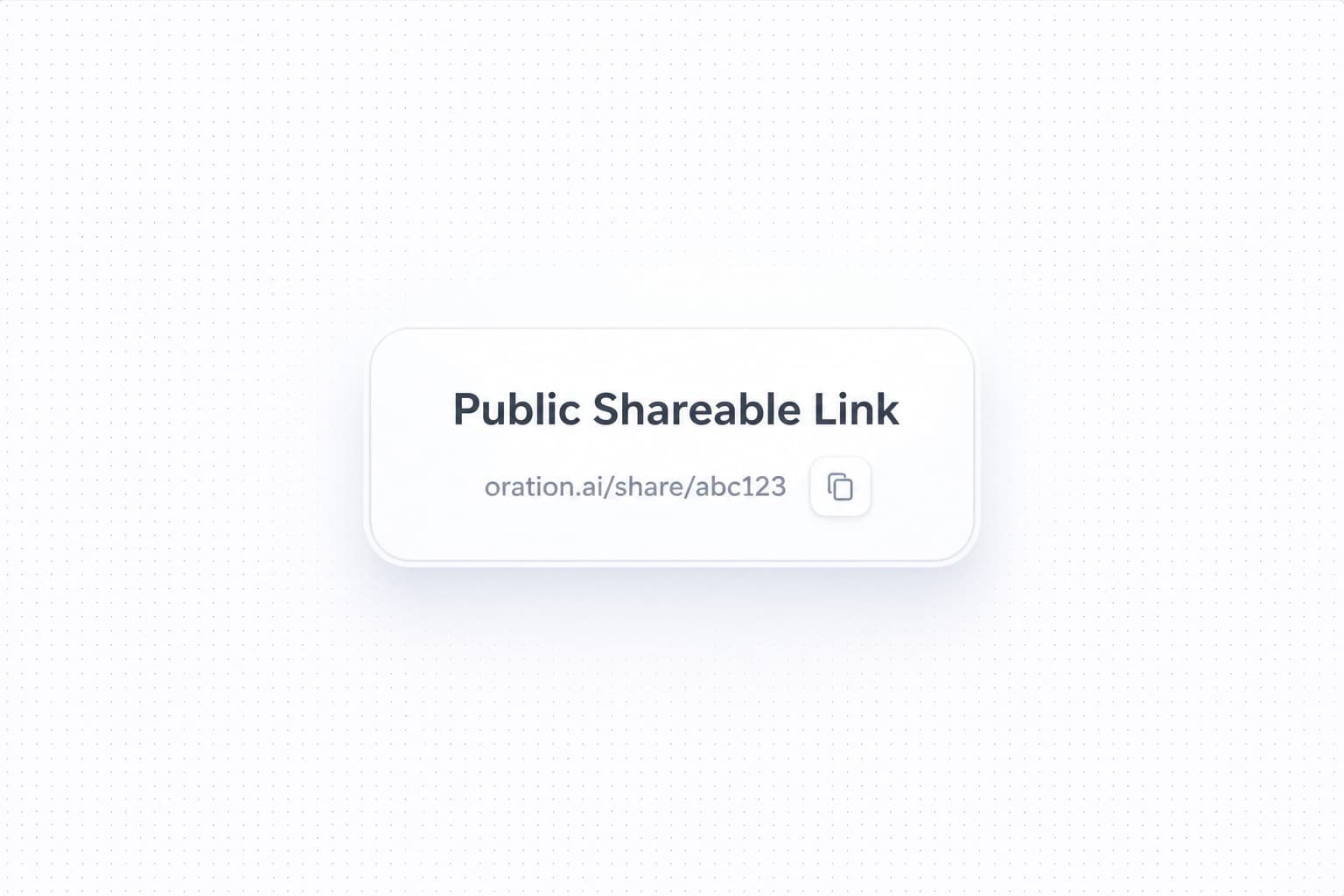
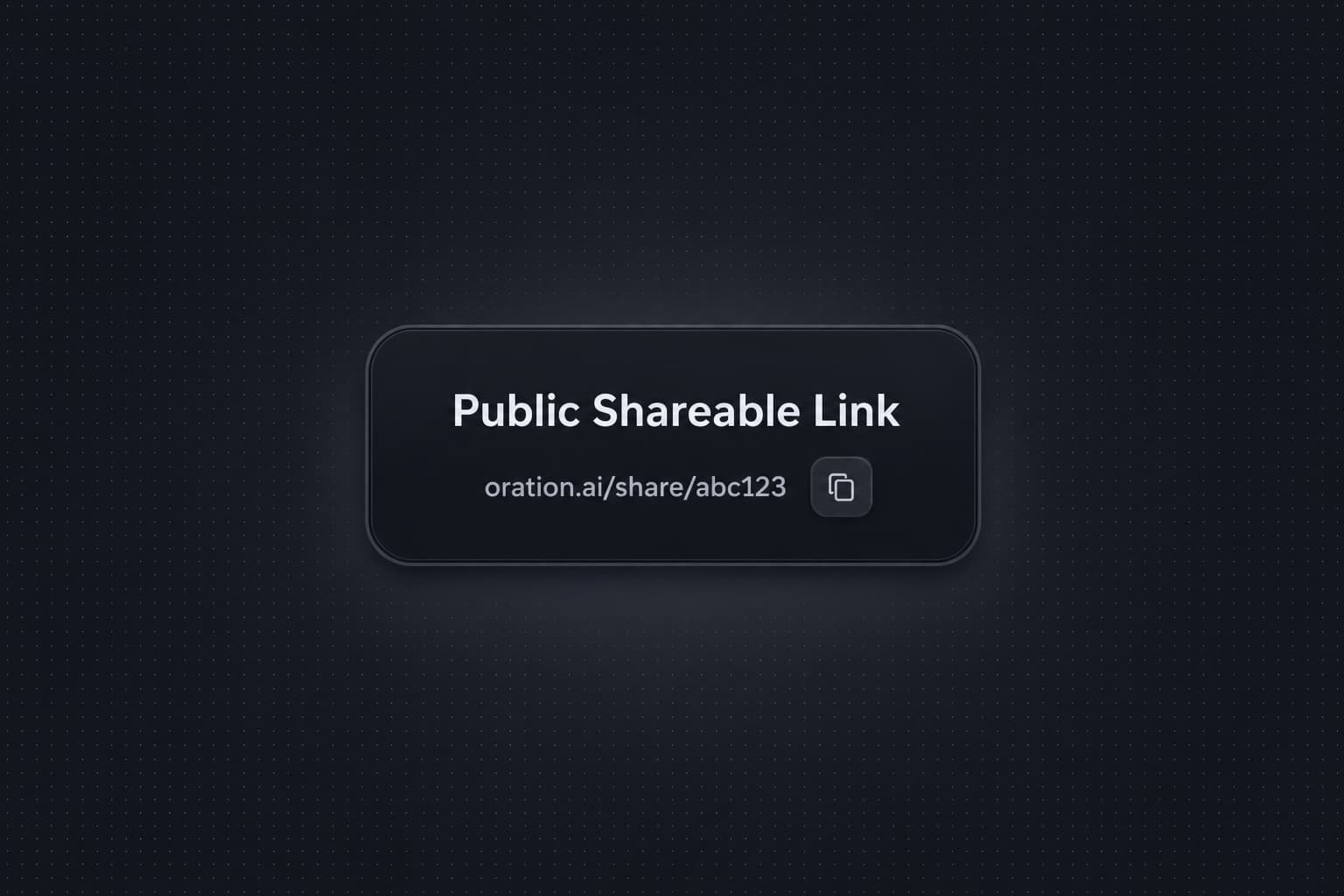
We've shipped public shareable links for conversations. You can now generate a link for any conversation and send it to anyone — teammates, clients, or external stakeholders — without them needing an Oration account.
Recipients see the same transcript, audio, and metadata you'd see on the conversation history page, with no friction on their end.
With public shareable links, you can now:
- Share with anyone, no login required: Generate a public link from any conversation and distribute it over email, Slack, or wherever your team communicates. Recipients get full access to the transcript, audio playback, and conversation metadata.
- Workspace-level admin controls: Sharing is opt-in and enabled at the workspace level. Admins decide whether the feature is available at all, so your organization retains control over what can be shared externally.
- Revoke access at any time: Each link is unique to its conversation. If you no longer want a link to be accessible, you can revoke it from the conversation detail page — the link stops working immediately.
To get started, open any conversation from your history page, click Share, and copy the public link. The option only appears if your workspace admin has enabled external sharing.
Agent Memories
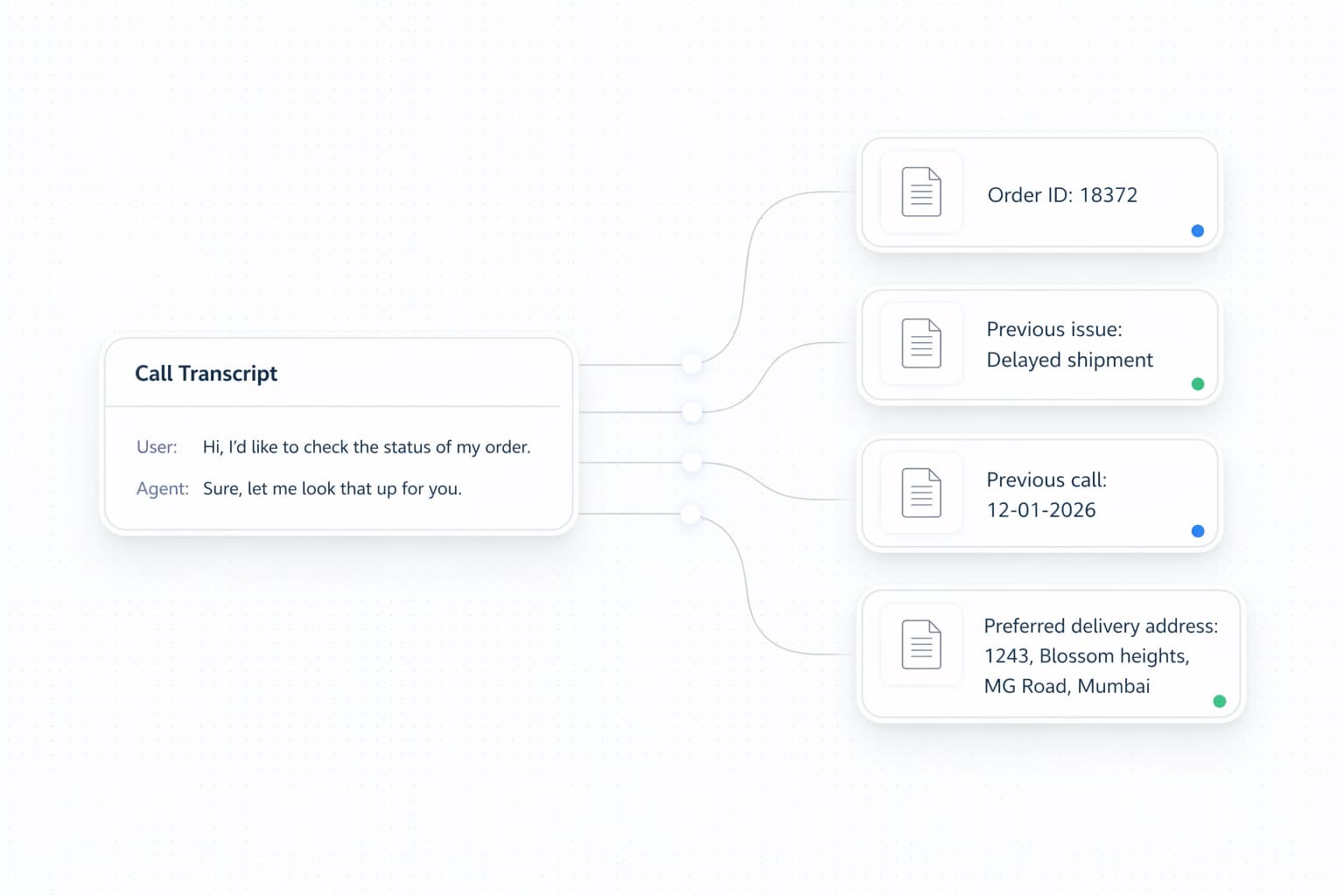
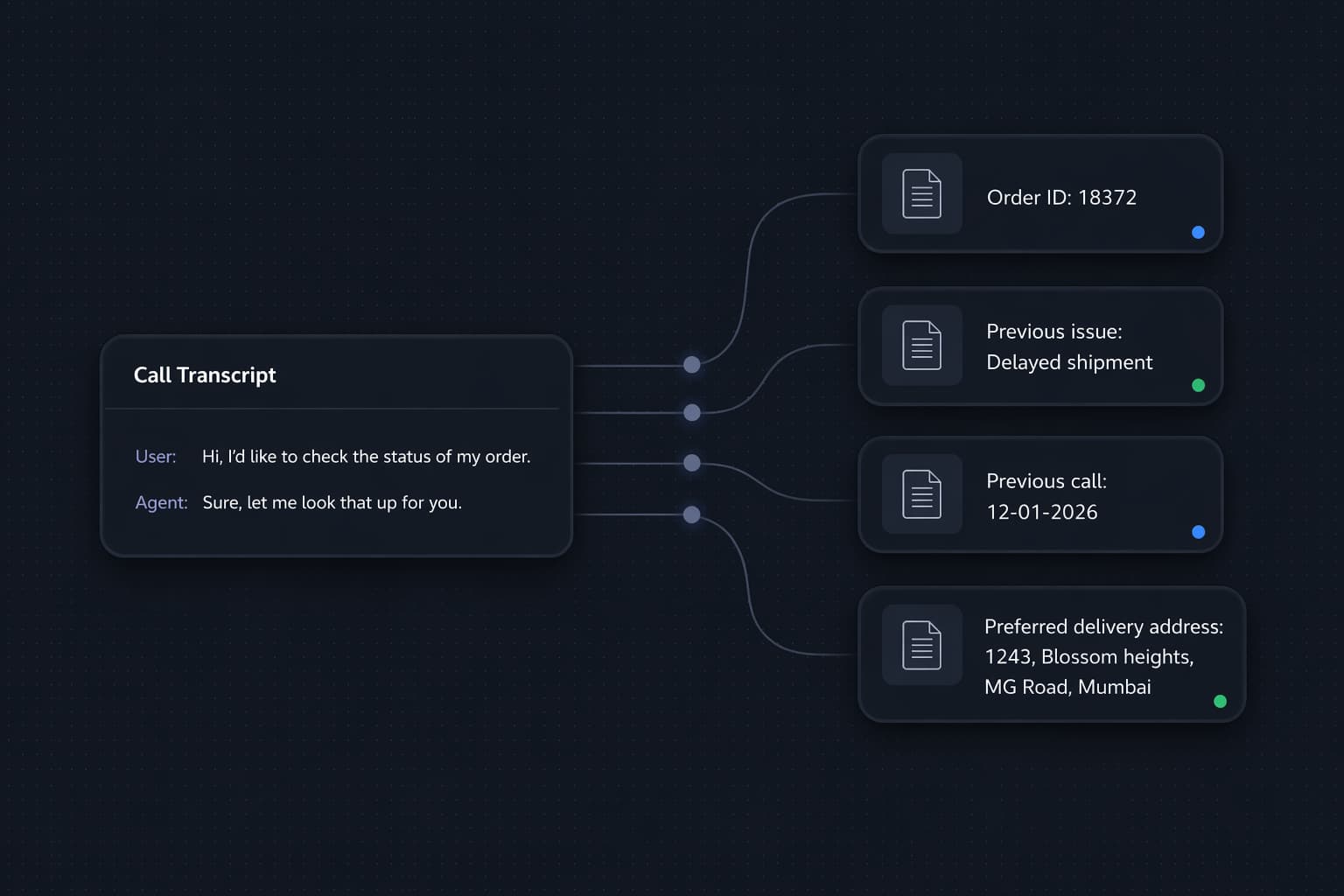
We've shipped Agent Memories, giving your AI agents the ability to remember key facts about individual customers across conversations. After each call, the system automatically extracts details — preferences, prior requests, account info — and stores them so your agents can pick up right where they left off.
With Agent Memories, your agents can now:
- Recall past conversations automatically: Agents retain context from previous interactions, so customers never have to repeat themselves. Whether it's a delivery location or an open issue from last week, your agent already knows.
- Per-agent control: Enable or disable memory for each agent individually in Advanced Settings. You can also set a retention duration so memories expire automatically — keeping context fresh and storage lean.
- Full visibility into what's remembered: See everything an agent knows about a customer in the new Memories tab on the customer detail page. Review, audit, or clear memories at any time.
To get started, navigate to your agent's Advanced Settings and toggle on Memory. Once enabled, memories will begin populating automatically after each conversation.
Single Sign-On
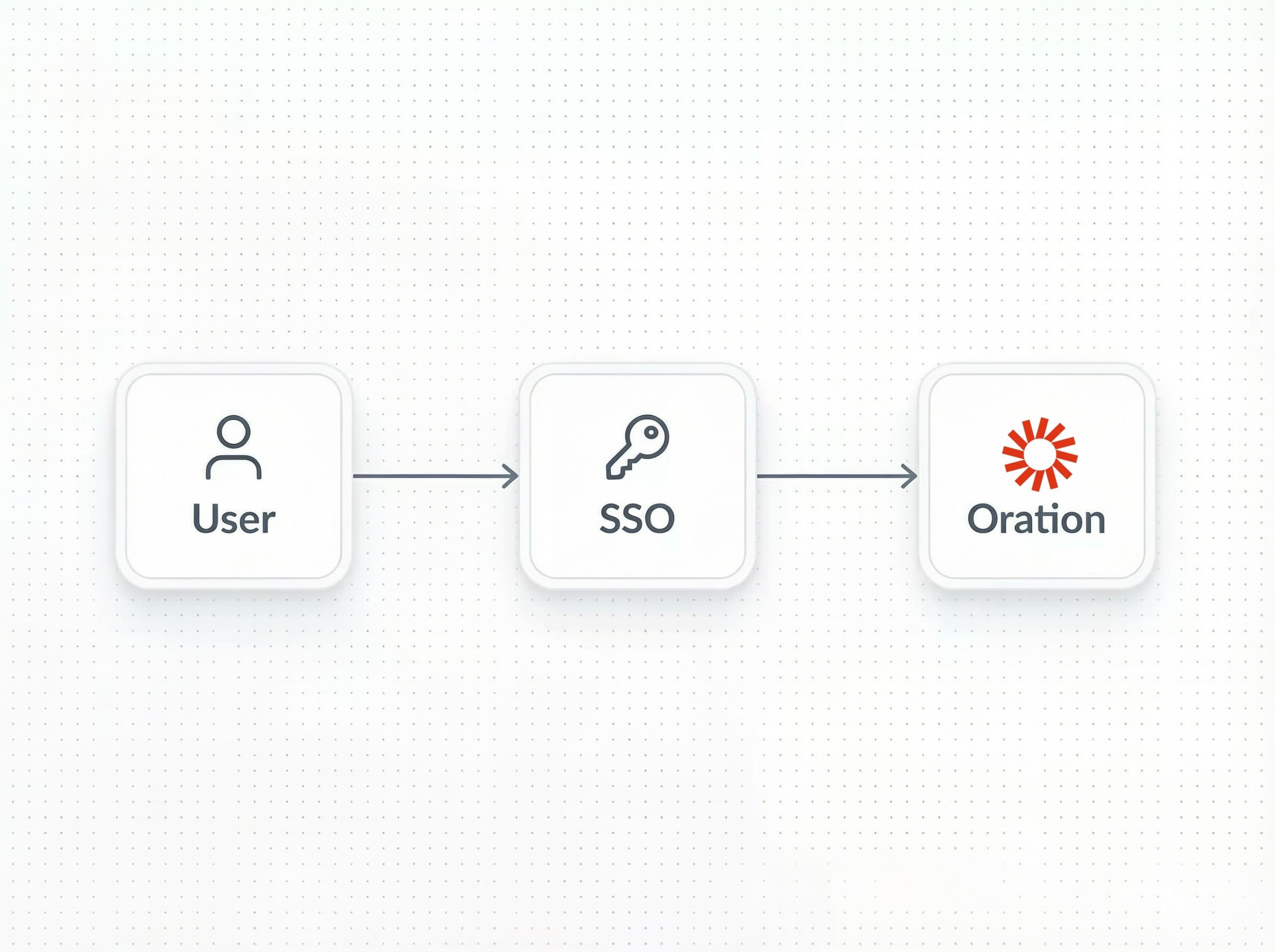
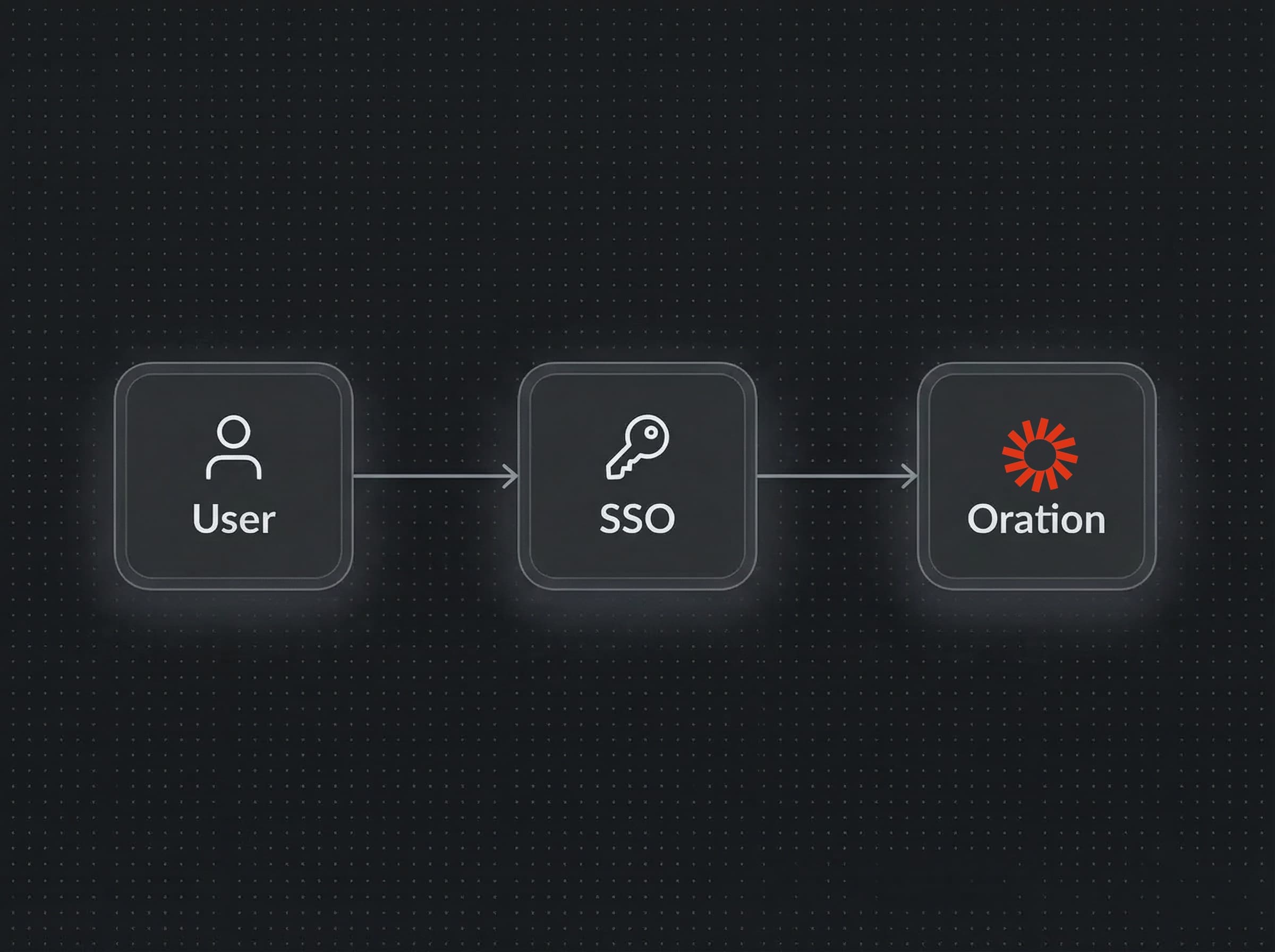
We've shipped Single Sign-On (SSO), so your team can access Oration through the identity provider you already use — no separate credentials to manage, no extra login step.
With SSO, you can now:
- Connect your existing identity provider: Oration supports SAML 2.0 and OIDC-compatible providers, including Okta, Azure Active Directory, Google Workspace, and more. If your team already authenticates through one of these, you're ready to go.
- Centralized access control: Manage who has access to Oration directly from your IdP. When someone leaves the organization and you disable their account there, their Oration access is revoked automatically.
- Enforce authentication policies across the board: MFA requirements, session timeouts, and login restrictions you've configured in your IdP apply to Oration as well — no duplicate policy management needed.
- Smooth onboarding for new teammates: New team members get access to Oration the moment they're provisioned in your IdP. No invitation emails, no account creation steps on their end.
- Audit-ready login history: All sign-in events flow through your IdP's audit logs, giving your security team a single place to review access across every tool in your stack.
To set up SSO for your organization, go to Settings → SSO in your dashboard. You'll need your IdP's metadata URL/certificate or issuer/discovery URL + clientID/secret to complete the configuration — your IT or security team should have this handy.
Introducing Flows: Design Better Conversations
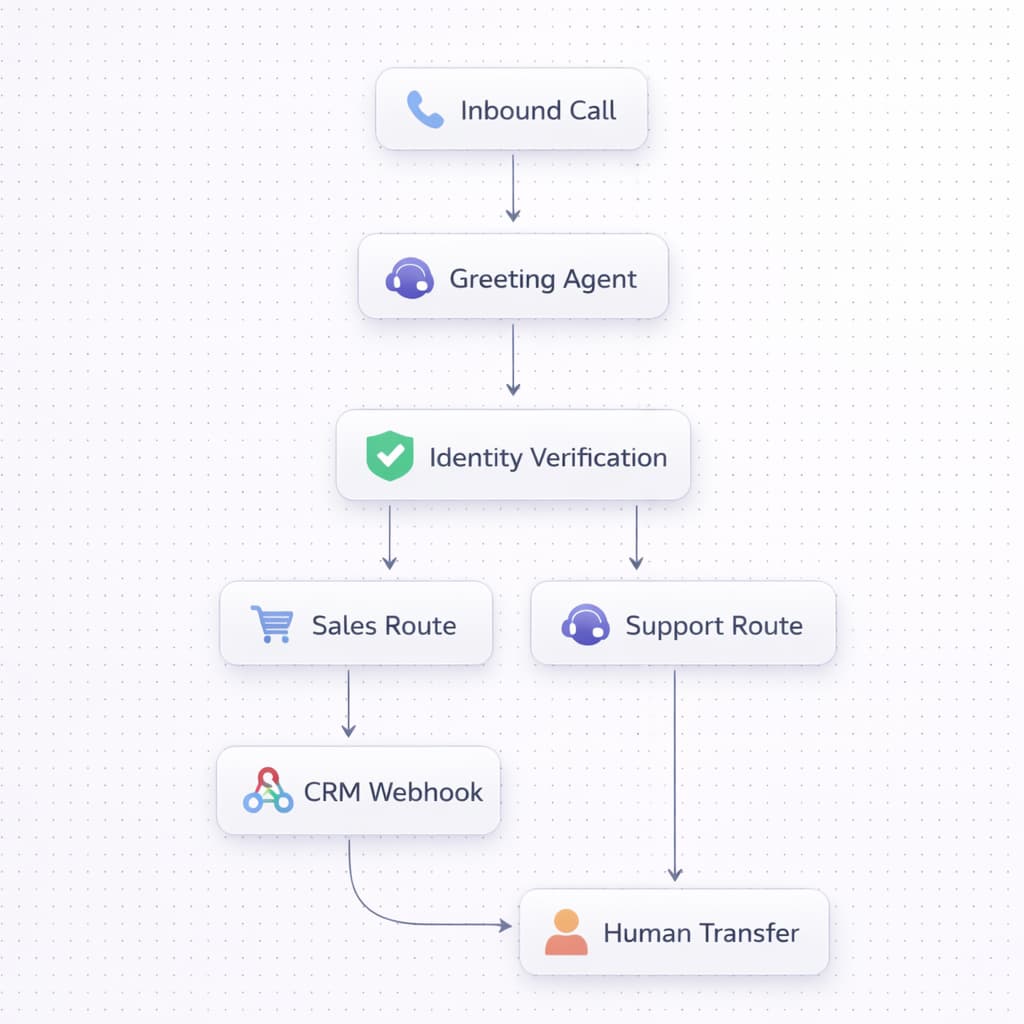
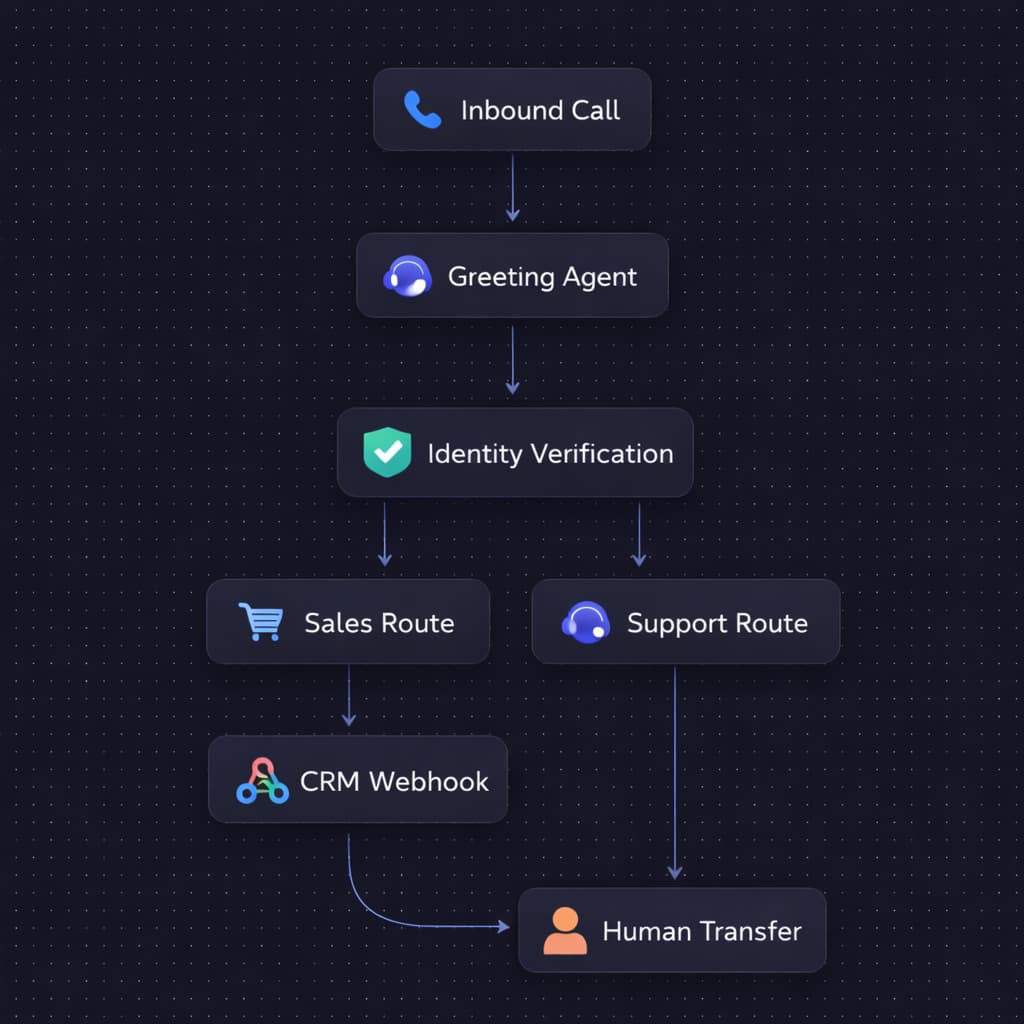
We've shipped Flows, a new module that enables you to design complete voice AI conversations visually. You define the structure of a call—what happens first, where it branches, when it ends—and an AI agent handles the actual conversation inside each step.
With Flows, you can now:
- Drag-and-drop conversation design: Build entire call journeys on a visual canvas. Every capability—AI agents, IVR menus, webhooks—is a node you can connect, branch, and loop without writing code.
- Welcome sounds, IVR, and music: Configure custom greetings and welcome music to match your brand, and combine traditional touch-tone menus with AI nodes in the same flow.
- Multi-agent chaining: Connect multiple specialized AI agents in a single call. A greeting agent can verify identity and pass the call—with full context—to a support or sales agent trained on a different knowledgebase.
- Human transfers: Forward calls to a live representative when a customer asks or when the flow requires human judgment. Context from the AI portion carries over automatically.
- Mid-call tool calls: Enable your agents to look up orders, check balances, or schedule appointments by connecting to your backend systems during the conversation.
- Webhooks and integrations: Pull CRM data before a call starts, update lead records based on what the caller said, trigger SMS confirmations, or log outcomes to your analytics platform.
To start building, head to the Flows section in your dashboard.
Enhanced Call Transcripts
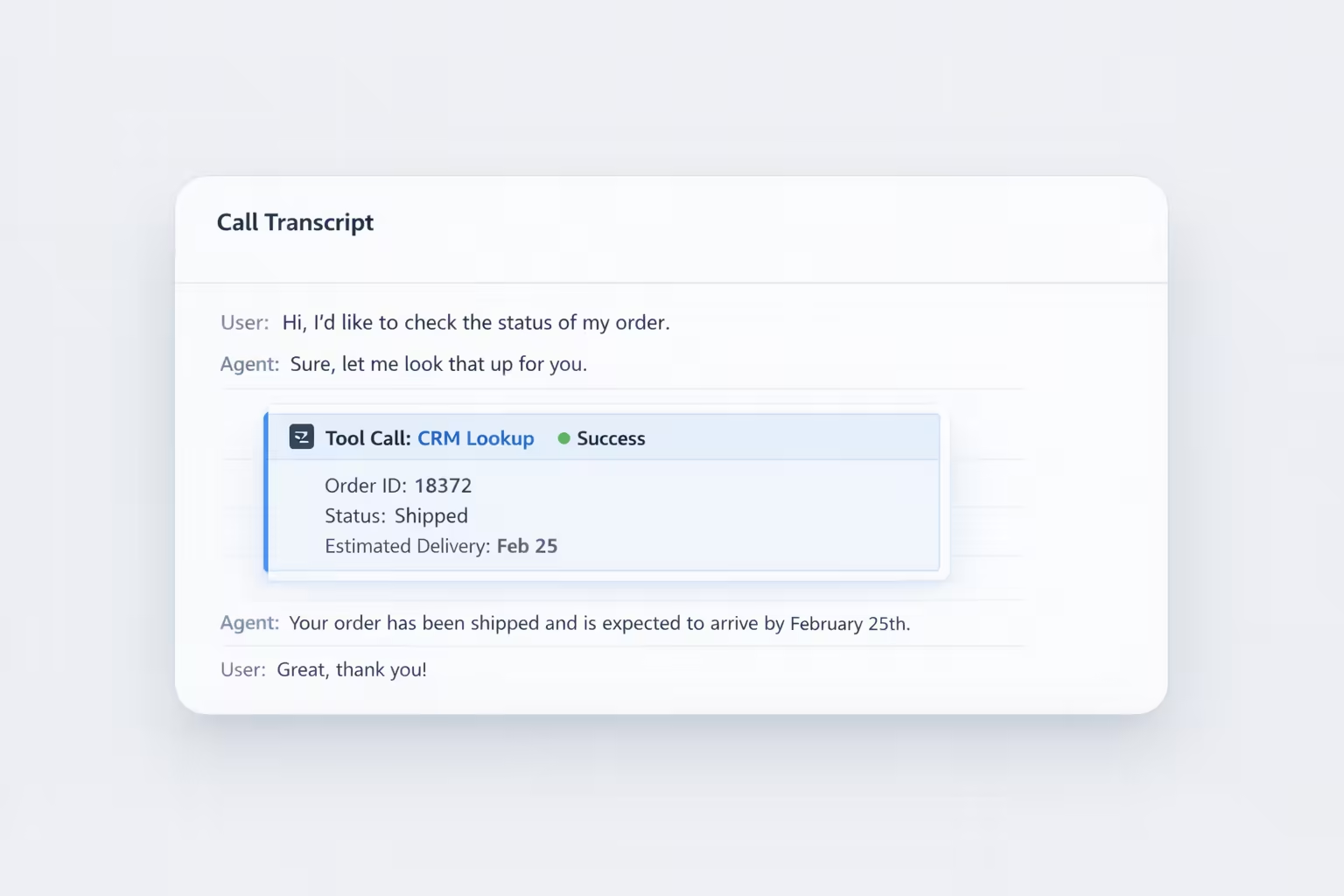
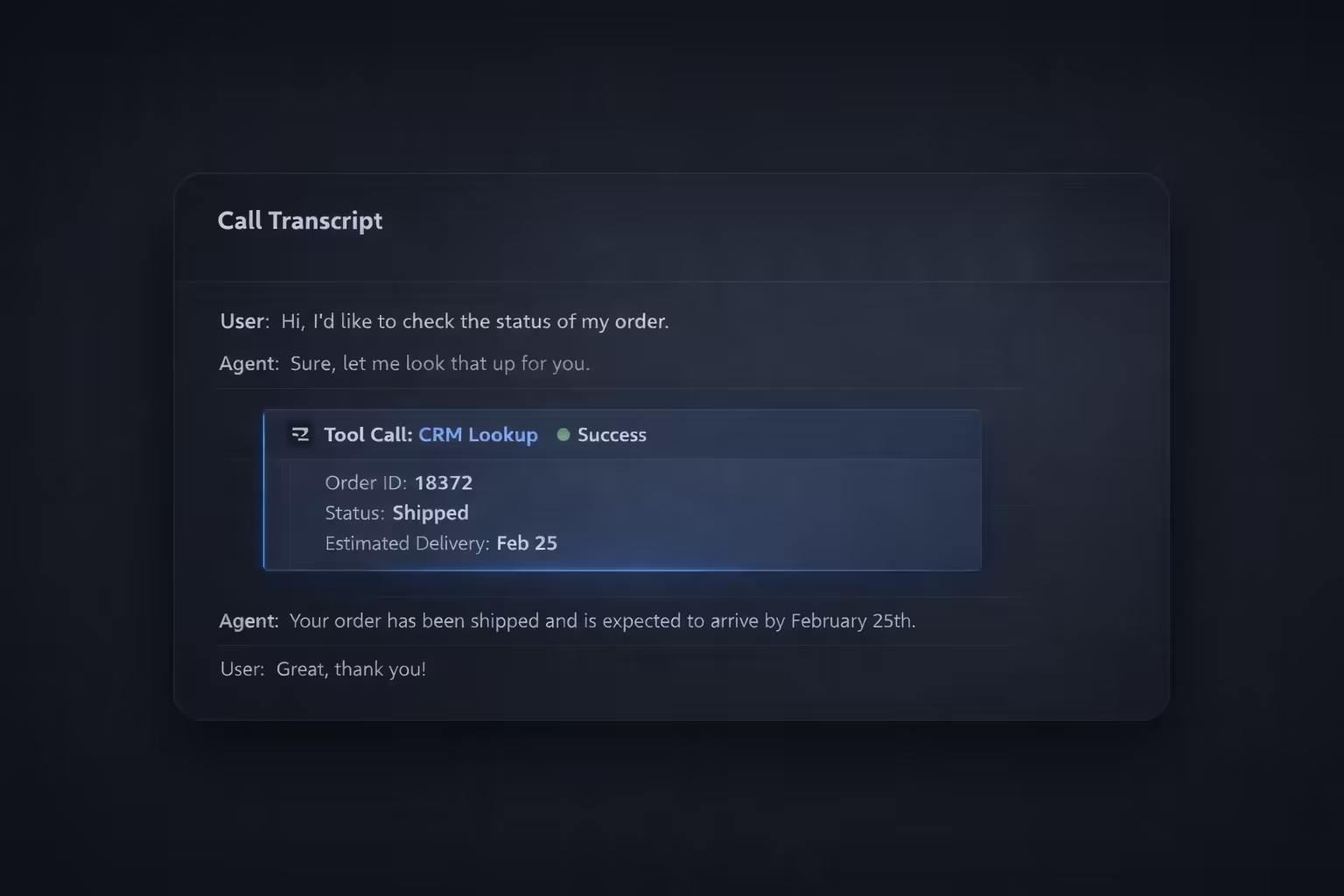
We’ve completely overhauled the Call Transcript view to give you unprecedented visibility into how your AI agents are performing during live interactions.
With these enhancements, you can now dive deeper into every conversation to understand the context, performance, and technical execution of your digital workers.
- Comprehensive Details Tab: Access critical metadata at a glance, including total talk time, call status, transfer status, and the specific reason a call ended.
- Highlighted Tool Interactions: Every tool called during a conversation is now highlighted within the transcript. You can view the response in an easy-to-read format, making it simple to verify technical accuracy.
- Downloadable Call Recordings: Need to perform an offline audit or share a recording? You can now download the full audio of any call directly from the history page.
- Agent Attribution: The name of the specific agent who handled the call is now clearly included in the transcript, providing better context for multi-agent environments.
To explore these updates, simply navigate to the History page in your dashboard and click on any call to view its enhanced transcript and details tab.
Advanced Evals for Tool-Calling Responses
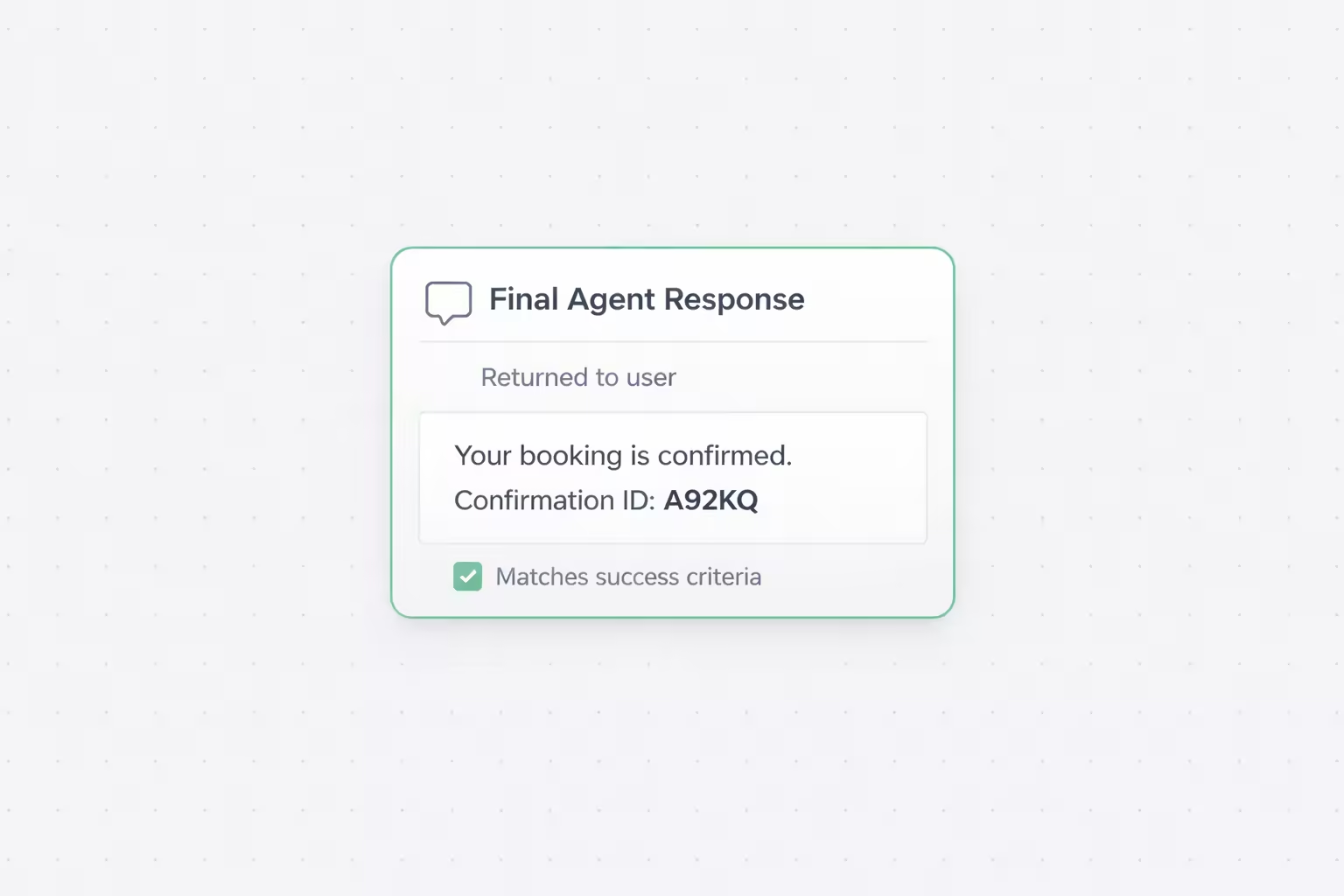
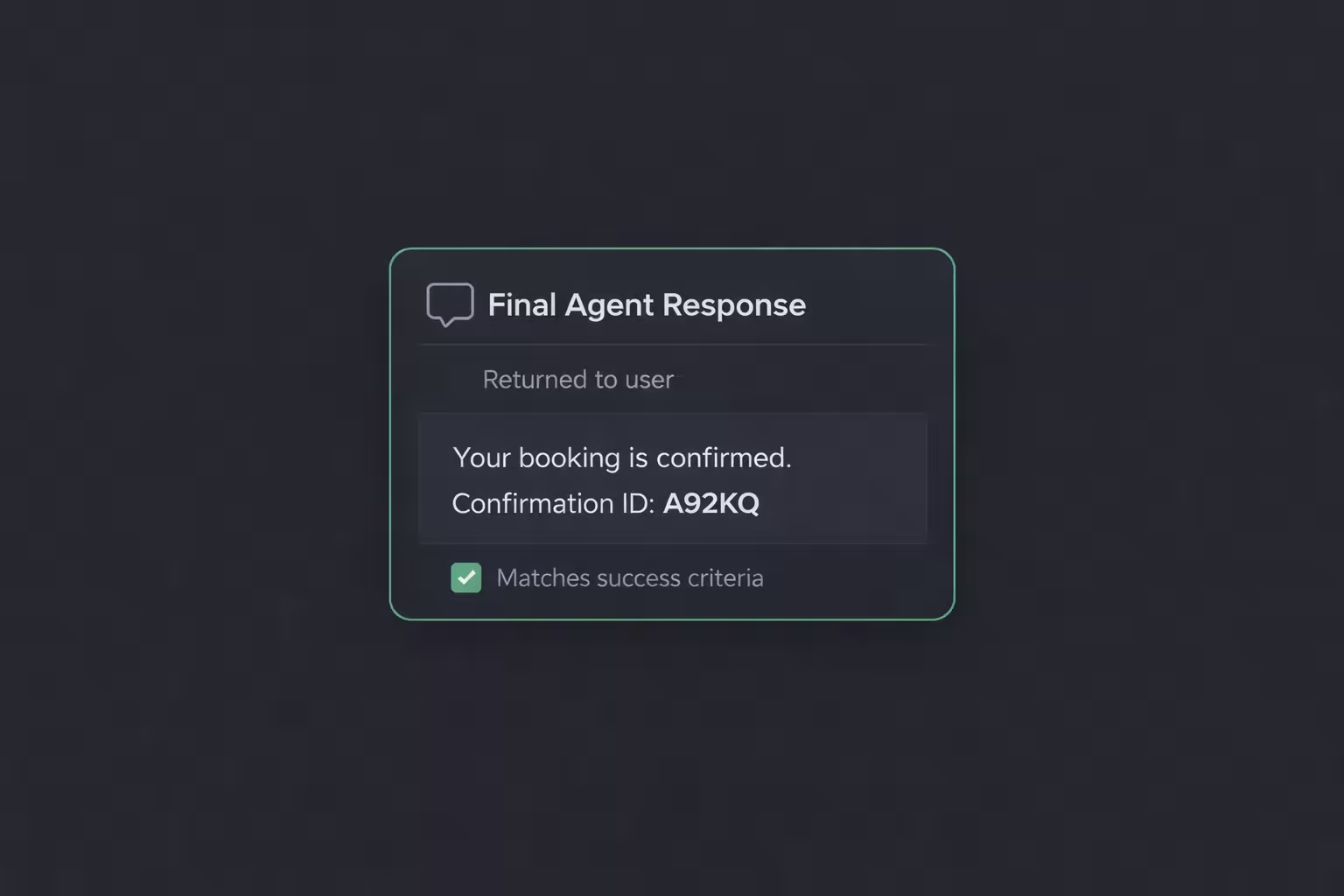
Until now, Evals enabled you to test whether your agent called the correct tool. Today, we’re taking it a step further. You can now evaluate the agent’s actual response after the tool has executed, ensuring that the final outcome for the user is exactly what you intended.
With these new evaluation capabilities, you can now:
- Verify the final agent response: Move beyond testing just the tool trigger. Ensure your agents correctly interpret the tool’s output and communicate it back to the user with accuracy.
- Define custom success criteria: Set precise rules for what makes a response successful—like ensuring a booking confirmation number is provided.
- Use success and failure examples: Provide sample responses to guide the evaluation engine, helping it understand the nuances of your agent’s desired behavior.
- Test end-to-end reliability: Build more robust agents by testing the entire tool-calling lifecycle, from trigger to final confirmation.
To start evaluating tool responses, navigate to your Evals, select a test case with a tool call, and toggle on Evaluate Agent Response.
Deep Research Mode for Knowledgebase
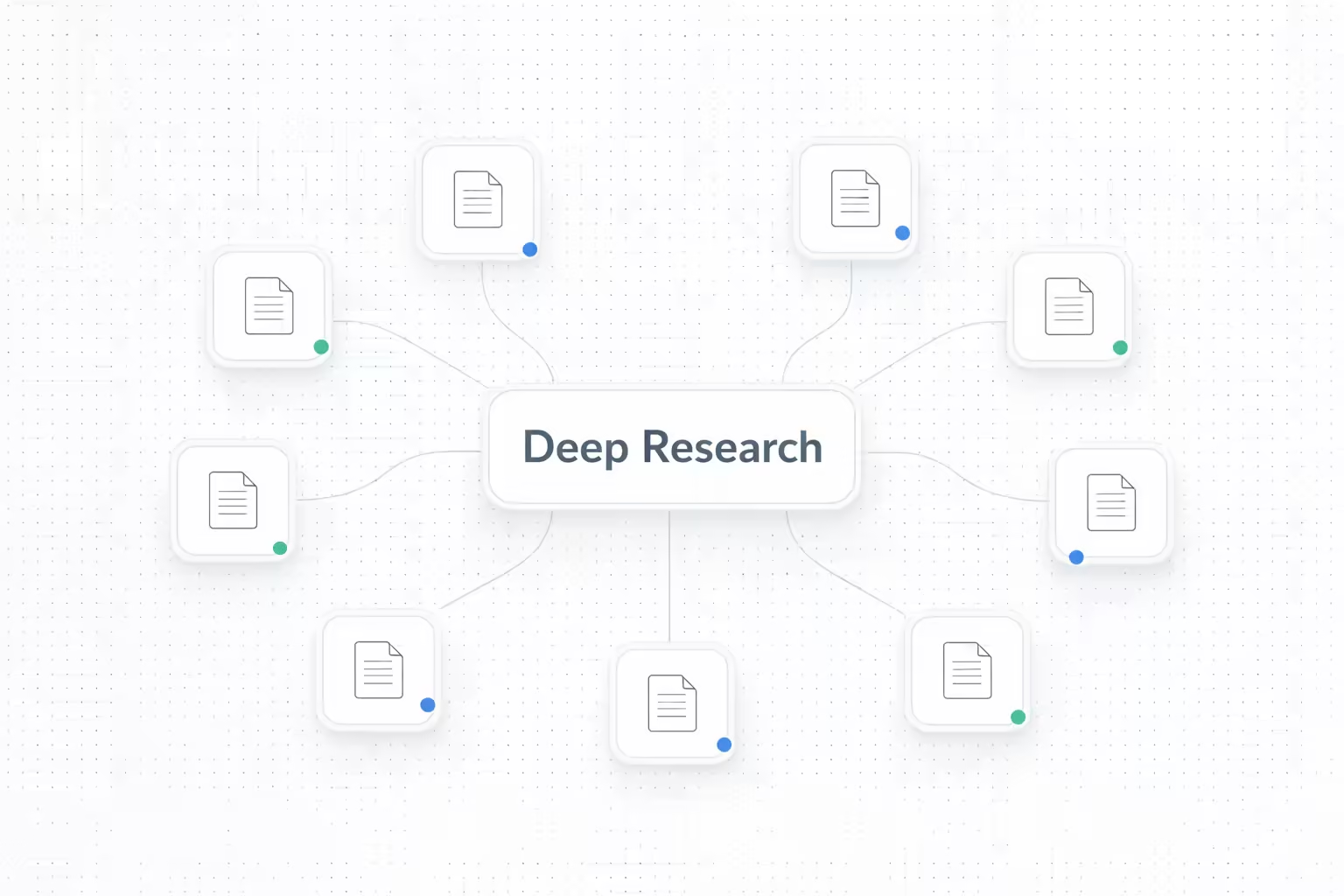
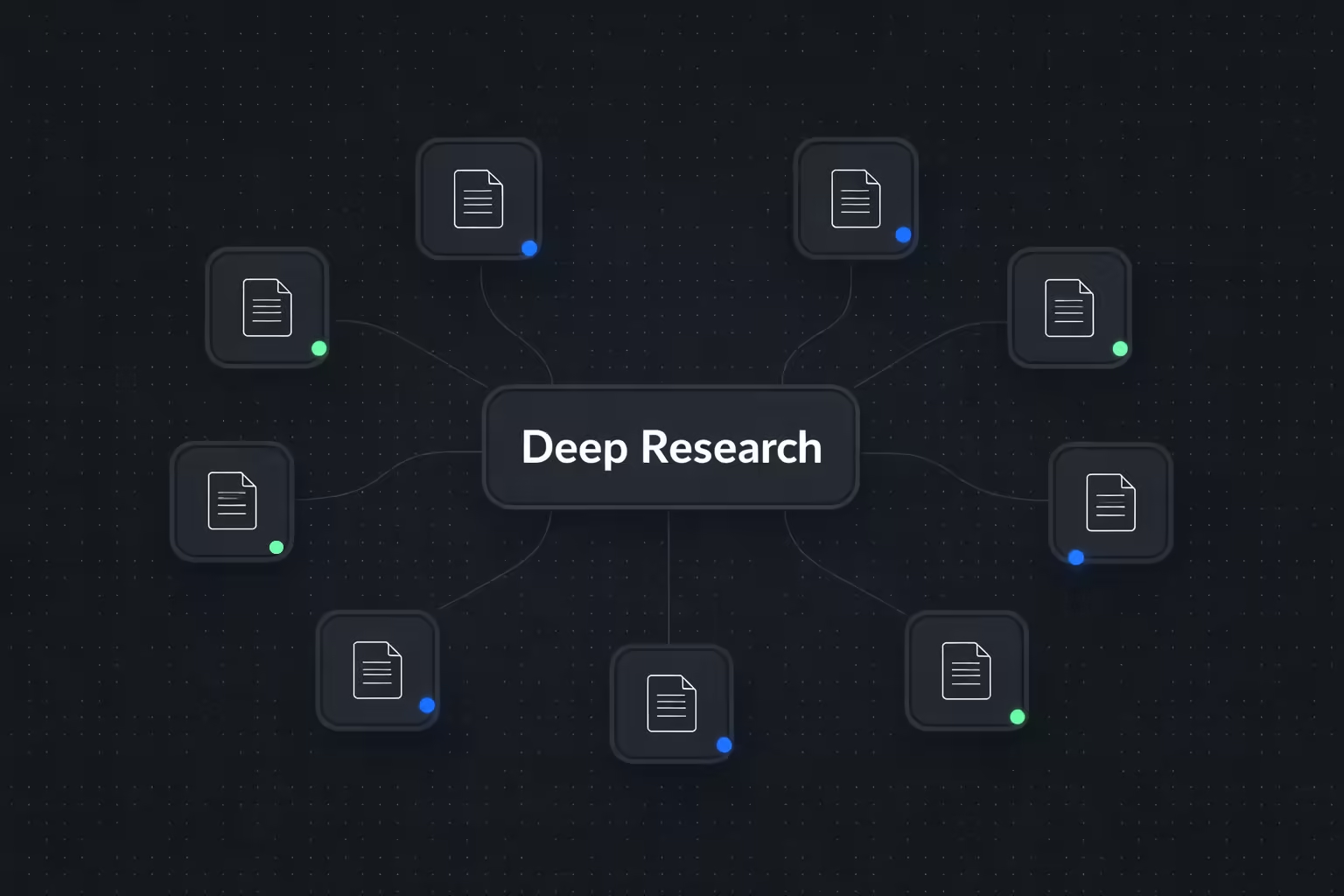
We've introduced Deep Research for your knowledgebases, allowing your AI agents to perform a much more thorough search when handling complex user queries. While it takes longer than a standard search, it ensures that even the most subtle and intricate details are retrieved accurately.
With Deep Research, you can now:
- Retrieve complex information with precision: Enable your agents to scan deeper across your documents to find specific answers that might be missed by regular search.
- Handle intricate data queries: Perfect for knowledgebases containing technical manuals, legal documents, or dense product specifications where accuracy is paramount.
- Balance speed and depth: Choose when to prioritize depth over speed by enabling Deep Research for specific knowledgebases.
- Easy configuration: Simply toggle Deep Research on or off for any knowledgebase directly from your settings.
To enable this feature, navigate to your Knowledgebase > [Choice of Knowledgebase] > Settings and toggle on Deep Research.
Identify Callers Instantly with Caller ID Webhooks
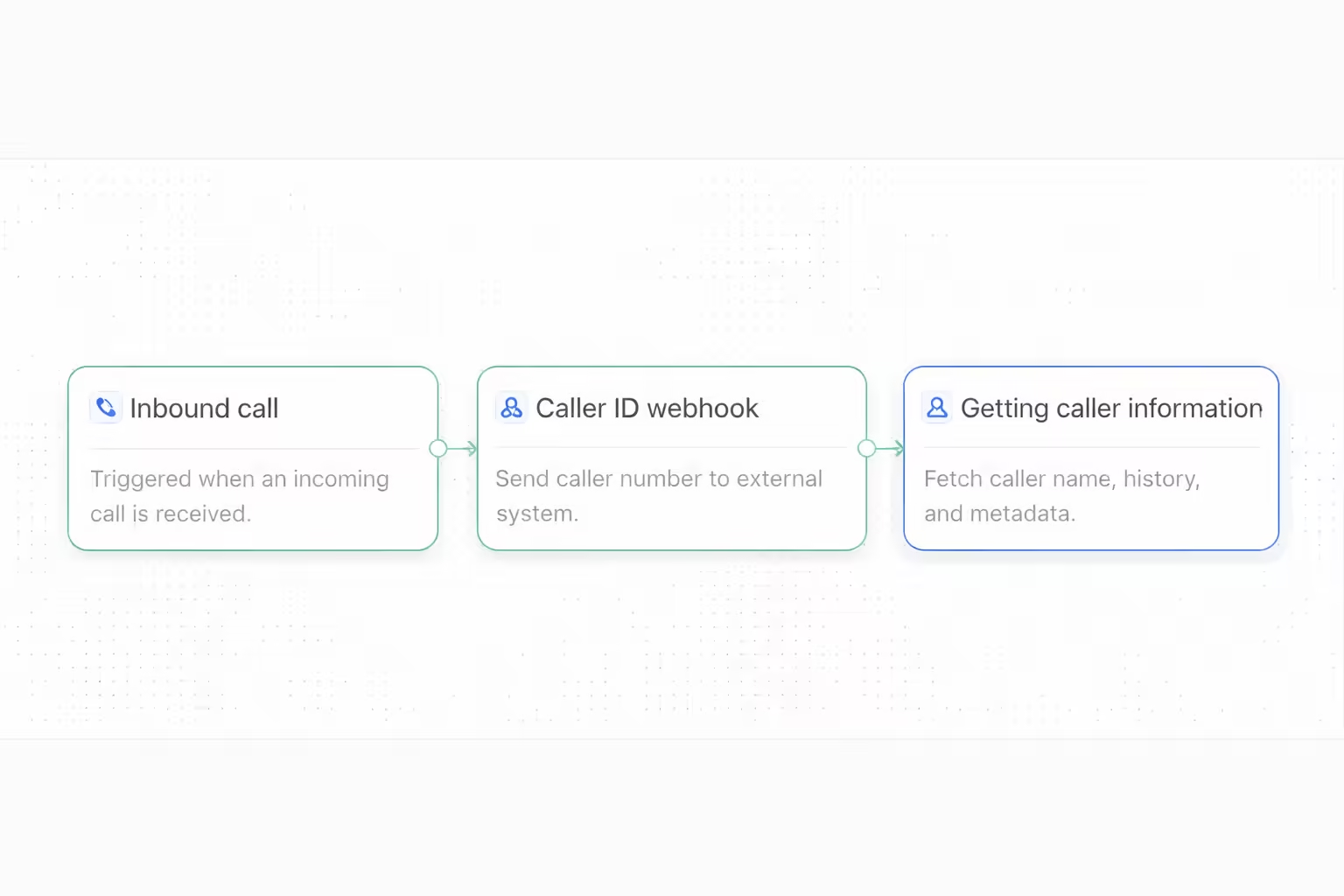
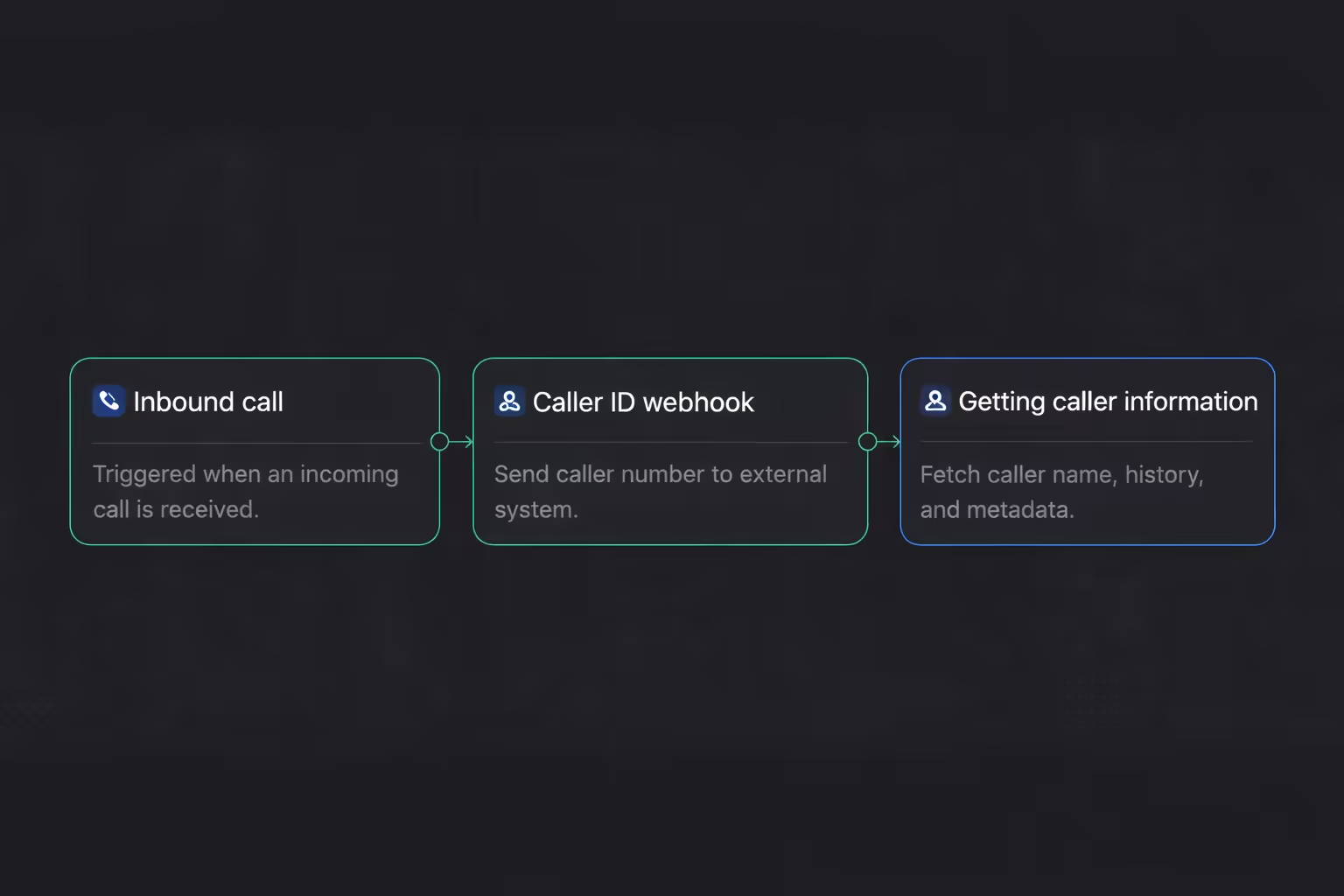
We've just shipped Caller ID Webhooks, making it easy to automatically fetch and display caller information for all inbound calls. This provides your AI agents with immediate context about the caller, making every conversation more personalized.
With Caller ID Webhooks, you can now:
- Fetch caller data in real-time: Automatically trigger webhook requests as calls arrive to retrieve customer details from your CRM or external APIs.
- Support for custom headers and endpoints: Securely authenticate your requests with custom headers and use your own endpoints to enrich caller data.
- Flexible event configuration: Select exactly which caller identification events you want to receive at your specified endpoint.
- Centralized webhook management: Create, enable, and monitor multiple webhooks from a unified interface in your settings.
Navigate to Settings > Caller Identification in your dashboard to create your first Caller ID Webhook and start delivering personalized call experiences.
AI Agent Evals
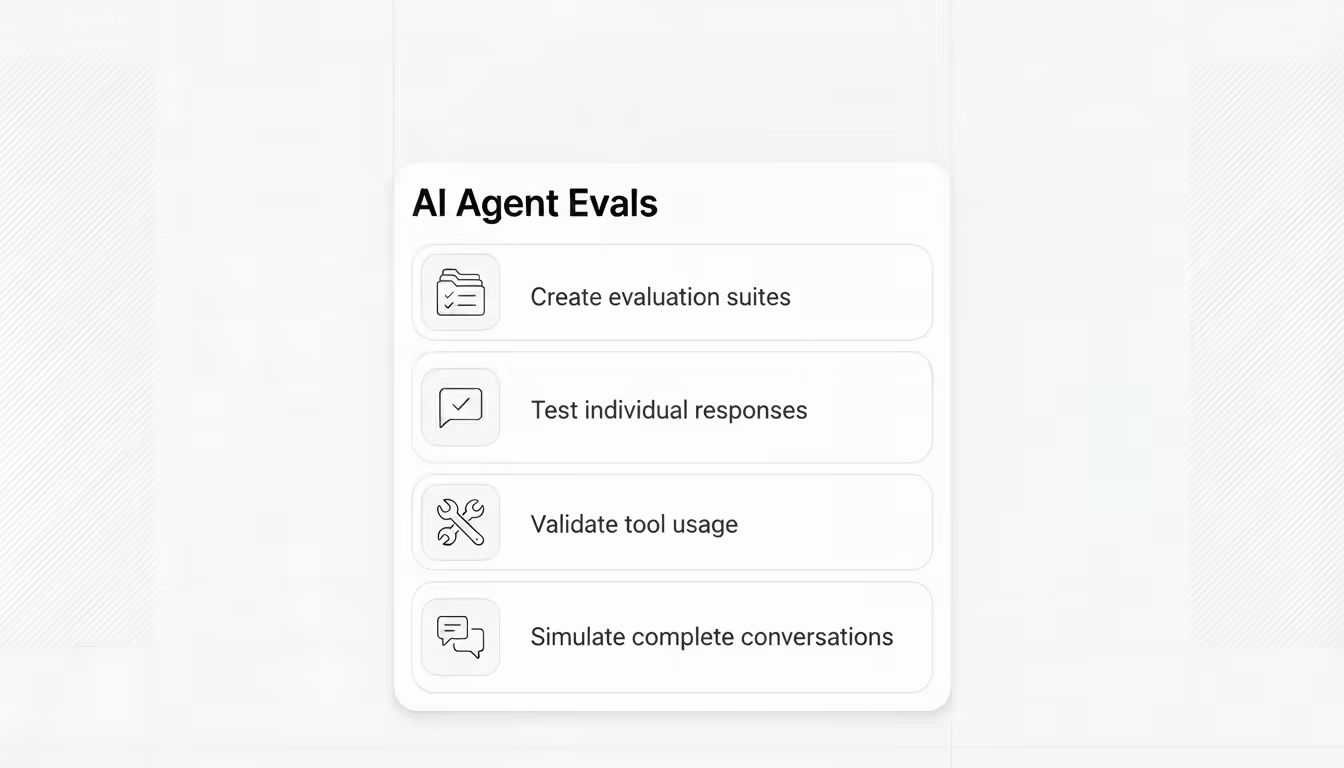
We've launched Evals—a powerful testing environment that lets you validate how your AI agents handle different scenarios before deploying them to real customers.
With Evals, you can now:
- Create evaluation suites: Organize your tests into comprehensive suites that cover all critical aspects of your AI agent's performance.
- Test individual responses: Use "Next Reply" evaluations to verify your agent provides appropriate responses in specific conversation contexts based on your success criteria.
- Validate tool usage: Set up "Tool Invocation" tests to ensure your agent calls the right tools at the right times during customer interactions.
- Simulate complete conversations: Run full "Conversation" evaluations following defined scripts to test your agent's ability to handle multi-turn interactions from start to finish.
Each evaluation type helps you catch issues early and ensure your AI agents deliver consistent, accurate responses across every customer interaction.
To start testing your agents, navigate to Evaluation Suites on the left navigation bar, create a new Suite, then add your first evaluation to begin simulating real-world scenarios.
Automatic Call Transfers
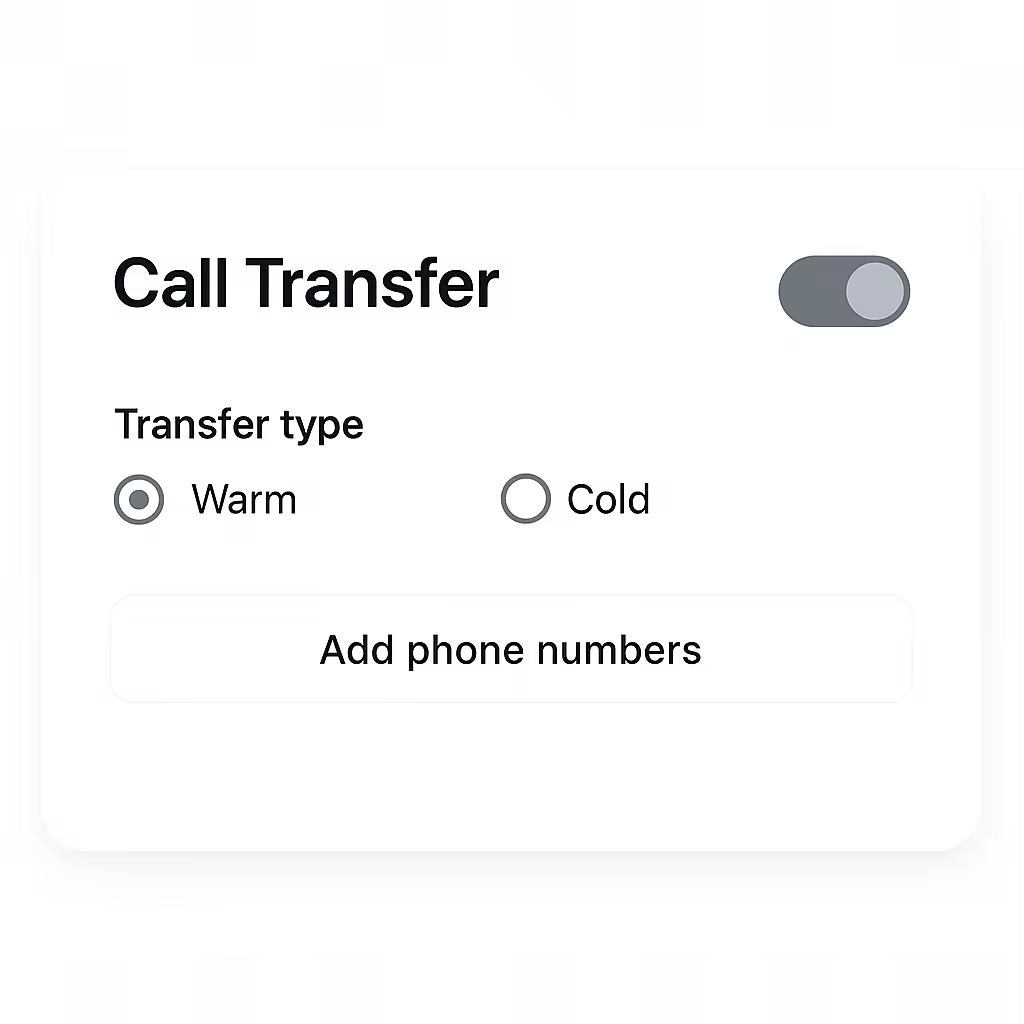
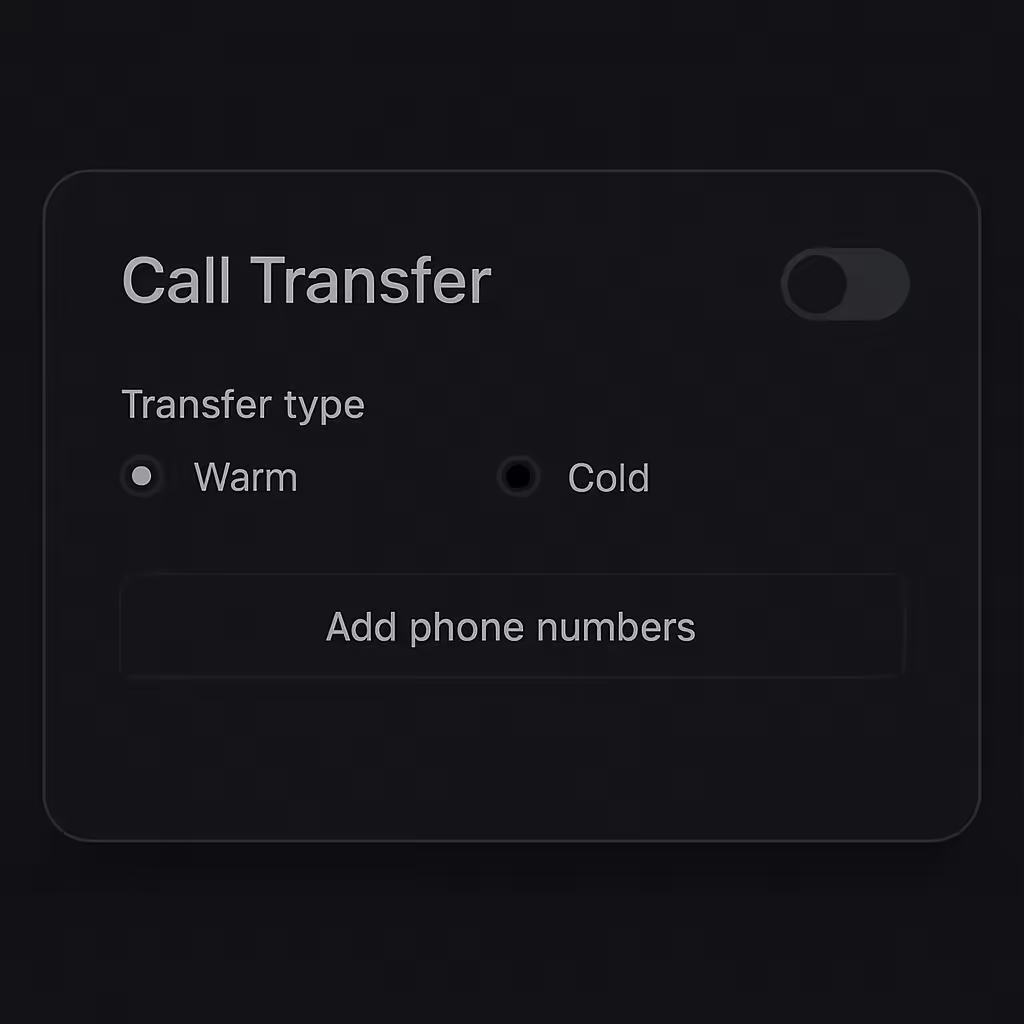
Your AI agents can now seamlessly transfer calls to human representatives when needed, ensuring customers always get the right level of support.
With the new Call Transfer feature, you can now:
- Choose your transfer method: Use cold transfer to connect customers directly to a human agent, or warm transfer to let your AI agent provide context and conversation summary before handing off.
- Define transfer scenarios: Configure exactly when your AI agent should transfer calls—whether it's for billing support, technical assistance, or escalation requests.
- Flexible routing options: Route calls using static destinations, schedule-based routing, or dynamic assignment based on availability.
- Multiple destinations: Add SIP addresses or phone numbers with round-robin distribution to balance load across your team.
Navigate to "Advanced Settings" → "Call Transfer" to configure how your AI agents transfer calls to human representatives.
Enhanced Quality Assurance: Redesigned Interface
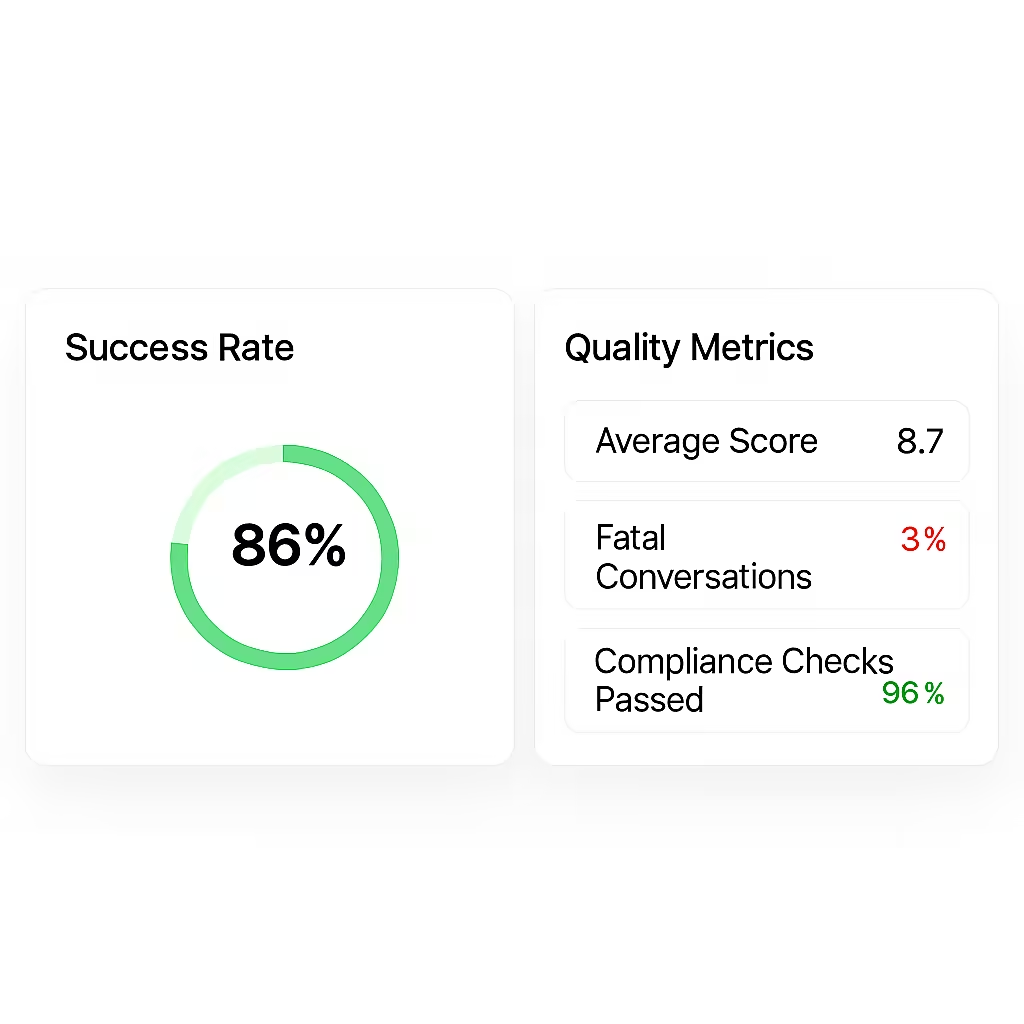
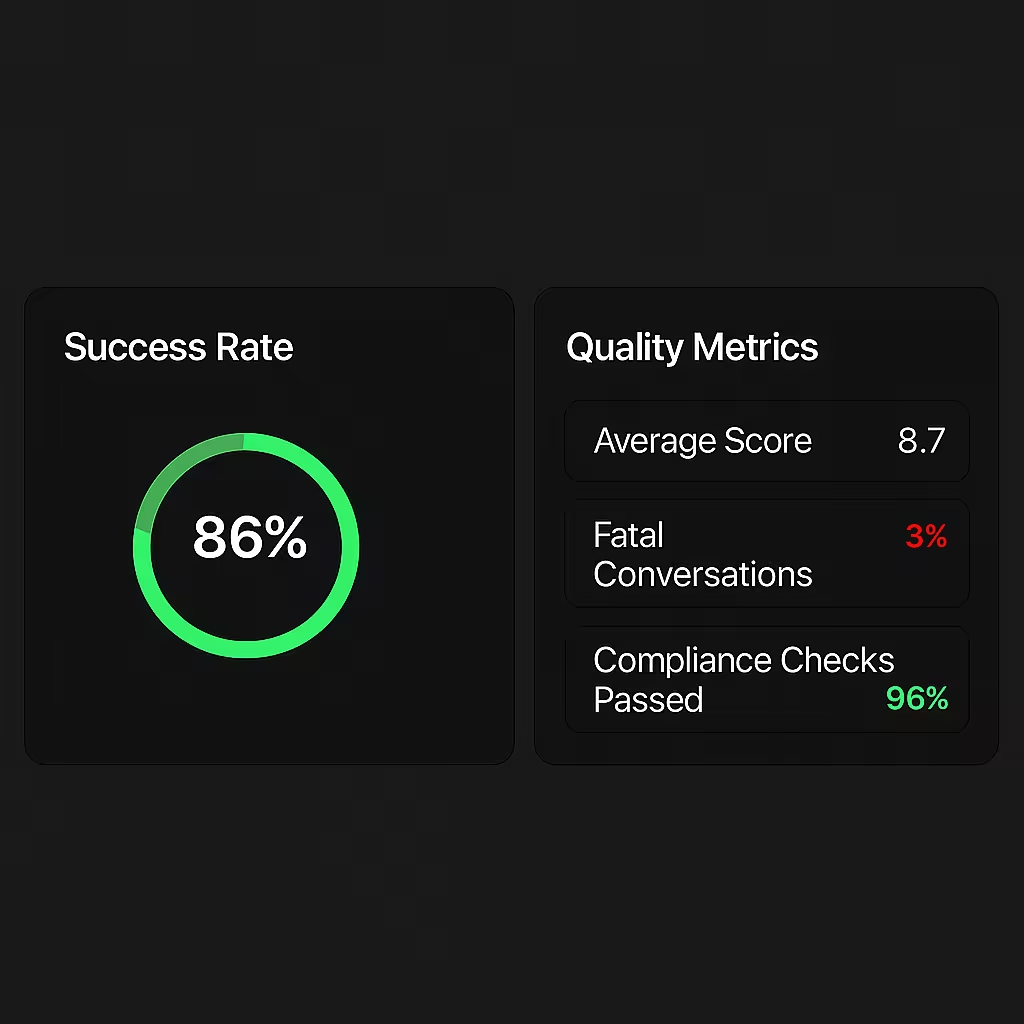
We've revamped Agent QA with a modern interface and powerful analytics, making it easier to track how well your AI Agents are performing.
With the new Agent QA, you can now:
- Track success rates at a glance: See the percentage of conversations that passed your quality standards, with visual indicators showing performance trends.
- Monitor average scores: Understand overall quality performance with average scores calculated across all conversations.
- Detect fatal conversations instantly: Quickly identify conversations that failed critical compliance or safety criteria.
- Navigate with ease: Experience a redesigned interface that makes creating, managing, and analyzing QA more intuitive.
Navigate to "Scorecards" in your dashboard to explore the new analytics interface and see how your AI agents are performing against your quality criteria.
Reports & Insights
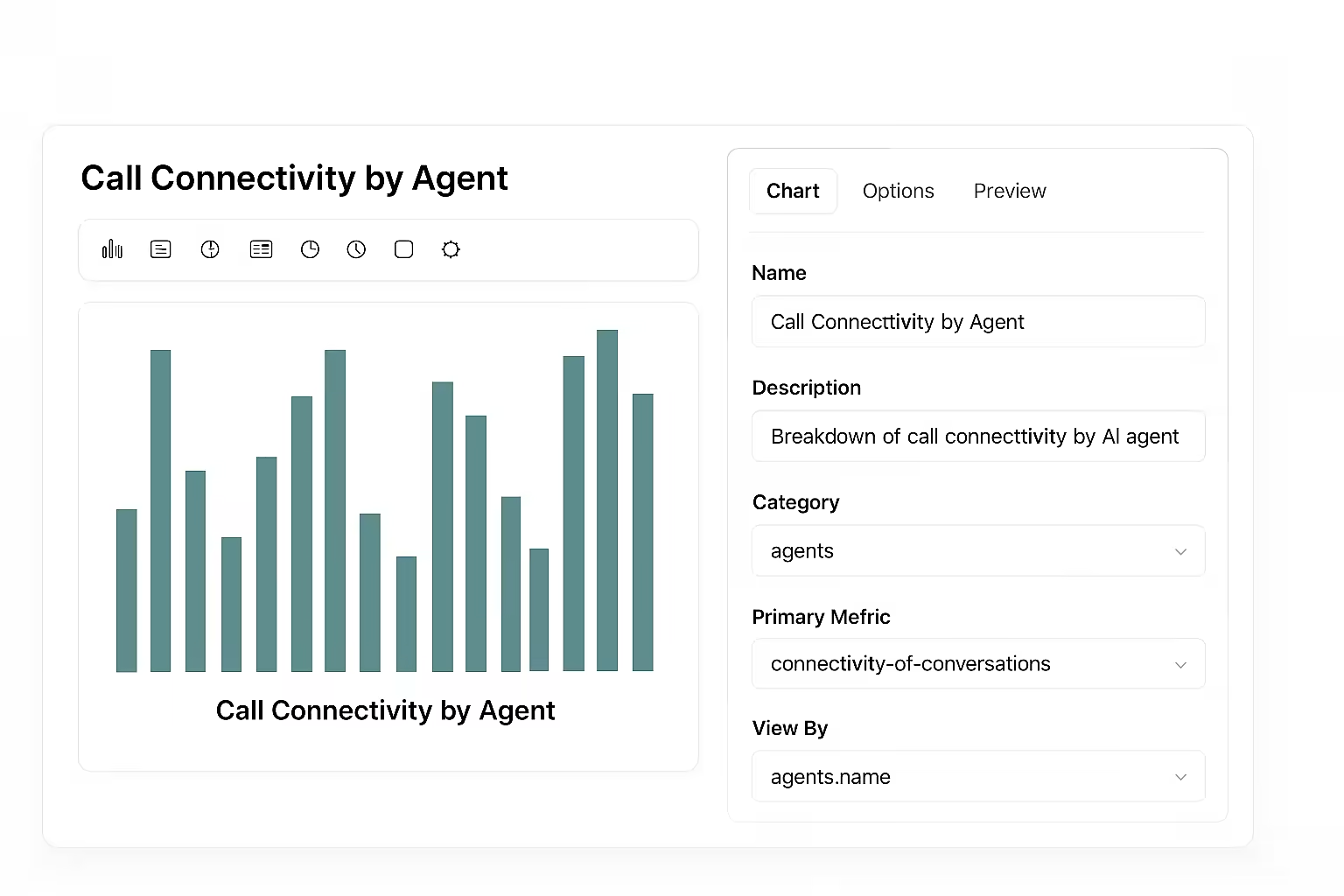
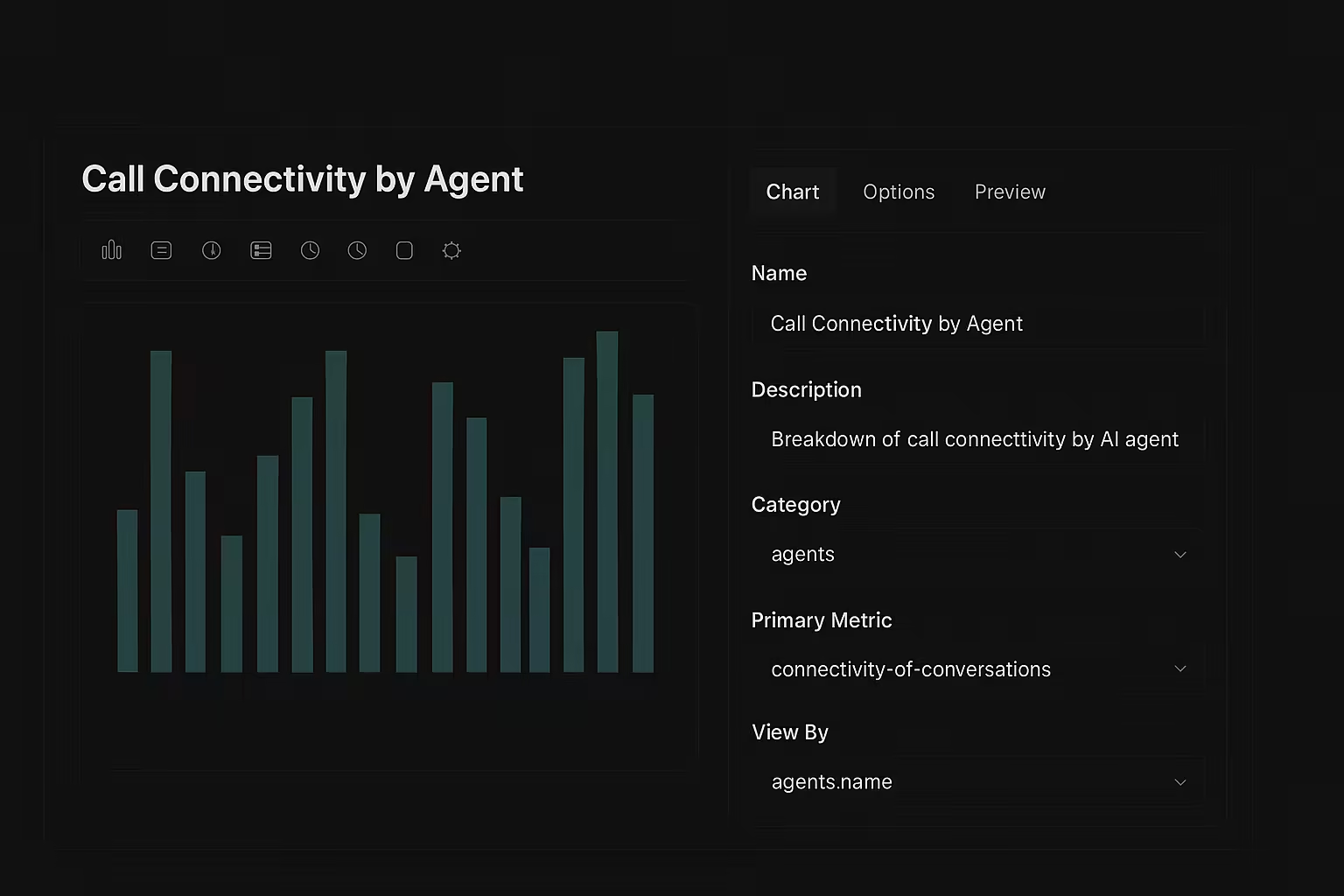
Gain deeper visibility into your AI agents' performance with our new Reports & Insights Dashboard.
With Reports & Insights, you can:
- Create insights effortlessly: Build custom insights using simple dropdowns to select your category, primary metric, and grouping dimensions—no coding required.
- Choose from proven templates: Jump-start your analytics with ready-made templates.
- Build flexible reports: Combine multiple insights into comprehensive reports that tell the complete story of your AI workforce performance.
- Reuse insights across reports: Include the same insight in multiple reports to maintain consistency while serving different stakeholders' needs.
- Start from scratch or use templates: Whether you prefer starting with a blank canvas or customizing our battle-tested templates, you have complete flexibility.
Available templates include Campaigns Performance, Conversations Performance, Agents Performance, Customer Analytics, Revenue Reports, User Engagement, Support Tickets, and Product Performance—all designed specifically for AI agent operations.
How to get started: Navigate to the Reports section in your dashboard, select "New Report," and choose from our template library or create a custom report from scratch.
Custom Model Selection
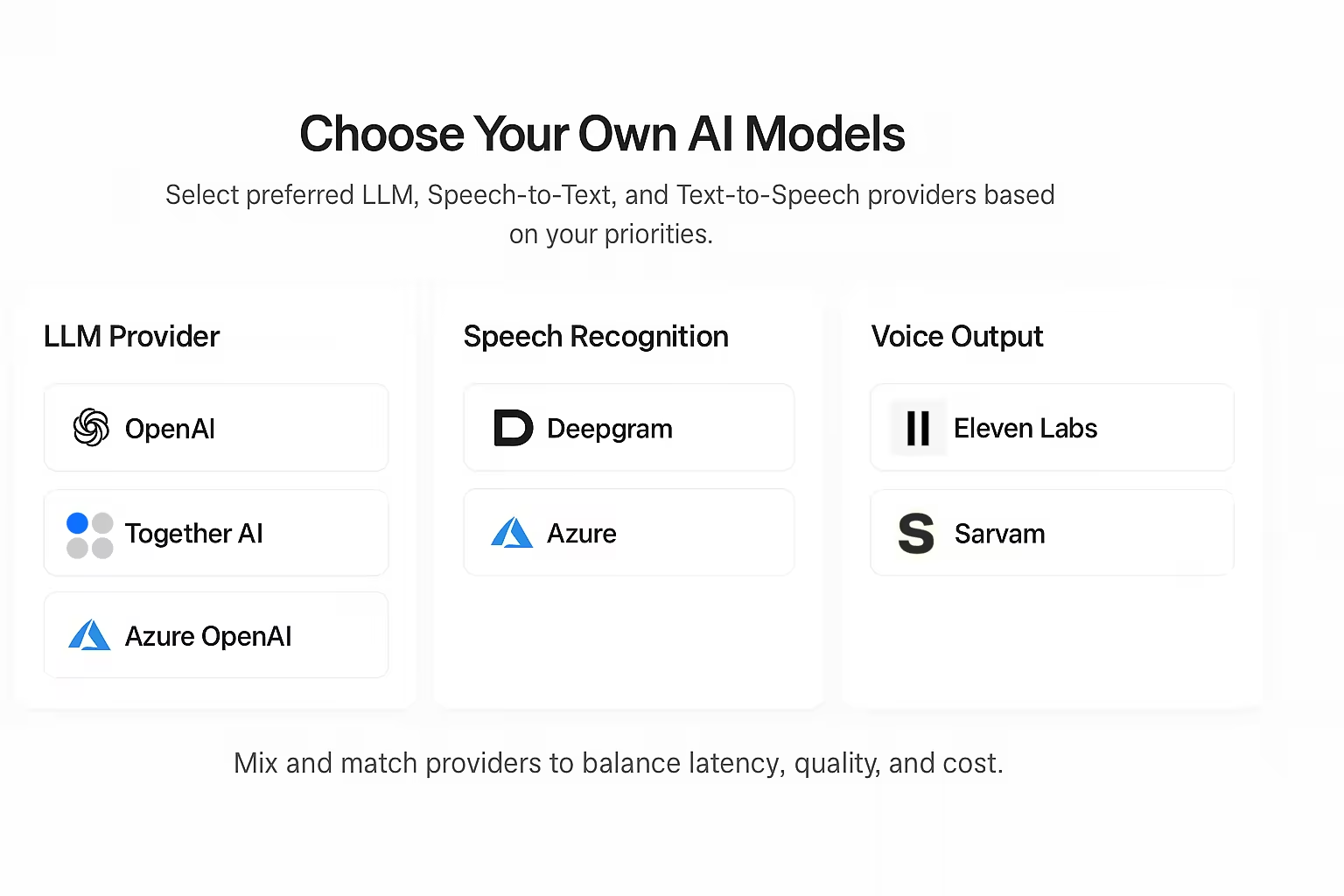
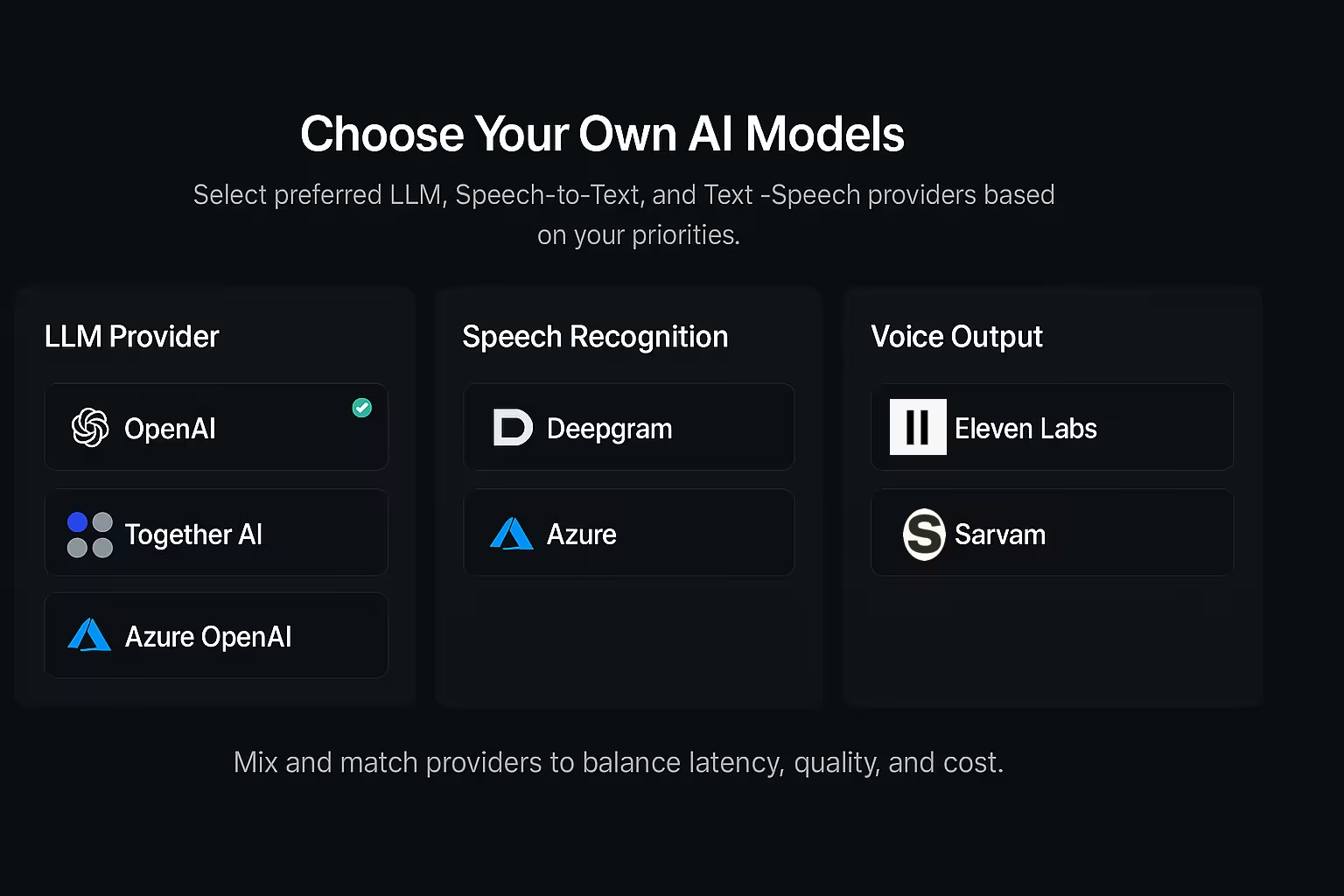
You can now select your preferred providers for Large Language Models (LLM), Speech-to-Text (STT), and Text-to-Speech (TTS). Balance between latency, quality, and price based on your priorities—whether you need lightning-fast responses, the highest quality interactions, or the most cost-effective solution.
With Custom Model Selection, you can:
- Pick your LLM provider: Choose the LLM provider that best fits your needs—OpenAI for versatility, Together AI for open-source flexibility, Azure OpenAI for enterprise compliance and data residency requirements, or Oration OpenAI, which combines the best of multiple models to deliver the fastest and smartest replies.
- Select your speech recognition provider: Pick between Deepgram for ultra-low latency or Azure for enterprise-grade accuracy and integration with your existing Microsoft infrastructure.
- Customize voice output: Use Eleven Labs for natural, expressive voices in global languages (including English), or Sarvam for authentic Indian language support—ensuring your AI agents sound natural to your customers.
- Mix and match providers: Combine different providers to create the perfect stack for your specific requirements, whether that's cost optimization, latency reduction, or regional compliance.
This flexibility means you can tailor each AI agent to excel in its specific role—whether handling customer support calls in specific languages, processing sensitive data within Azure's compliance framework, or delivering the most natural-sounding voice experiences.
To get started, open any agent, navigate to the Advanced Settings tab, and select your preferred providers for LLM, STT, and TTS from the dropdown menus.
Voice Formatter for Natural Speech
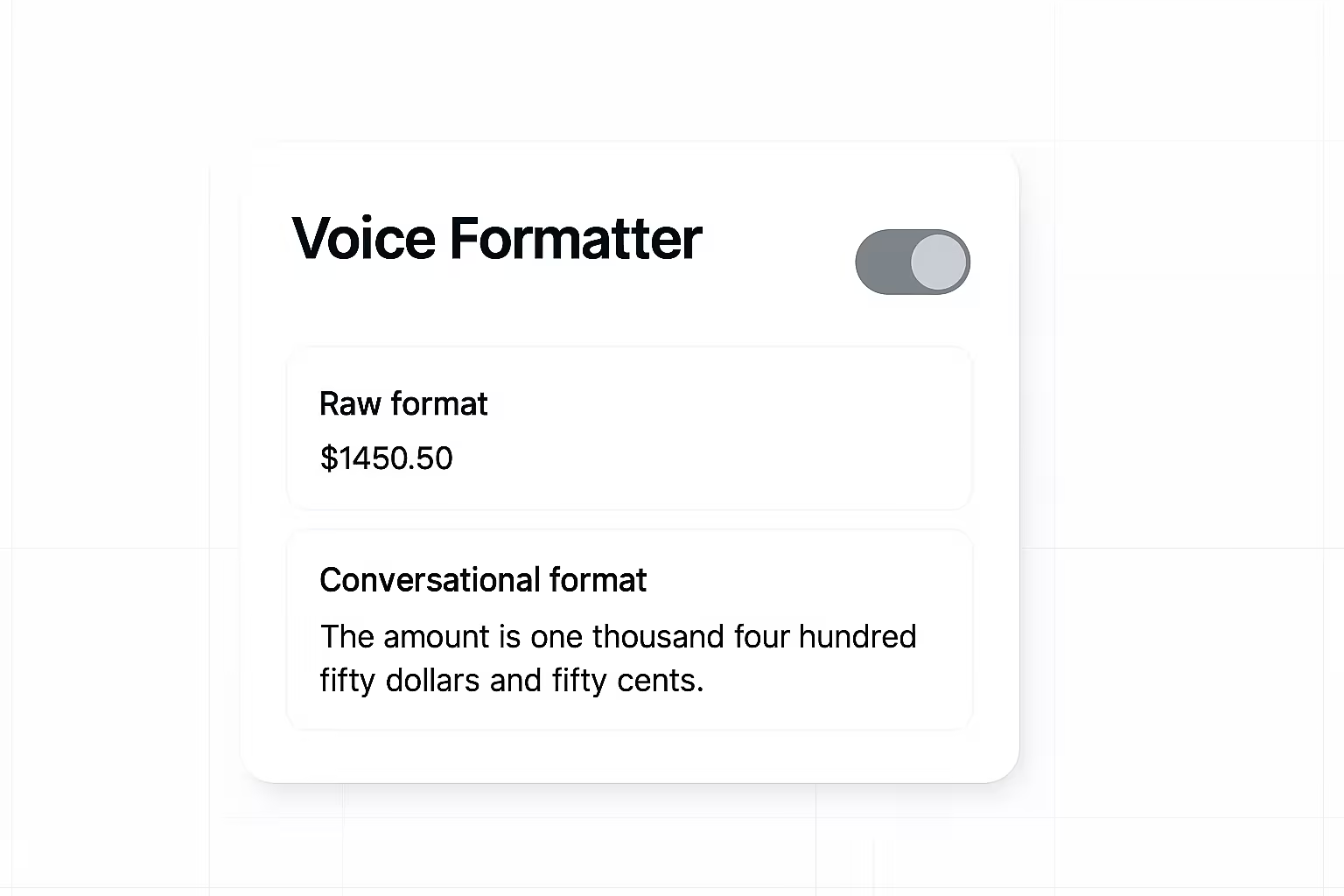
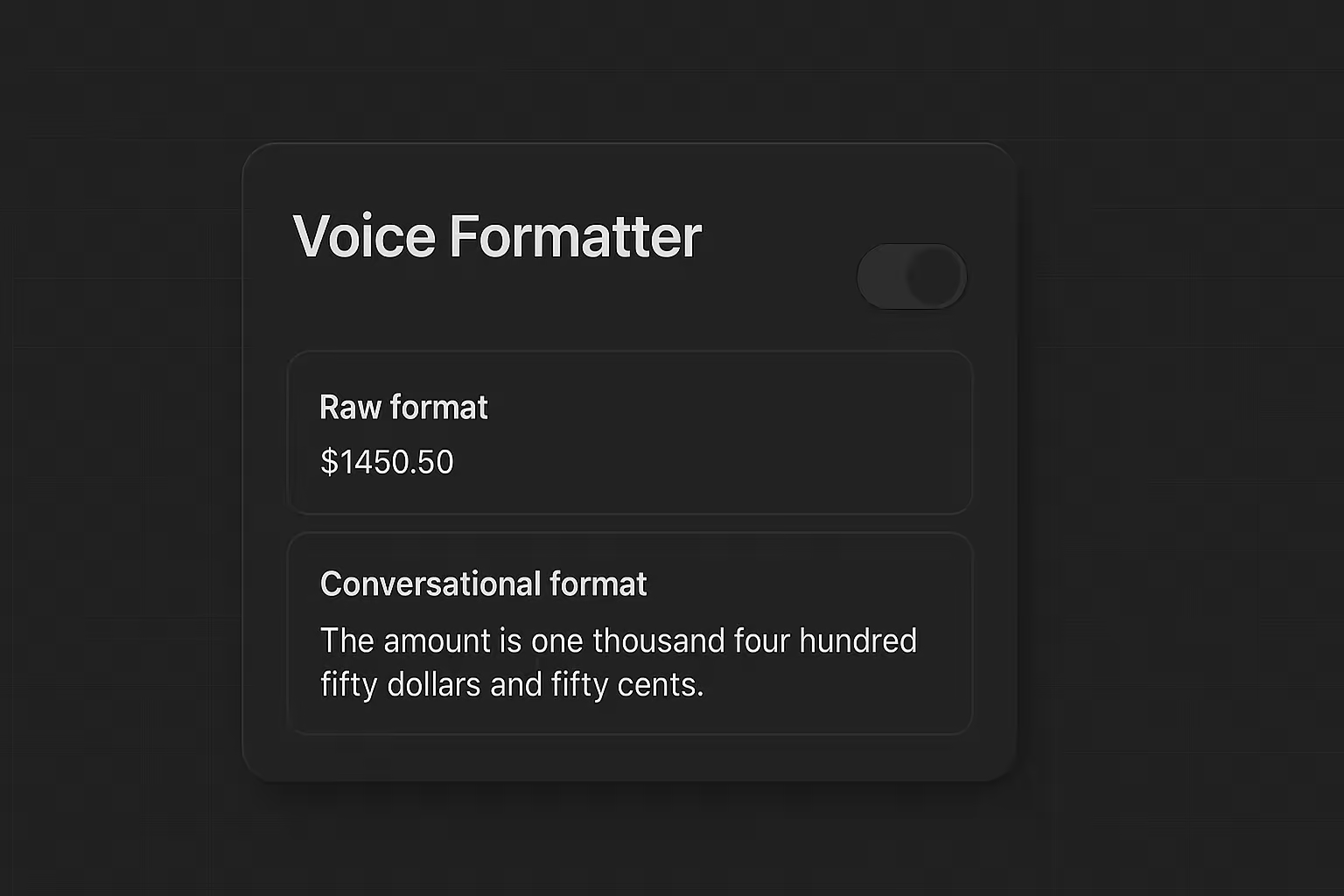
Make your AI agents sound more human and professional. The new Voice Formatter automatically converts text elements like numbers, currency, and dates into natural spoken forms that flow seamlessly in conversations.
With Voice Formatter enabled, your agents will:
- Speak numbers naturally: Transform "123" into "one hundred twenty-three" and "1,500" into "one thousand five hundred" for better comprehension.
- Handle currency properly: Convert "$49.99" into "forty-nine dollars and ninety-nine cents" instead of awkward character-by-character reading.
- Format dates intelligently: Turn "10/05/2023" into "May 10th, 2023" for clear communication (supports dd/mm/yyyy, dd-mm-yyyy, yyyy-mm-dd, and yyyy/mm/dd formats).
- Improve phone numbers: Present "+1234567890" as "plus one two three four five six seven eight nine zero" for easy understanding.
- Enhance overall flow: Create more natural, conversational experiences that sound genuinely human to your customers.
How to get started: Navigate to your Agent Settings, go to the Advanced Settings tab, and enable the Voice Formatting toggle.
AI Agent Scorecards for Quality Assurance
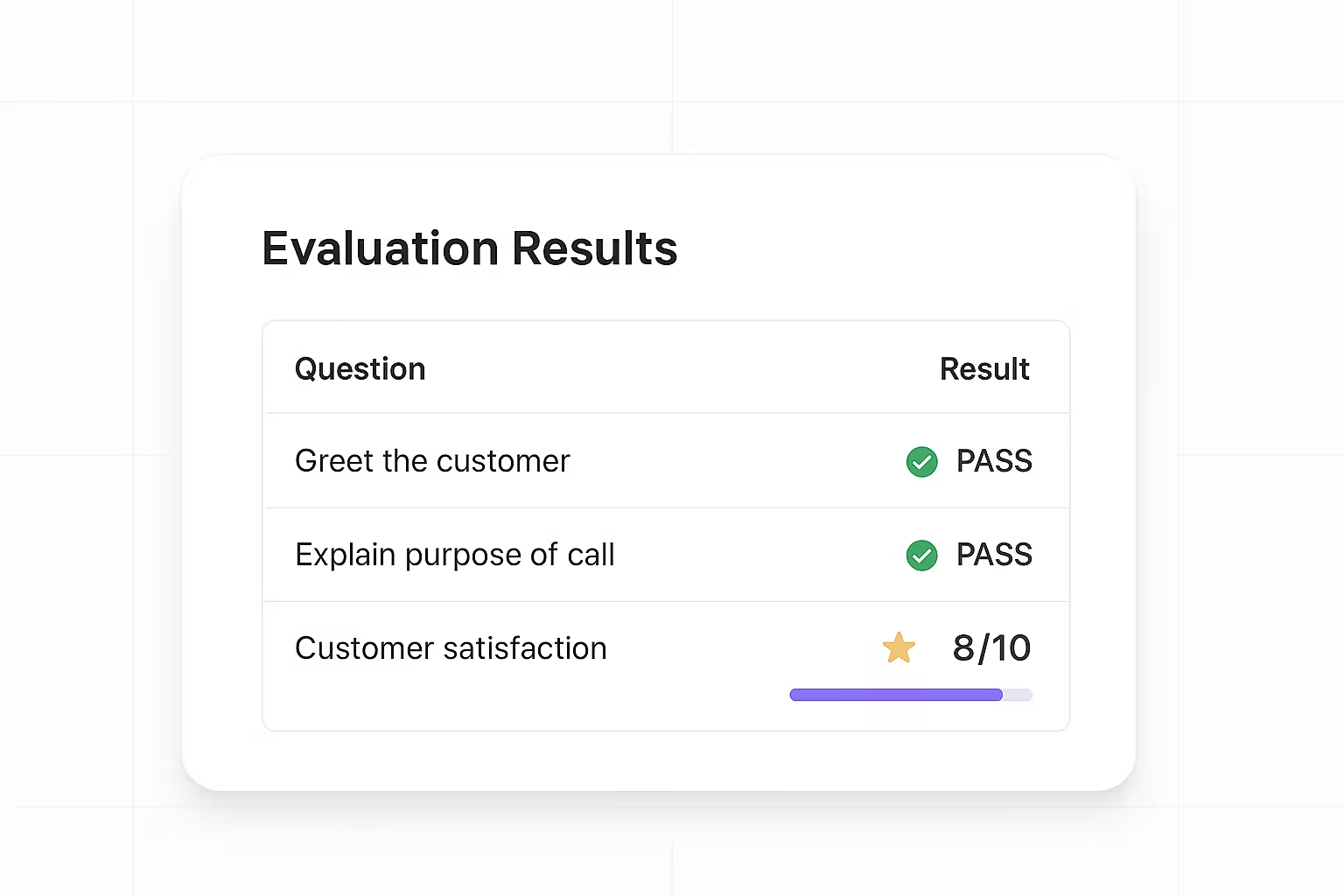
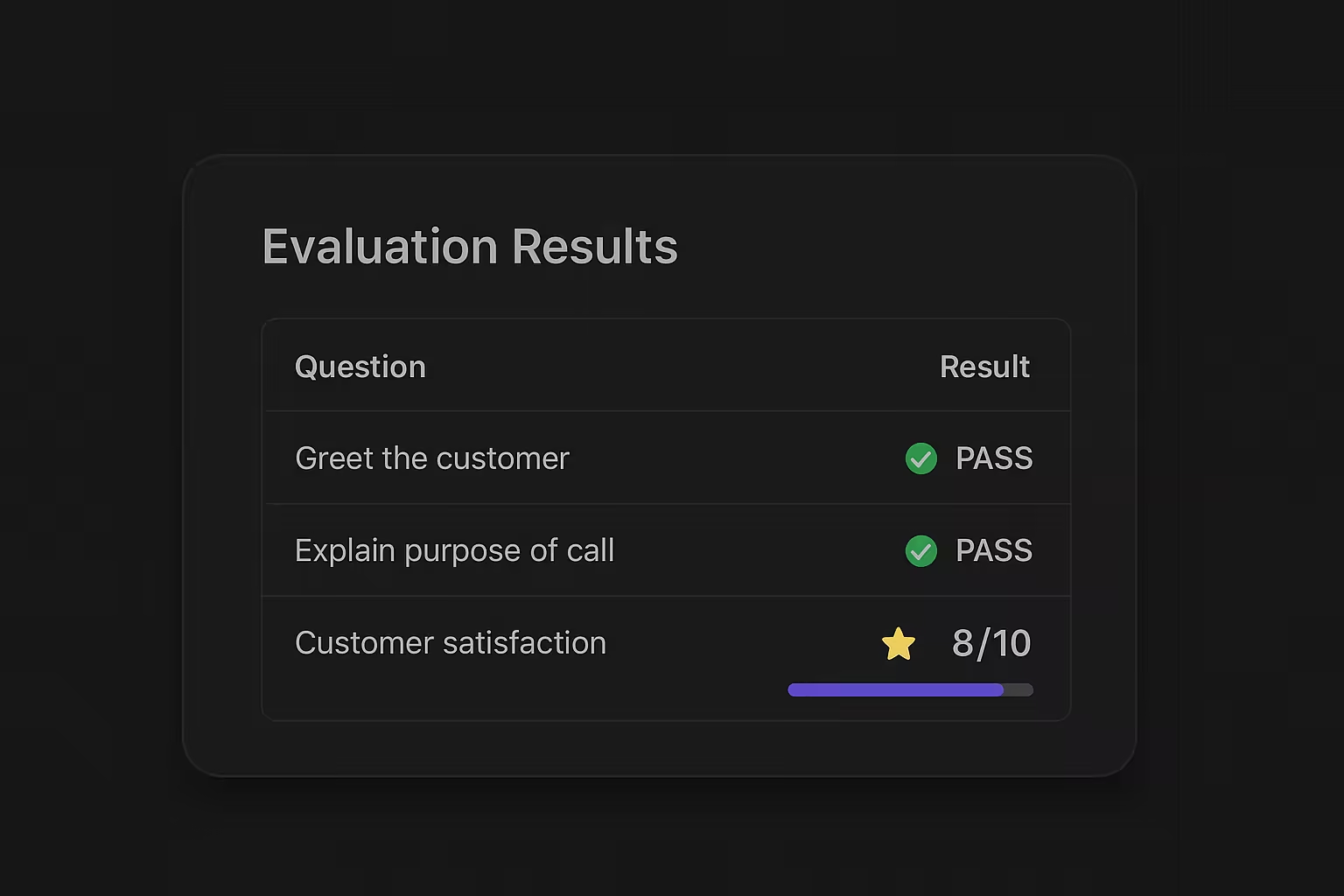
Maintain exceptional service quality across your AI workforce. The new Scorecards feature lets you create comprehensive evaluation frameworks to audit AI agent conversations and assign scores based on your specific quality parameters.
With Scorecards, you can:
- Create custom evaluation questions: Define specific criteria and prompts that you will assess during conversation reviews, with detailed descriptions to ensure consistent scoring.
- Set weighted scoring: Assign maximum points to each question based on importance, allowing you to prioritize critical aspects of customer interactions.
- Choose evaluation types: Select from binary yes/no assessments or scale-based ratings to match your quality assurance methodology.
- Mark fatal questions: Identify critical criteria where failure results in overall scorecard failure, regardless of total score - perfect for compliance or safety requirements.
- Streamline quality reviews: Provide you with structured frameworks that eliminate guesswork and ensure consistent assessment standards.
How to get started: Navigate to "Scorecards" on the left navigation bar to create a new Scorecard.
Customizable Widget with Voice & Chat Support
Bring your AI agents directly to your website visitors. The new Widget feature lets you embed fully customizable AI agents that support both voice and text conversations, complete with theme customization and flexible sizing options.
With the new Widget, you can:
- Choose conversation modes: Let visitors interact via text-based chat, voice conversations, or give them the option to choose their preferred method.
- Customize the appearance: Select from preset themes like Ocean, Forest, Sunset, and more, or create your own custom theme with specific colors for base, hover, active states, borders, and text.
- Control the size: Deploy either a full-featured standard widget or a minimized compact version that fits perfectly with your website design.
- Easy deployment: Simply copy the generated embed code and paste it into your website's HTML - the widget automatically appears in the bottom-right corner.
How to get started: Navigate to your agent settings and select "Widget".
Spam Filter for Your Inbound AI Agents
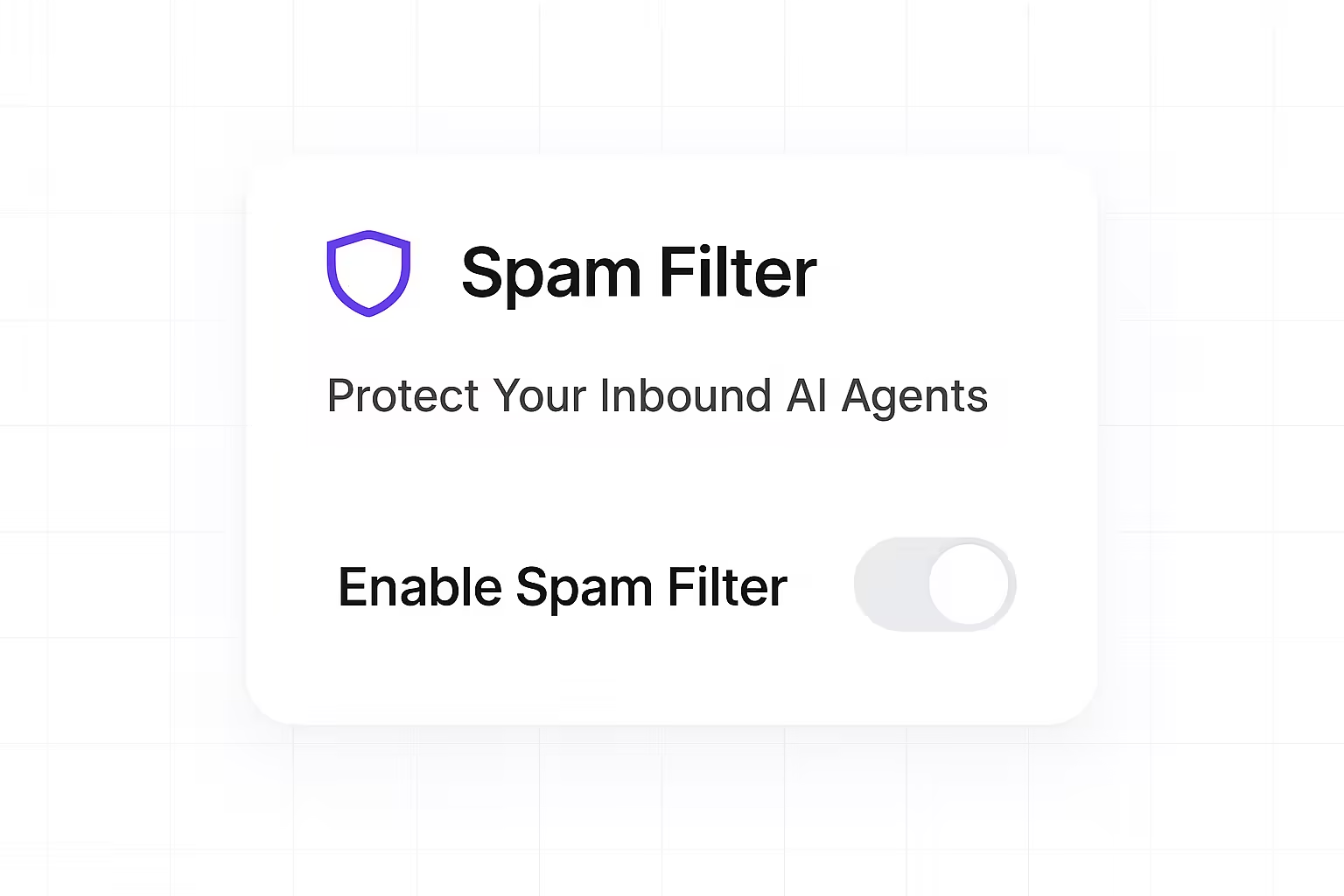
Keep your inbound AI agents focused on real customers. The new Spam Filter automatically detects patterns of unwanted traffic and throttles suspicious bursts.
With Spam Filter, you can:
- Reduce annoying unwanted calls: Prevent distractions and disruptions to your agents' time.
- Improve agent efficiency: Streamline your agents' workflows by removing time-consuming and distracting calls.
- Enhance customer satisfaction: Ensure that your agents can provide a higher quality of service to real customers.
How to get started:
Open your workspace settings and go to "Spam Filter". Turn on "Spam Protection", select a "Protection Strategy", choose a "Time Window", and set the "Filter Threshold". The filter will automatically apply to incoming calls for this workspace.
Ambient Background Sounds for AI Agents
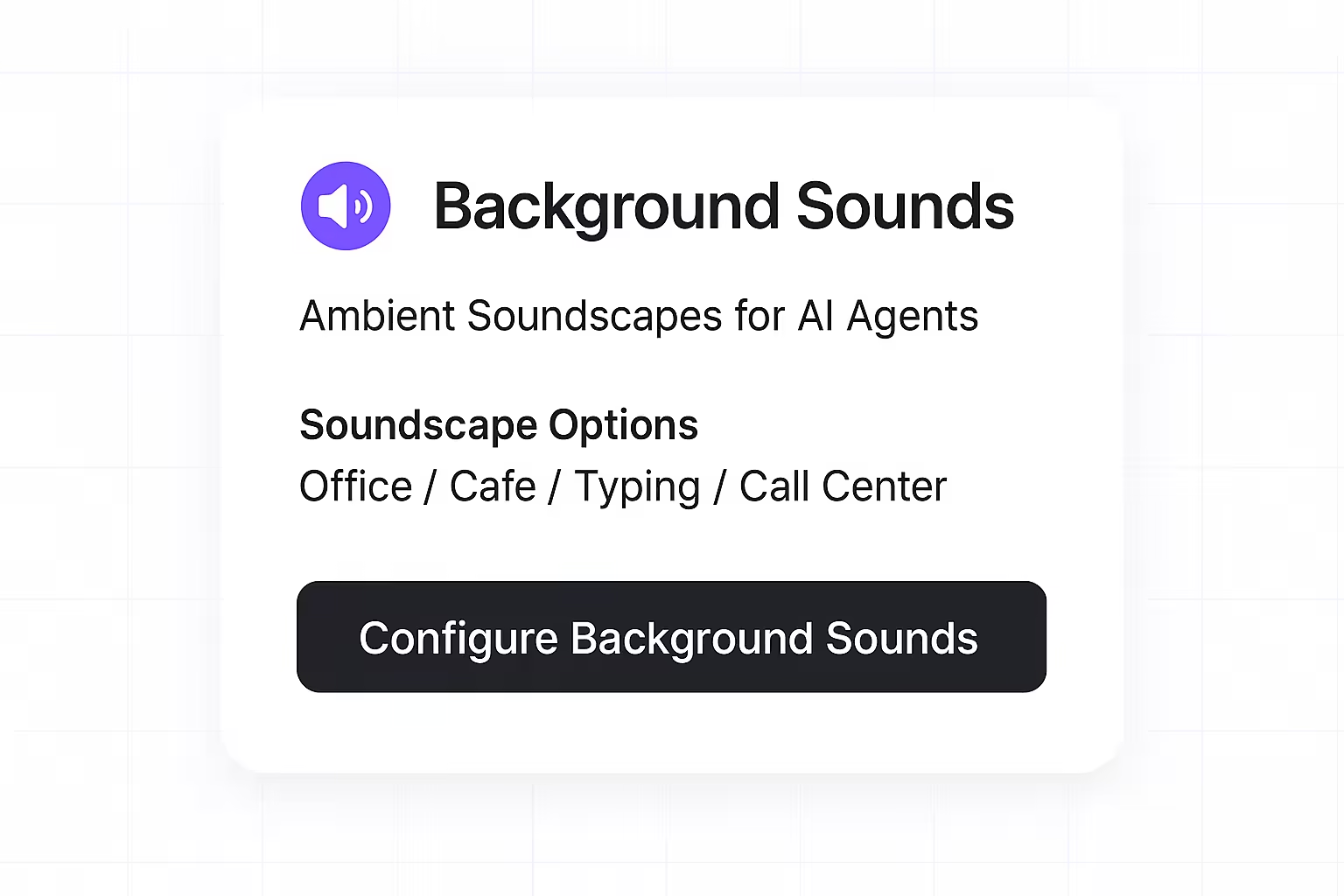
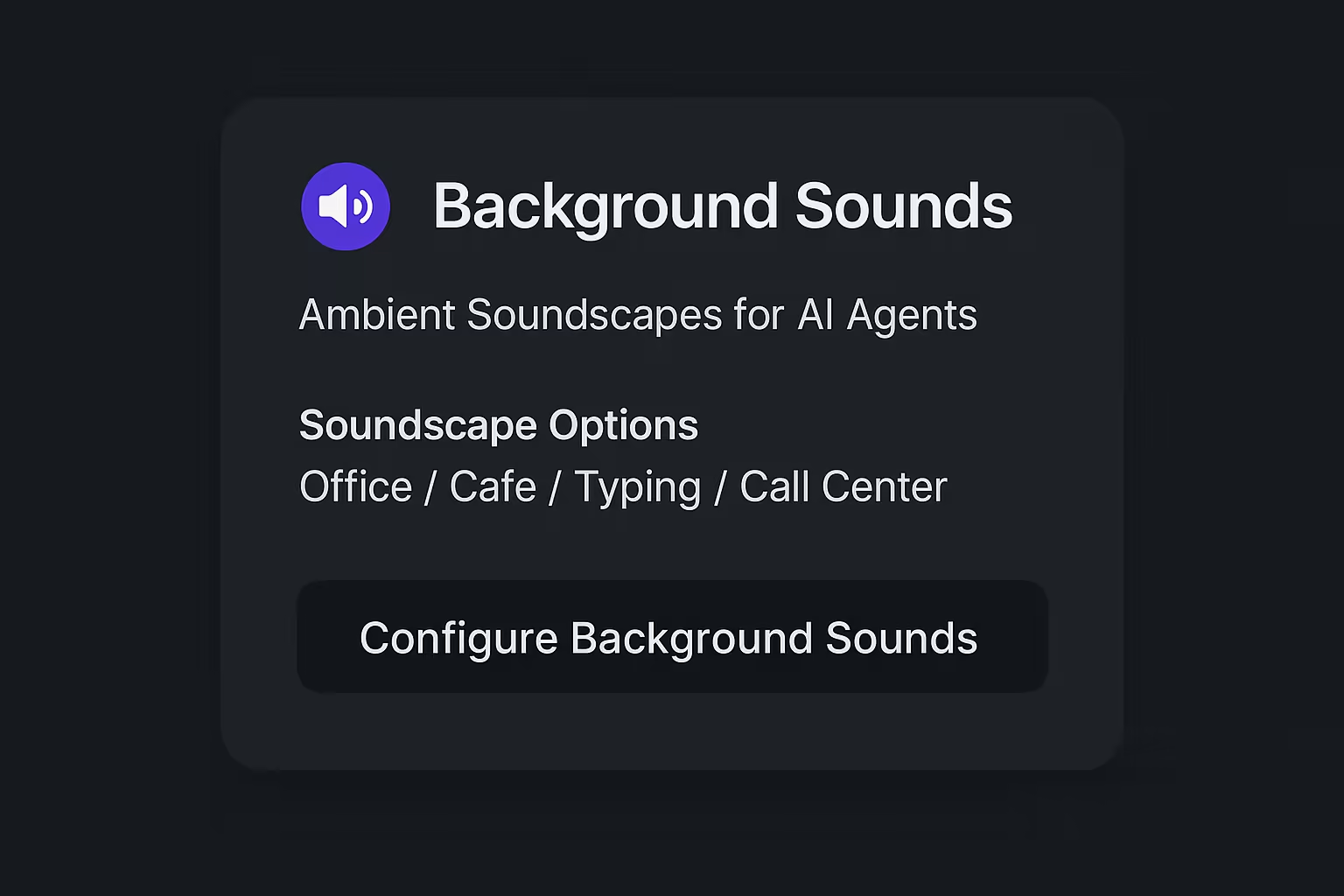
Give your customers a familiar sense of place while they talk to your AI agent. You can now add subtle ambient soundscapes—like office, cafe, or keyboard typing—to make conversations feel more natural and comfortable.
With Background Sounds, you can:
- Choose from curated soundscapes: Office, Cafe, Keyboard Typing or Call Center Hum.
- Natural mixing and ducking: Ambience automatically softens when the agent speaks, and returns between turns.
- Configure per agent: Enable per agent, set default ambience and volume, and preview before publishing.
How to get started:
Open your agent’s settings and go to "Configurations" → "Ambient Sound". Pick a soundscape and set the "Speaking Volume" and "Silent Volume" as desired. The ambience will play during live voice conversations across supported channels, and the volume will adjust when the agent speaks and when the agent is silent.
Flexible Phone Number Routing for Campaigns
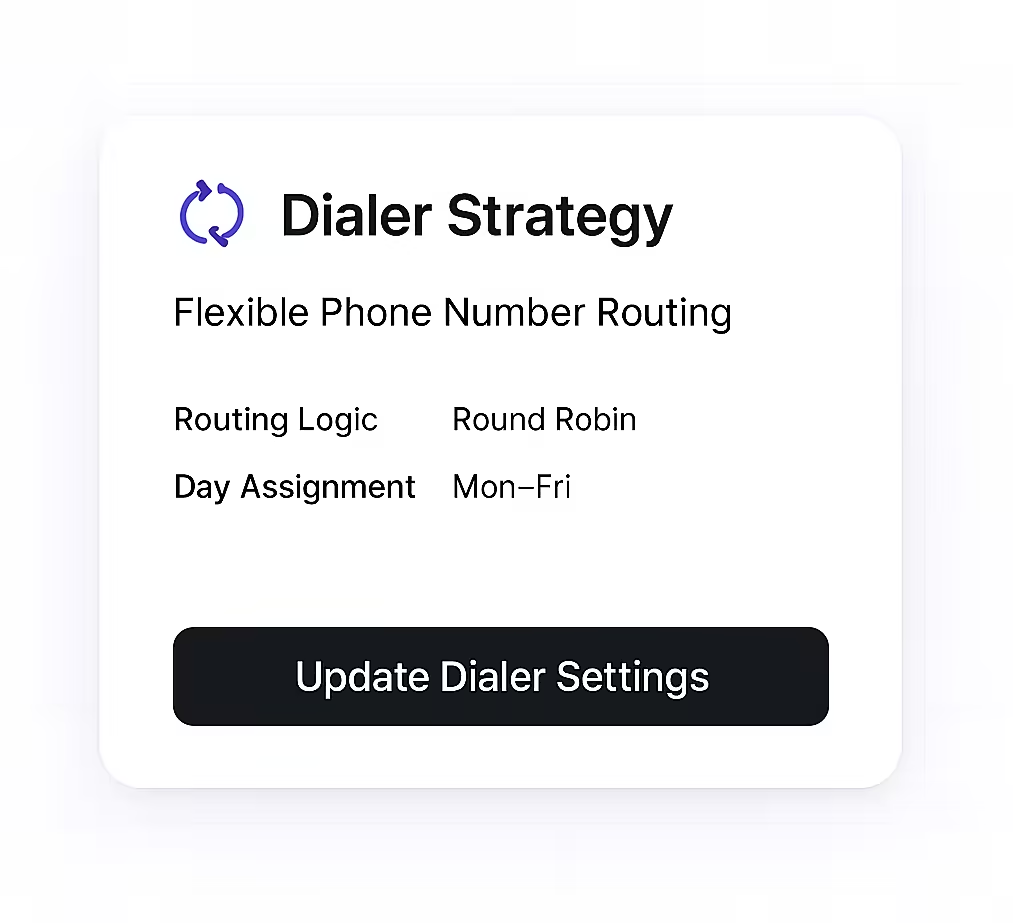
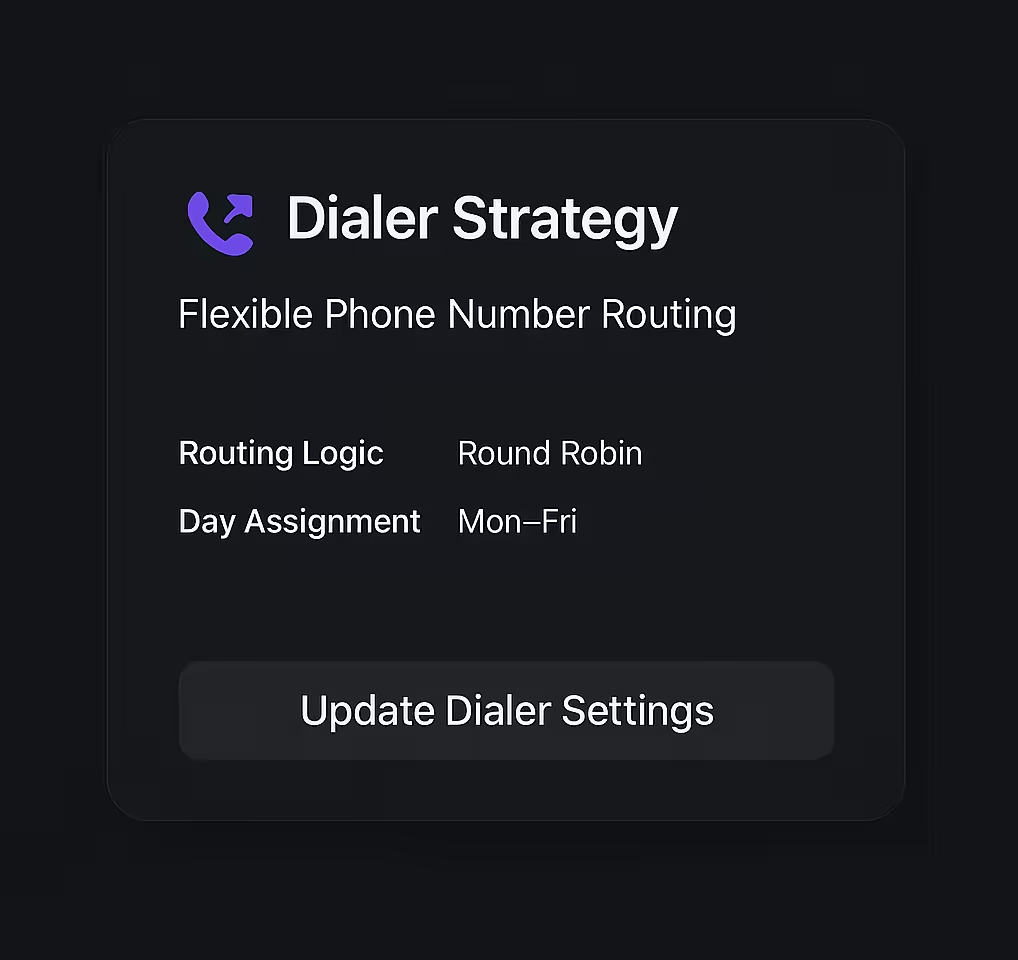
We’re excited to introduce Dialer Strategy—a powerful new configuration that lets you control how your phone numbers are used in your outbound call campaigns.
With Dialer Strategy, you can:
- Choose your routing logic: Select between Round Robin (cycle through available numbers evenly) or Day Wise (assign specific numbers to each day of the week).
- Day-wise phone assignment: Configure which phone number is used for each day, giving you granular control over your campaign’s caller ID and compliance needs.
- Easily manage settings: Easily manage and update dialer settings directly from the campaign configuration screen.
How to get started:
In your campaign settings, select the 'Dialer Strategy' tab and assign phone numbers as needed for each day. Click “Update Dialer Settings” to apply your changes and optimize your outbound operations.
Design and Launch Powerful Outbound Call Campaigns


We’re excited to introduce Campaigns—a comprehensive new feature that empowers you to create, schedule, and manage elaborate outbound calling campaigns, all from a single, intuitive interface.
With Campaigns, you can:
- Target the right customers: Use custom SQL queries to precisely define which customers to call for each campaign and for each retry attempt.
- Fine-tune your outreach: Configure maximum daily attempts, retry days, and minimum delay between retries to optimize your contact strategy.
- Control call concurrency: Set limits on simultaneous calls and concurrent dials per customer to match your operational capacity.
- Schedule with flexibility: Choose when campaigns run (daily, recurring, or custom), set business hours, and define start/end dates for complete control.
- Customize call handling: Select the AI agent, dialout strategy, SIP trunk, and batch processing intervals to fit your workflow.
Whether you’re running a one-off promotion or a recurring retention campaign, Campaigns gives you the tools to automate, personalize, and scale your outbound communications—no manual spreadsheets or guesswork required.
How to get started:
Head to the Campaigns section in your dashboard, click “Create Campaign,” and explore the full suite of configuration options to launch your first campaign in minutes.
Passwordless Login: Sign in to Oration with Passkeys


You can now log in to Oration using passkeys—an advanced, passwordless authentication method that lets you access your account securely without ever entering a username or password.
With passkey login, you can:
- Sign in instantly: Use your device’s built-in authentication (like Face ID, Touch ID, or Windows Hello) for a frictionless login experience.
- Boost your security: Passkeys are resistant to phishing and credential theft, keeping your Oration account safer than ever.
- Simplify access: No more password resets or remembering complex credentials—just authenticate with a tap or glance.
Visit your Account Settings -> Account Security and head over to the Two-Factor Authentication tab to add a passkey to your Oration account. Next time you log in, simply choose “Sign in with Passkey” for a seamless, secure experience.
Store Call Recordings in Your Own Amazon S3 Bucket


You can now automatically route all your Oration AI call recordings directly to your own Amazon S3 bucket. This new feature gives you more flexibility and control over your data, making it easier to integrate recordings into your existing tools and workflows.
With S3 call recording storage, you can:
- Centralize your data: Keep all your call recordings in one place, alongside your other business-critical files.
- Enable custom integrations: Easily connect recordings to your analytics, review, or automation tools—no extra downloads or manual transfers needed.
- Scale on your terms: Leverage the scalability of S3 to store as many recordings as you need, without worrying about storage limits.
To start using this feature, visit your Account Settings, add your S3 bucket details, and enable external storage for call recordings.
Real-Time Call Barge-In: Listen Live to AI Conversations


You can now join live calls and listen to conversations between your customers and Oration’s AI agents as they happen. This new feature empowers you to monitor quality, provide coaching, and ensure every interaction meets your standards—right in the moment.
With Real-Time Call Barge-In, you can:
- Monitor live conversations: Instantly join any ongoing call to hear exactly how your AI agent is handling customer interactions.
- Coach and support your team: Use live listening to provide feedback or training to your team based on real conversations.
- Ensure compliance and quality: Proactively oversee sensitive or high-stakes calls to maintain the highest standards.
And this is just the beginning—soon, you’ll be able to take control and guide the AI agent during live calls, giving you even more flexibility and oversight.
To start using Real-Time Call Barge-In, head to your Calls dashboard and look for the new “Listen Live” button next to any active call.
More secure than ever
We're proud to announce that Oration has achieved three major compliance certifications: ISO 27001:2022, SOC 2 Type 2, and GDPR compliance. This comprehensive security framework demonstrates our commitment to protecting your data at the highest standards.
With these certifications, you can now:
- Trust in enterprise-grade security: Our ISO 27001:2022 certification ensures comprehensive ISMS covering risk assessment, asset management, access controls, and incident response procedures
- Rely on proven operational security: Our SOC 2 Type 2 compliance validates that our security controls are not just designed properly but are operating effectively over time
- Benefit from global data protection: Our GDPR compliance ensures your data is handled according to the highest international privacy standards
- Count on continuous improvement: We maintain ongoing surveillance audits across all frameworks to ensure our security measures remain robust and up-to-date
These certifications, working together, provide multiple layers of security and demonstrate our commitment to safeguarding your data while maintaining your trust in our autonomous AI solutions. You can confidently deploy our voice AI solutions, knowing your data is protected by industry-leading security practices.
To learn more about our security measures, visit https://trust.oration.ai.
Webhook Endpoints for Real-time Event Notifications
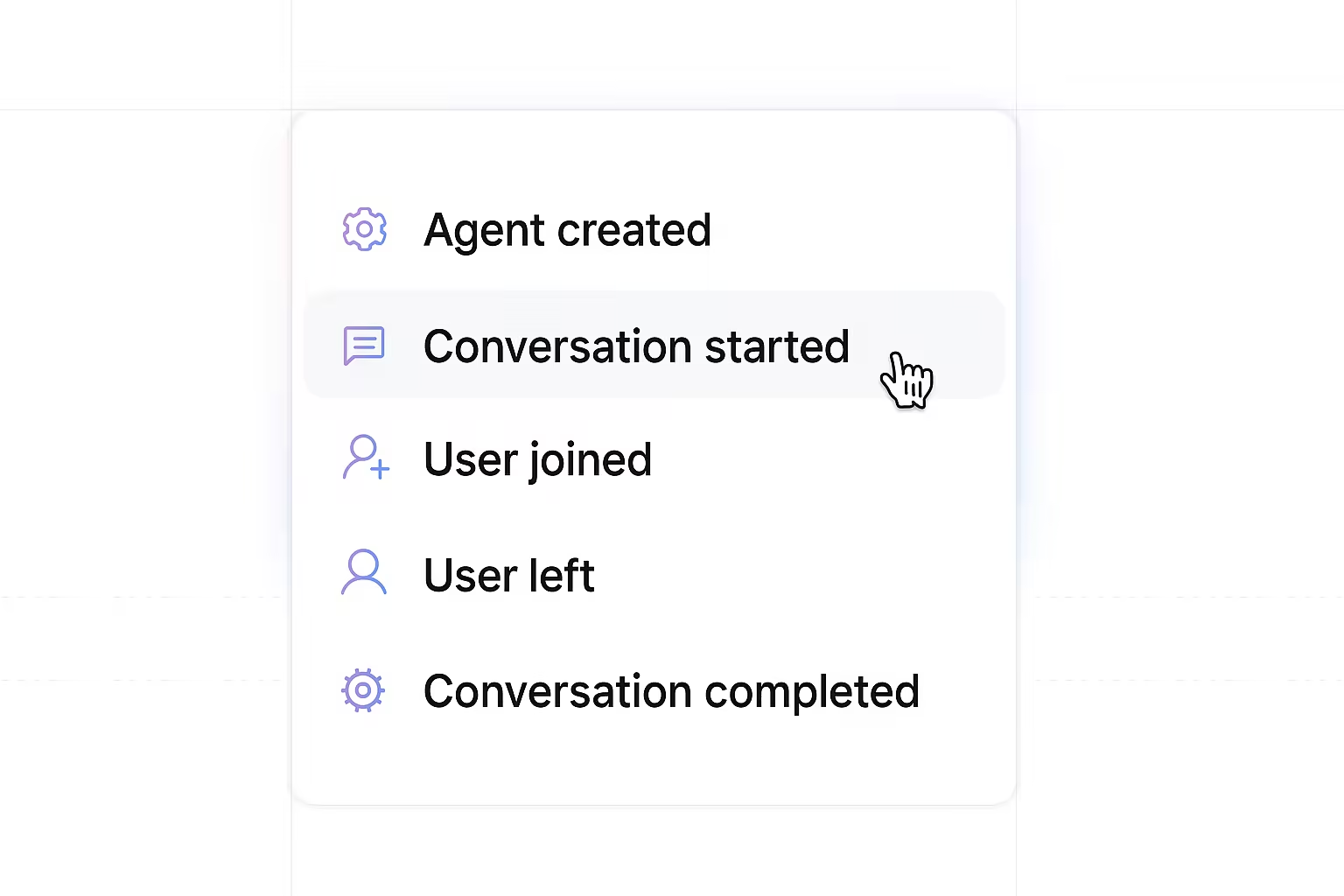
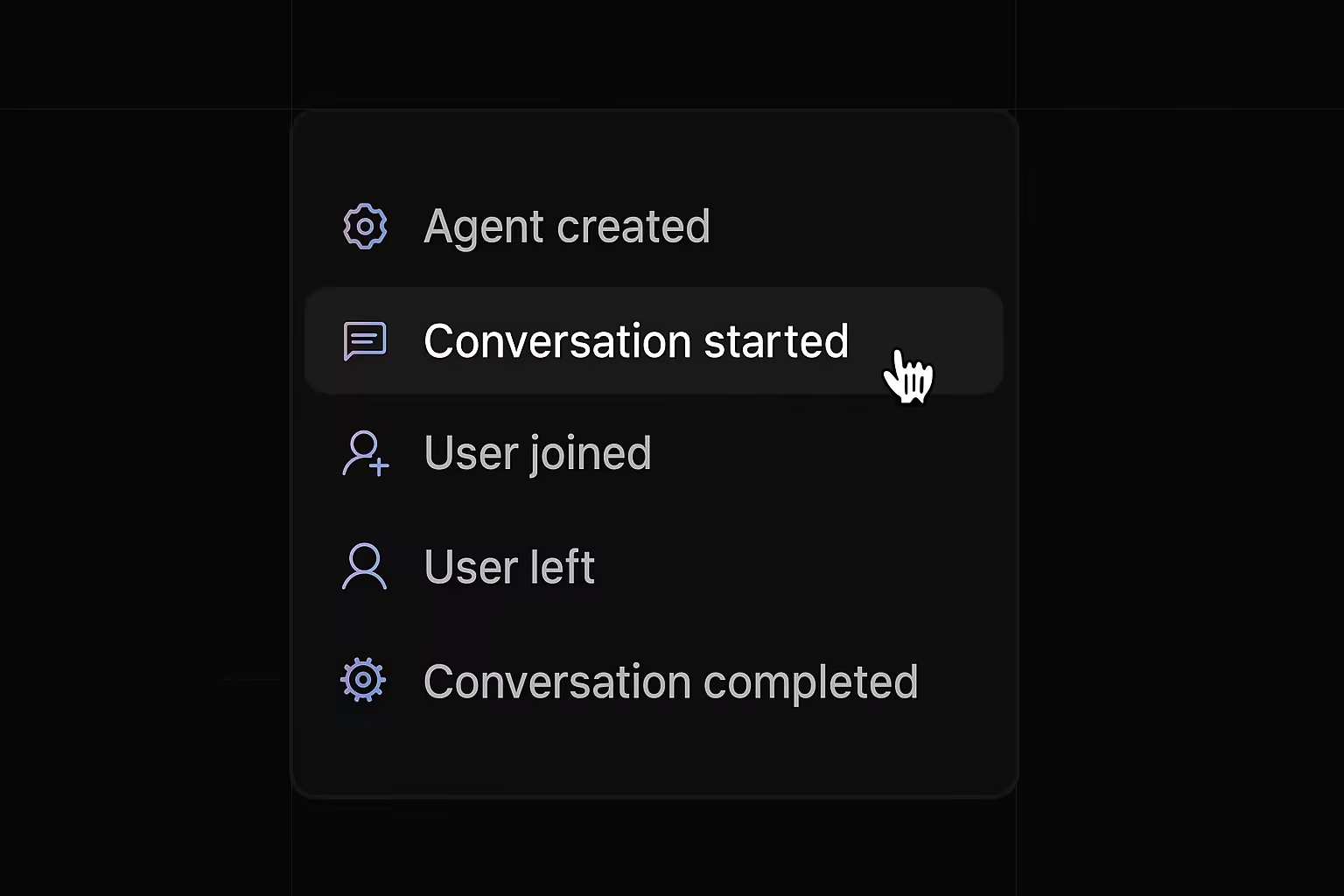
We're excited to introduce Webhook Endpoints, giving you the power to receive real-time notifications about events happening within your Oration AI applications, including the status of your AI agent conversations. Stay informed and integrate Oration AI effortlessly with your existing workflows.
With Webhook Endpoints, you can:
- Receive Instant Updates: Get immediate notifications when events occur, such as a
conversation.completedoragent.createdstatus, allowing for timely actions and insights. - Integrate with Your Systems: Configure webhook endpoints to send data directly to your CRM, analytics tools, or custom applications, automating workflows and enriching your data.
- Customize Your Endpoints: Define the URL where events will be sent, add authorization tokens and secrets for secure communication, and filter the specific event types you want to receive.
- Control Delivery: Set rate limits to manage the frequency of webhook events and examine message attempts to troubleshoot any delivery issues.
This feature is perfect for teams who need to react instantly to conversation outcomes, want to maintain a synchronized view of their AI agent activities in external systems, or require robust monitoring and logging capabilities.
To get started, navigate to 'Settings' > 'Webhooks' and click 'New Webhook Endpoint' to create your first endpoint. Configure its details, add security credentials, define filter types, and start receiving real-time event data.
Voice Mail Detection
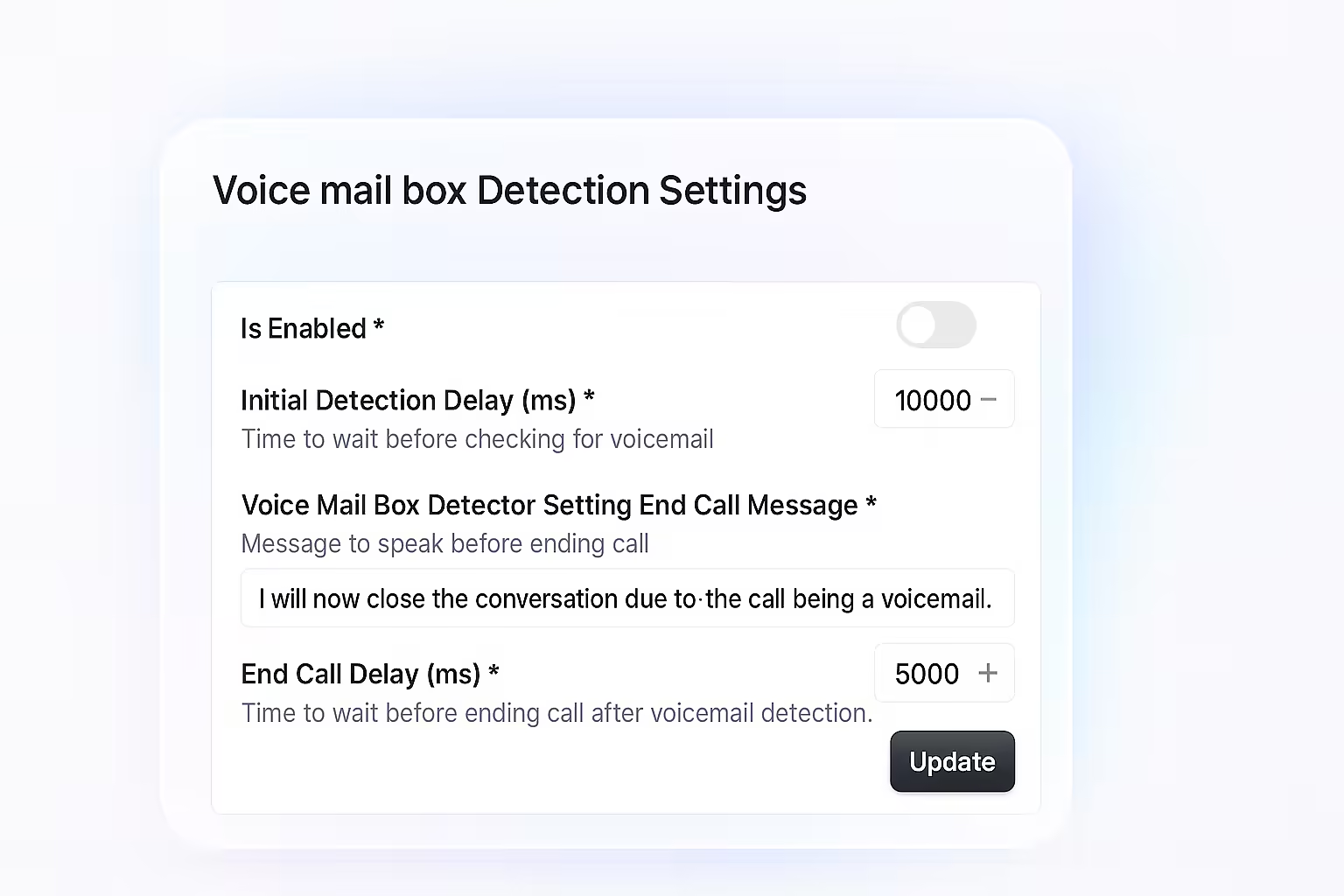
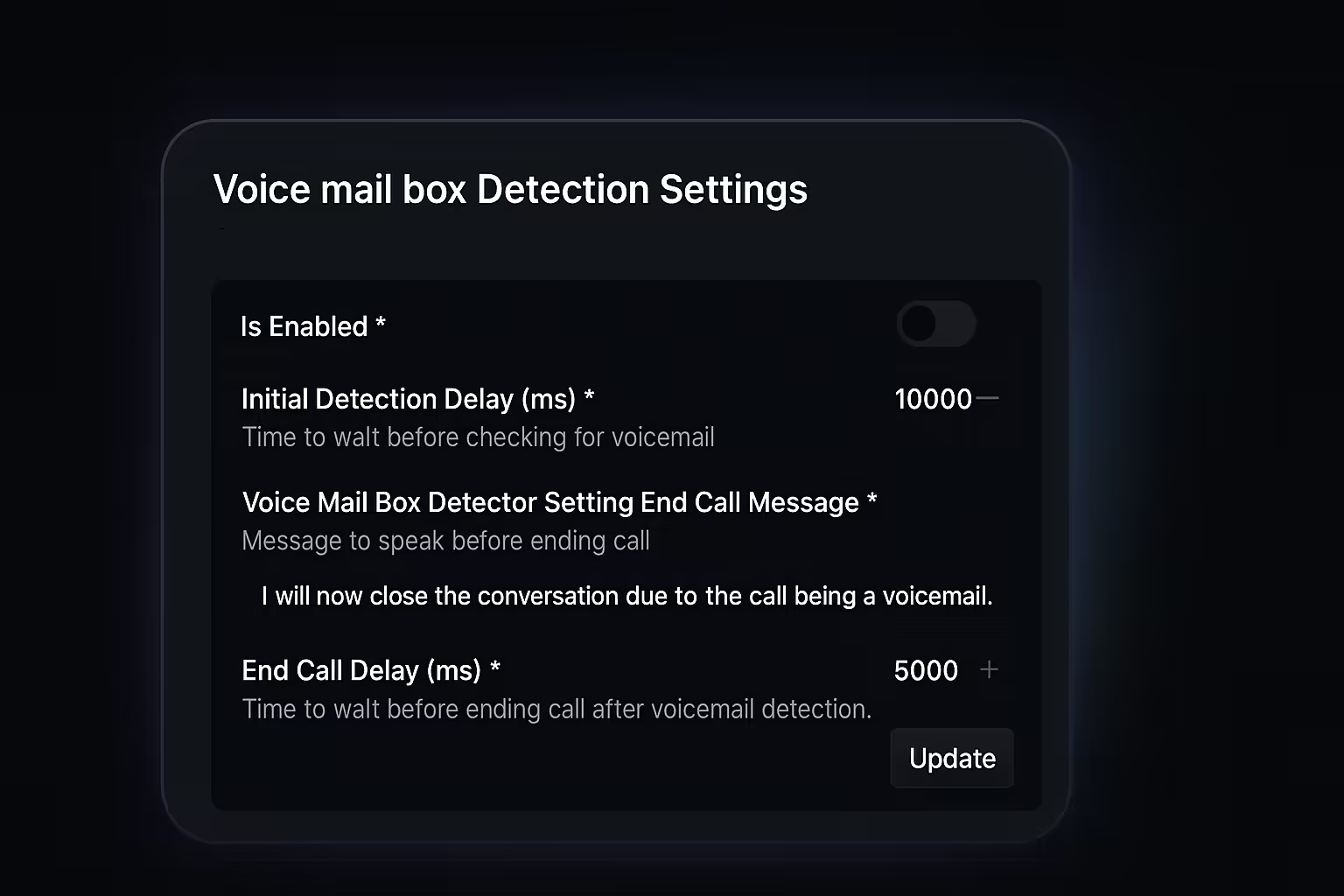
We’ve launched Voice Mail Detection, giving you full control over how your AI agents handle calls that reach voicemail boxes.
Now, your agents can automatically detect when they’re speaking to a voicemail system and respond exactly how you want—saving time and ensuring every call is handled professionally.
With Voice Mail Detection, you can:
- Enable or disable detection per agent: Decide which agents should use voicemail detection.
- Set detection timing: Choose how long the agent waits before checking for voicemail, so you can balance speed and accuracy.
- Customize the agent’s message: Write the exact message your agent will say if a voicemail is detected, or have the agent end the call immediately.
- Control call ending behavior: Set how long the agent waits after detecting voicemail before ending the call, ensuring your message is delivered or the call is closed promptly.
This update is perfect for teams making outbound calls who want to avoid leaving awkward voicemails or wasting time on unanswered calls. You’ll deliver a more polished, efficient experience—every time.
To get started, open your agent’s 'Advanced Settings' and look for the 'Voice mail box Detection Settings' section. From there, you can enable detection, set your preferred timing, and customize your agent’s voicemail response.
AI Agent Prompt Editor
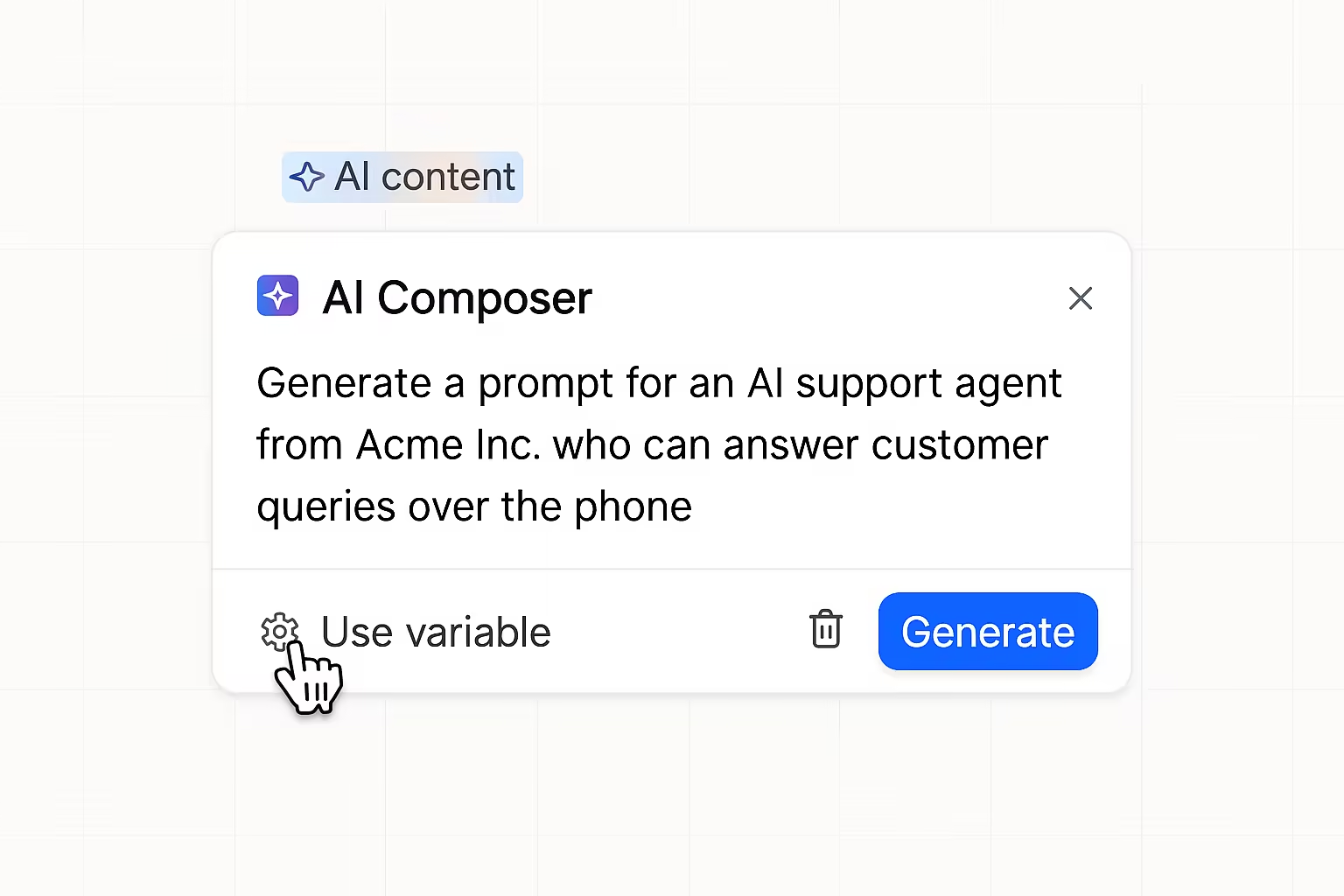
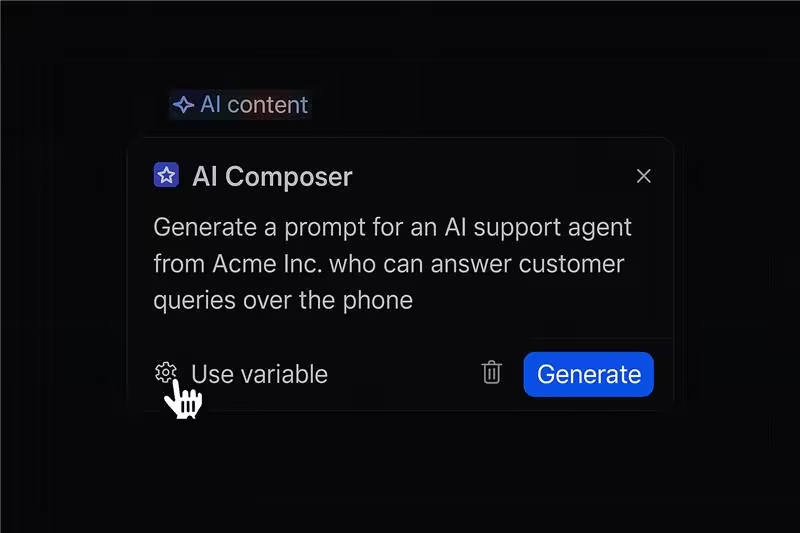
Introducing the AI Agent Prompt Editor—a powerful new way to write, format, and enhance your AI agent prompts!
With the new editor, you can:
- Write in a full-screen, distraction-free environment: Enjoy a spacious, modern interface designed for focus and productivity.
- Leverage AI-powered writing tools: Instantly shorten or generate text, auto-complete your thoughts, translate prompts into different languages, and fix spelling or grammar errors with a single click.
- Insert rich data types: Seamlessly add structured elements such as email addresses, phone numbers, tables, and more to your prompts.
- Format your prompts: Use rich text features like bold, italics, headings, lists, and more to organize and clarify your instructions.
- Create more effective prompts, faster: The editor’s smart suggestions and formatting options help you craft high-quality prompts with ease.
This feature is perfect for anyone who wants to create clear, effective, and well-structured AI agent prompts—whether you’re fine-tuning agent behavior or building new conversational agents.
To try the new AI Agent Prompt Editor, open any agent and head to the "Agent Prompt" tab prompt.
Coachings
Coachings
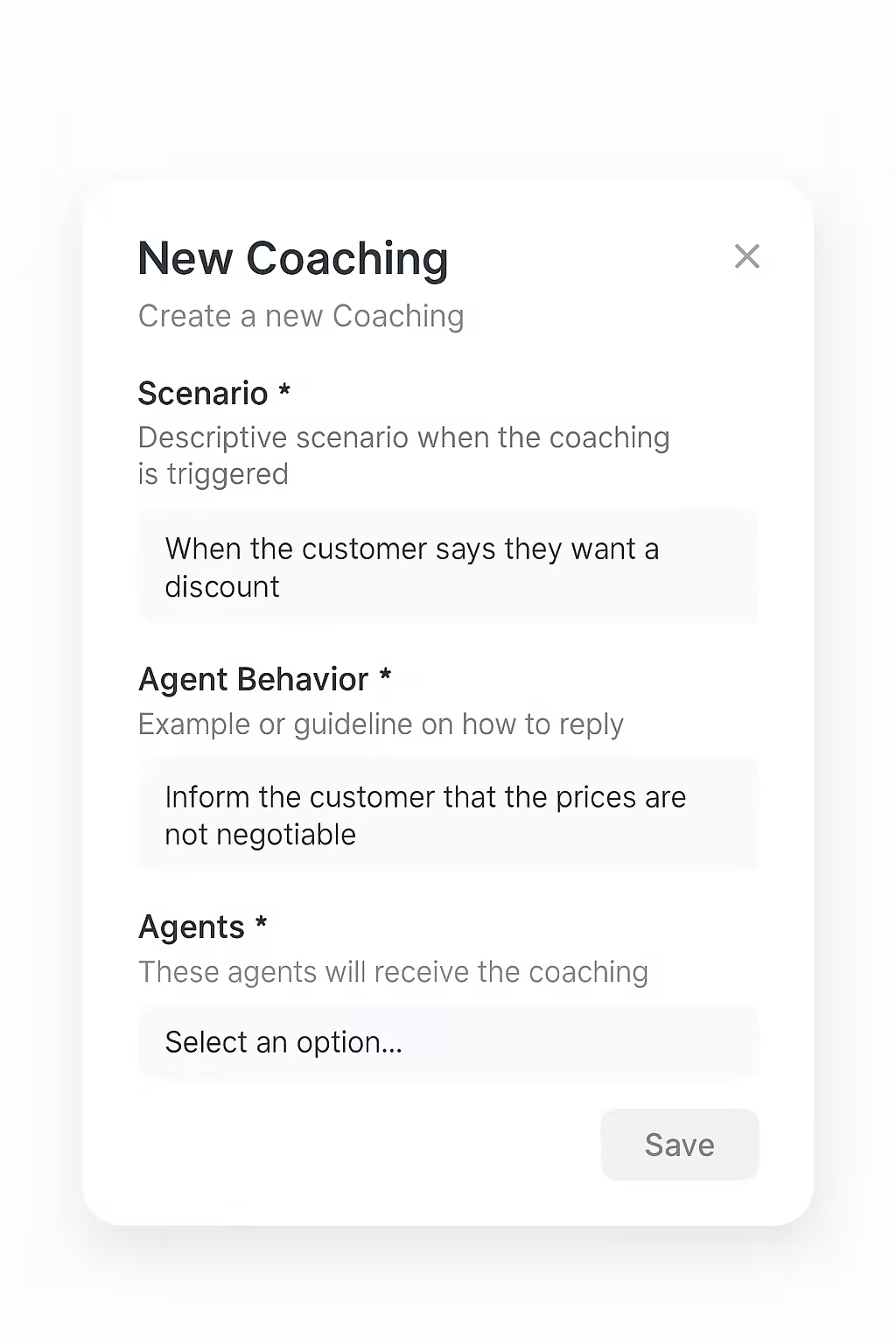
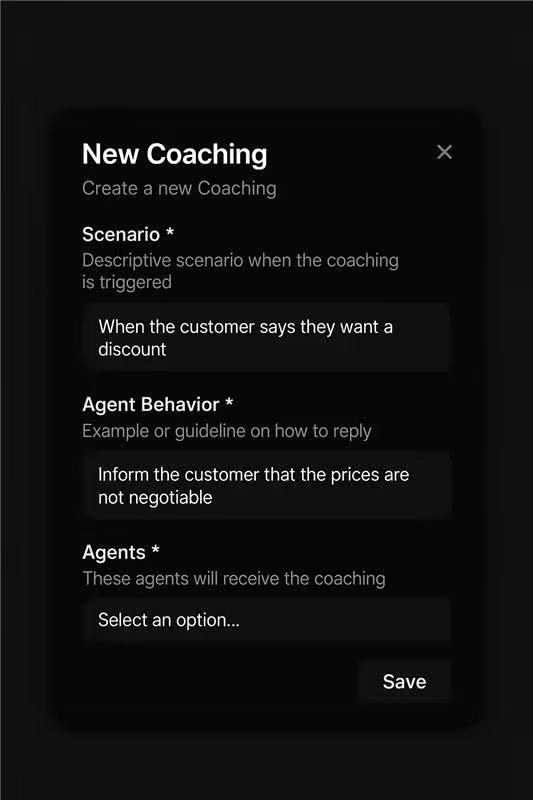
Introducing Coachings, a powerful new feature that lets you fine-tune your AI agents by providing highly specific feedback and behavioral guidelines for real-world scenarios.
With Coachings, you can:
- Define custom scenarios: Specify exactly when coaching should be triggered, such as when a customer asks for a discount or raises a particular concern.
- Set agent behaviors: Guide your agents on how to respond in each scenario with clear, actionable instructions or example replies.
- Leverage customer feedback: Transform real customer interactions and feedback into coaching opportunities, continuously improving your AI agents' performance.
- Apply at scale or individually: Choose to apply coaching to all agents or tailor feedback for specific team members.
- Ensure consistent, high-quality responses: Standardize how your agents handle sensitive or complex situations, improving customer satisfaction and compliance.
This feature is especially valuable for businesses that want to ensure policy adherence, implement specific customer feedback and rapidly adapt agent behavior to new business needs.
To configure Coachings for your agents, navigate to the Coachings section in your dashboard, create a new coaching scenario, and assign it to your agents. Your AI workforce will immediately begin applying your feedback in live conversations, creating a continuous improvement loop based on real customer interactions.
Boosted Keywords
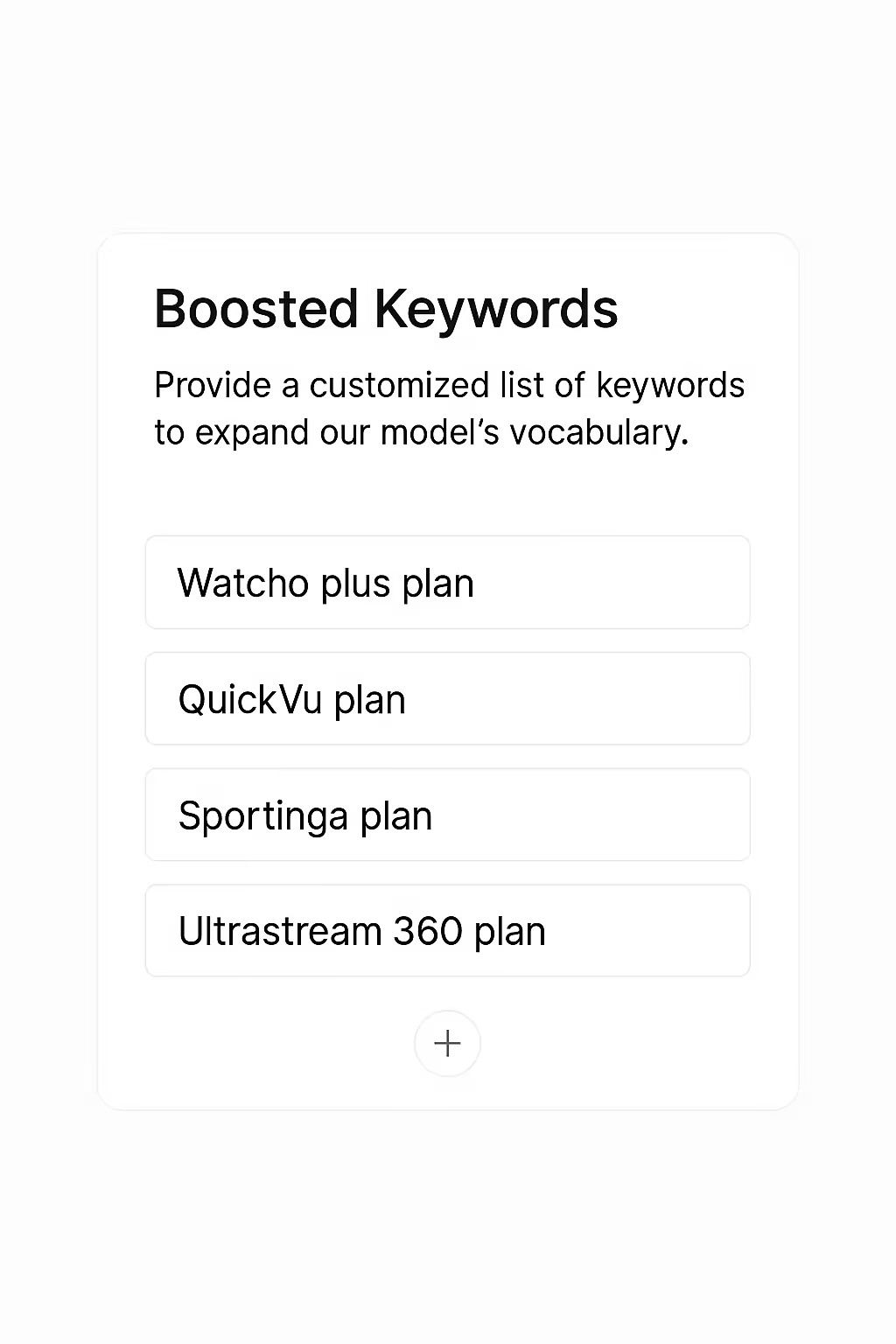
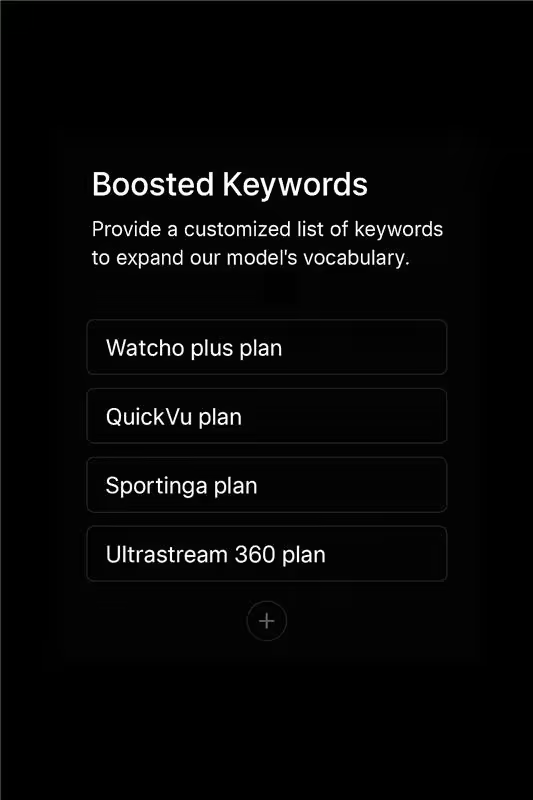
Introducing Boosted Keywords, a powerful new feature that lets you expand your AI agents' vocabulary with custom terms, ensuring accurate recognition of specialized terminology and proper nouns.
Our new Boosted Keywords feature allows you to provide a customized list of keywords that your AI agents should prioritize during conversations. This ensures they can accurately recognize and respond to industry-specific terms, brand names, or uncommon words. With this feature, you can:
- Improve recognition accuracy: Help your agents correctly identify specialized terms, proper nouns, and industry jargon
- Support multilingual conversations: Add non-English terms and ensure they're properly recognized
- Enhance domain expertise: Add product names, technical terminology, or abbreviations specific to your business
- Reduce misunderstandings: Minimize the need for repetition or clarification of uncommon terms
- Create more effective interactions: Build customer confidence with agents that understand specialized vocabulary
This feature is particularly valuable for businesses operating in specialized industries, working with international customers, or using unique product names and terminology.
To configure Boosted Keywords for your agents, navigate to the Agent Details page, select the "Configurations" tab, and look for the "Boosted Keywords" option where you can enter your custom vocabulary list.
Interruption Sensitivity

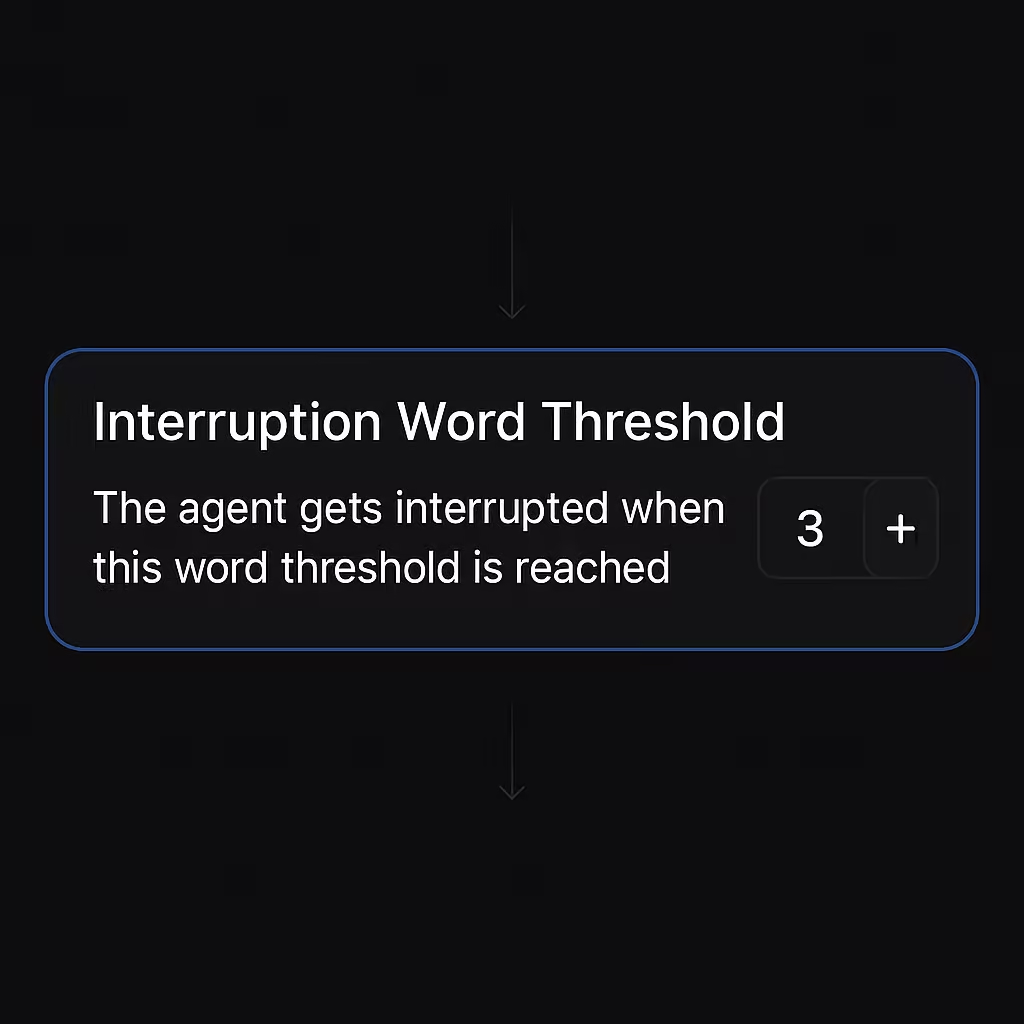
We've launched a new feature that gives you precise control over when your AI agents recognize and respond to customer interruptions during conversations.
The new Interruption Word Threshold setting allows you to fine-tune how your AI agents handle mid-conversation interruptions, creating more natural dialogue experiences. With this feature, you can:
- Customize sensitivity levels: Define exactly how many words a customer needs to speak before your agent recognizes an interruption
- Create more human-like conversations: Allow customers to redirect conversations naturally without frustration
- Balance attentiveness with effectiveness: Set the perfect threshold to prevent false interruptions while remaining responsive
- Optimize for different use cases: Adjust settings based on industry needs, customer preferences, or specific agent functions
This feature helps your AI agents become better listeners, enhancing conversation quality and customer satisfaction across voice interactions.
To configure this setting for your agents, navigate to the Agent Details page, select the "Configurations" tab, and look for the "Interruption Word Threshold" option.
Automatic Call Termination
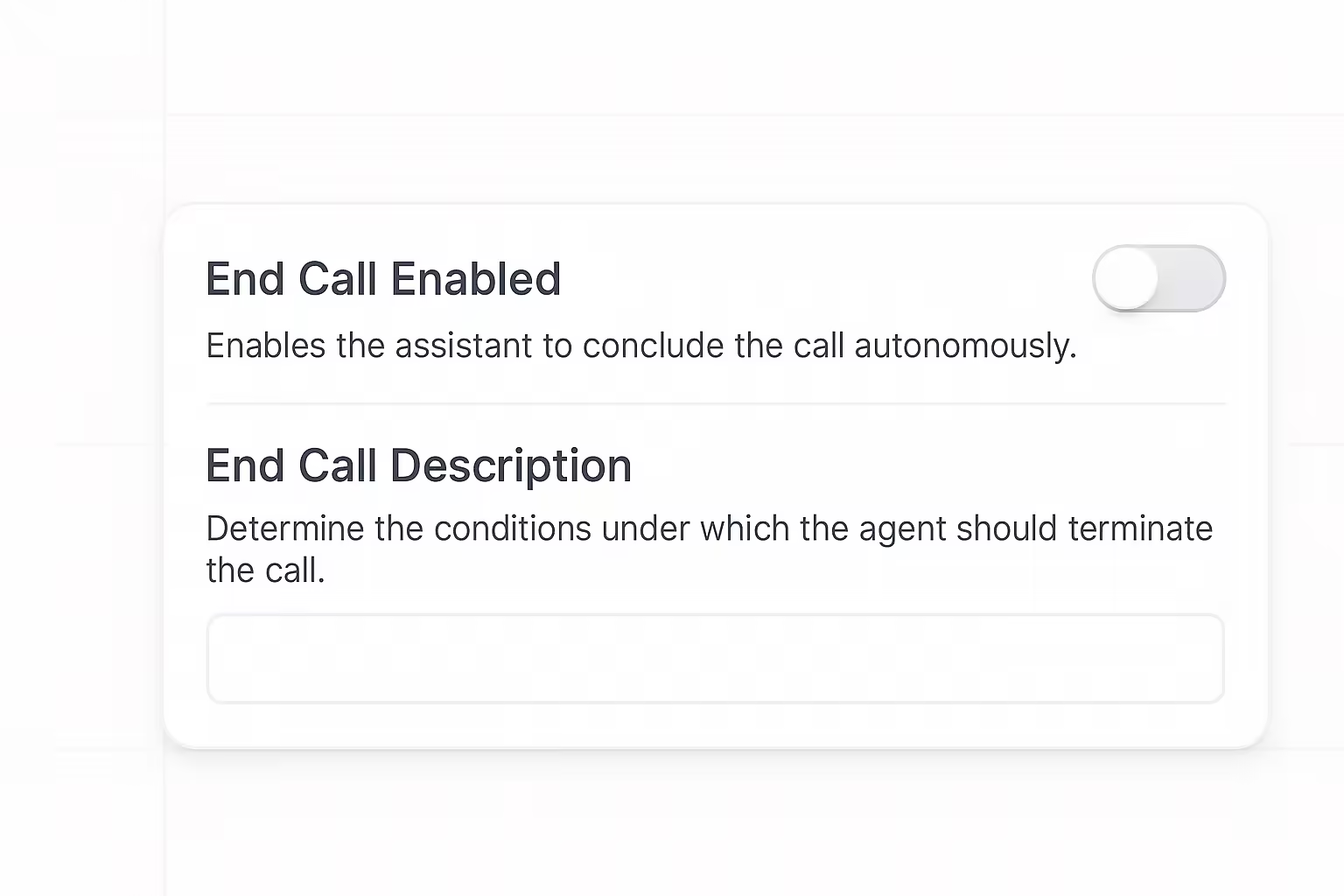
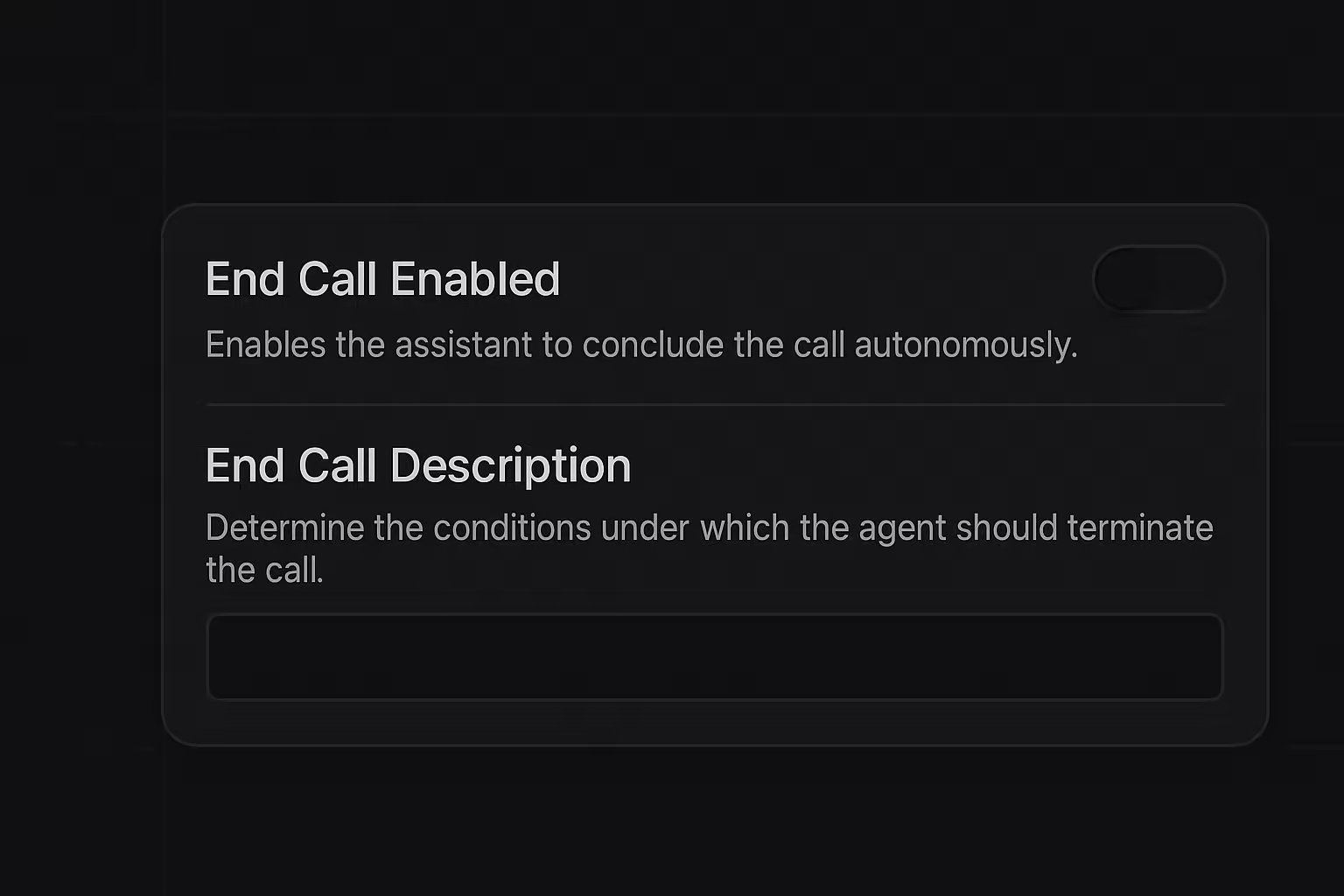
We've launched Automatic Call Termination, allowing your AI agents to intelligently end conversations based on conditions you define.
With Autonomous Call Termination, your AI agents can end conversations at the optimal moment. You'll be able to customize termination logic for different agent roles, reduce unnecessary call time, and easily update criteria as needed.
Key features:
- End Call Toggle: Enable or disable the autonomous call termination feature with a simple toggle.
- Custom End Conditions: Define specific criteria that determine when an agent should conclude a call.
- Agent-Specific Settings: Configure different termination conditions for each of your AI agents.
- Centralized Management: Access these settings directly in the Agent Details page.
Autonomous Call Termination is now available for all users. To get started, navigate to Agent → Agent Details, enable the "End Call Enabled" toggle, and define your conditions in the description field.
Knowledge Base for AI Agents
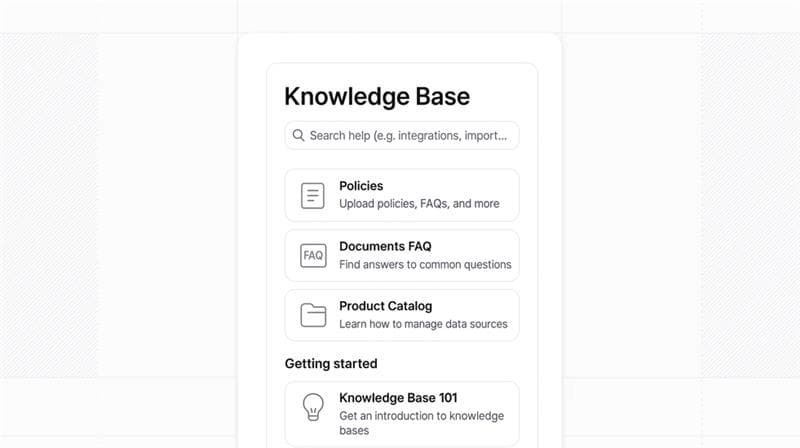
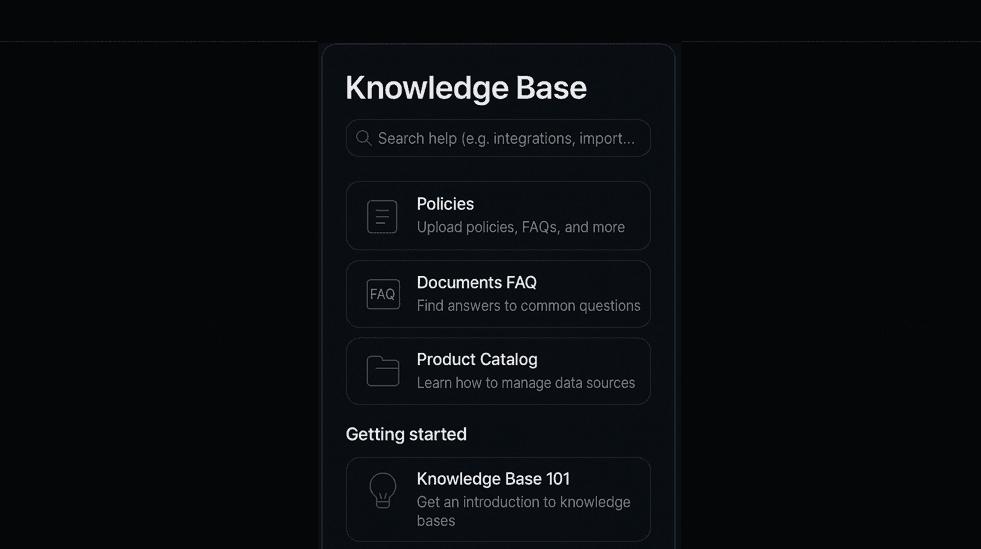
Big update! We're excited to announce the launch of Knowledge Bases, enabling your AI agents to access large documents for more informed and accurate responses.
Key features:
- Document Upload: Add files containing FAQs, policies, product information, and more to your Knowledge Base.
- Category Organization: Sort your documents into intuitive categories like Sales, Product Catalogue, and Policies for better organization.
- AI Agent Integration: Attach one or more Knowledge Bases to your AI agents, giving them instant access to all the information they need.
- Multiple File Formats: Support for common document formats including PDF, TXT and DOC.
- Centralized Dashboard: Easily manage all your Knowledge Base documents from a single interface.
Knowledge Base is now available in the navigation sidebar under "Knowledge Base" for all users. To get started, navigate to the Knowledge Base section and click "Create Knowledge Base" to upload your first document.
With Knowledge Bases, your AI agents can:
- Answer a wider range of customer questions
- Ensure consistent information delivery
- Maintain compliance with latest policies and procedures
And you can:
- Quickly update information by simply replacing documents
- Organize content by categories for better accessibility
- Attach multiple Knowledge Bases to different AI agents
- Control exactly what information your agents can access
Launching Brand Voice
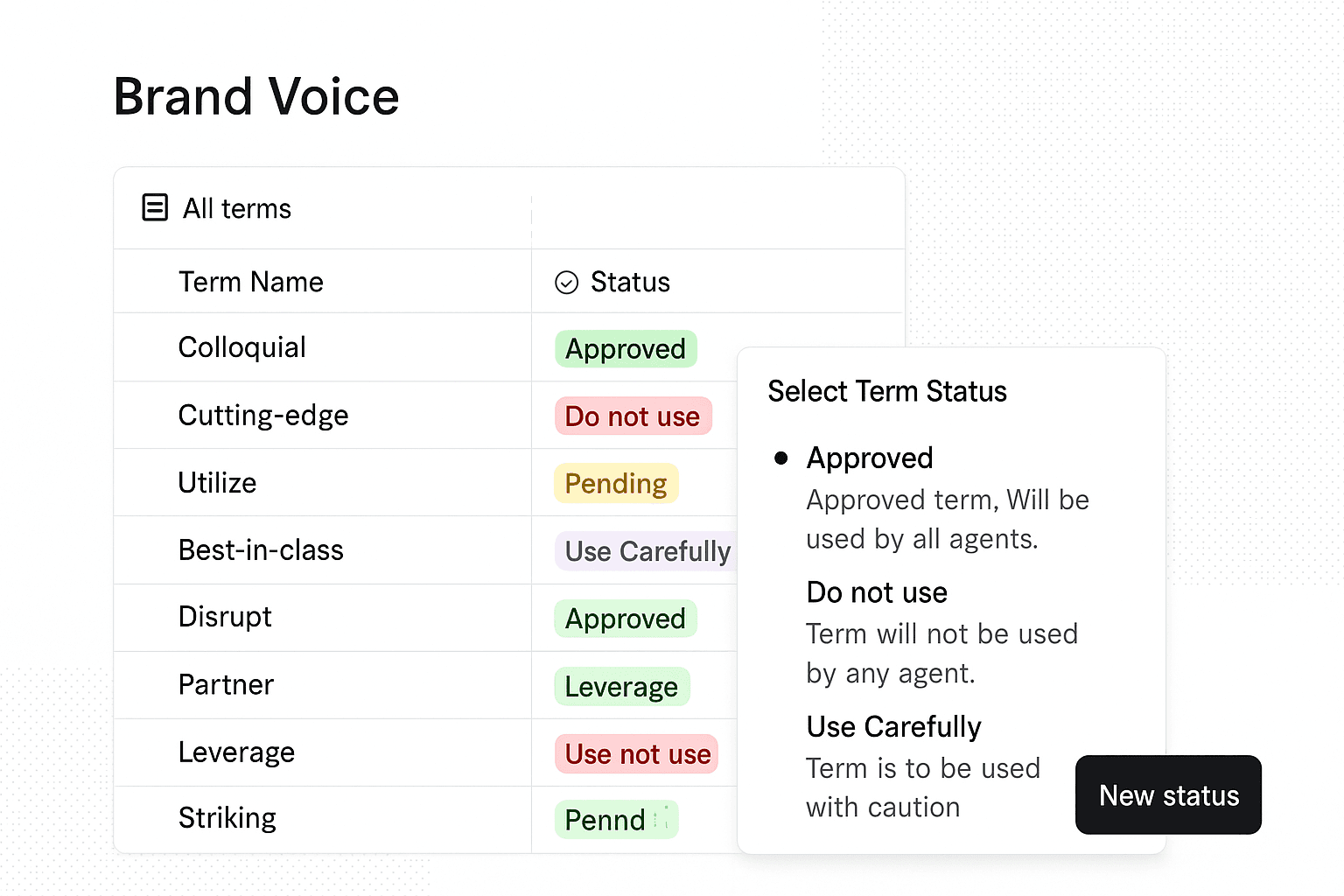
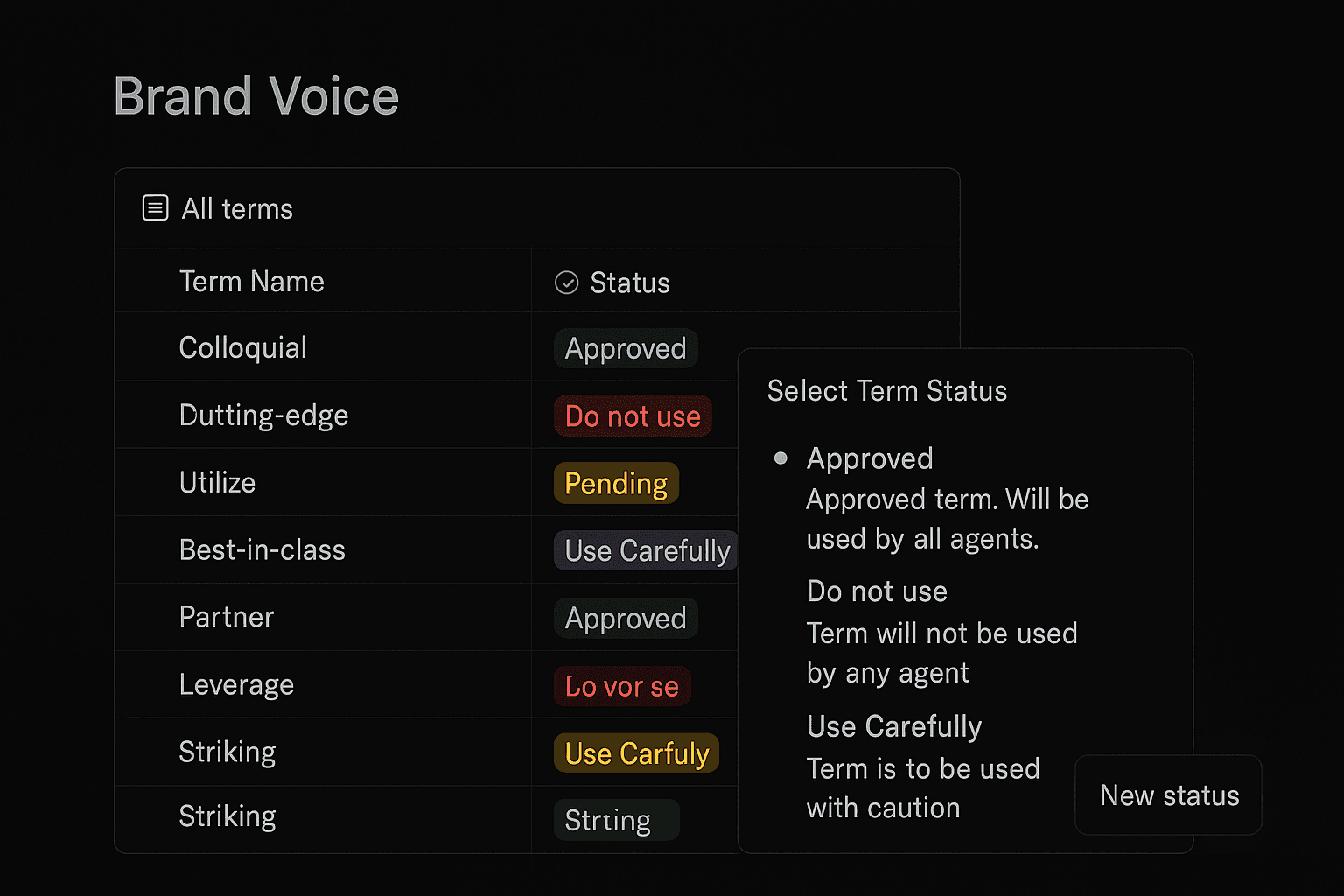
We're excited to announce the launch of Brand Voice, giving enterprise customers the power to define and enforce their unique terminology across all AI agent communications.
Key features
- Custom Dictionaries: Define your company's unique terminology and ensure AI agents consistently use approved language in all customer interactions.
- Term Status Levels: Control terminology with four status options - Approved, Do not use, Pending, and Use Carefully.
- Strict Replacement: Automatically substitute non-approved terms with approved alternatives.
- Multiple Language Support: Define terms in multiple languages with appropriate substitutions to maintain consistent brand voice across global operations.
- Centralized Dashboard: Easily manage all terms from a single interface with filtering and search capabilities.
- Detailed Configuration: Add custom descriptions with usage examples and toggle strict replacement enforcement for each term.
Brand Voice is now available in the navigation sidebar under "BRAND VOICE" for all enterprise customers. No user action is required to access this feature.
With Brand Voice, you can:
- Reduce compliance risks
- Maintain brand integrity
- Simplify governance of language used by your AI workforce
- Enable seamless brand voice implementation across multilingual operations

Bring your own telephony
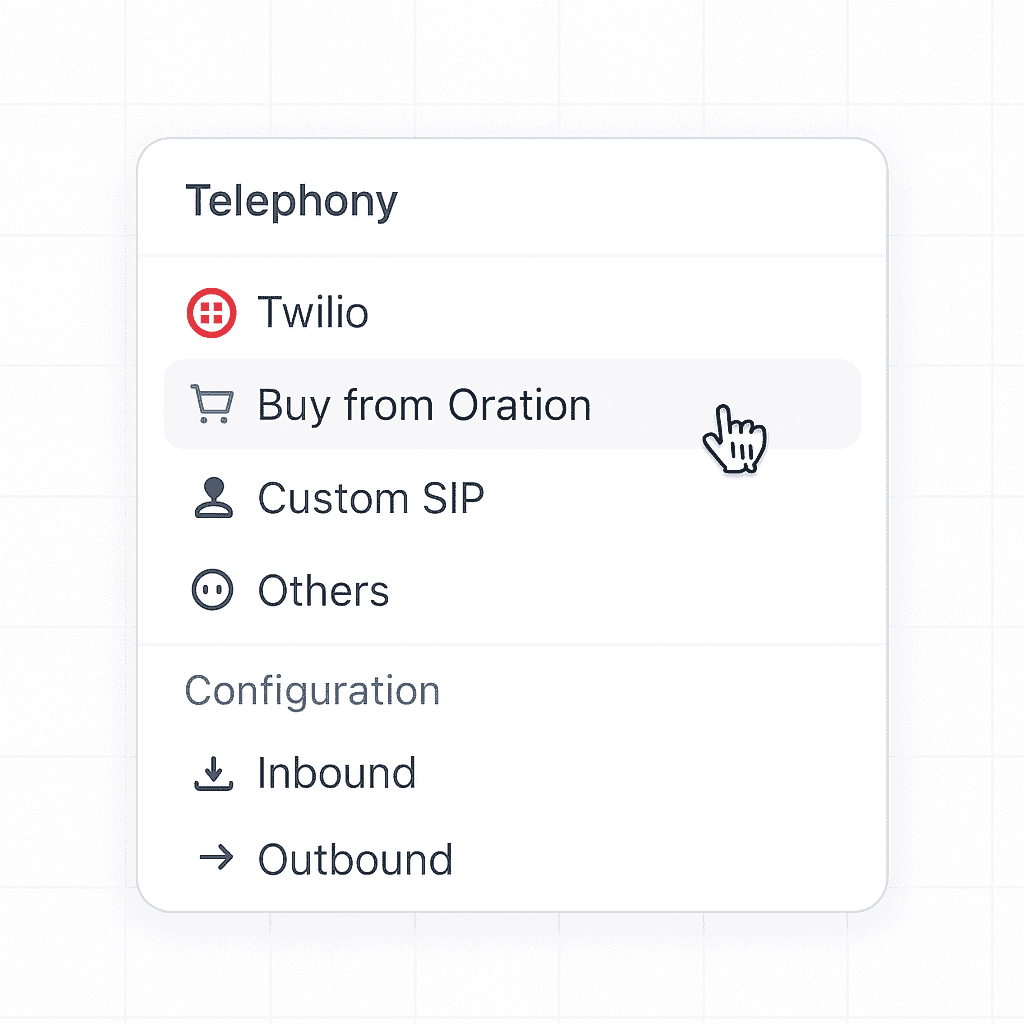
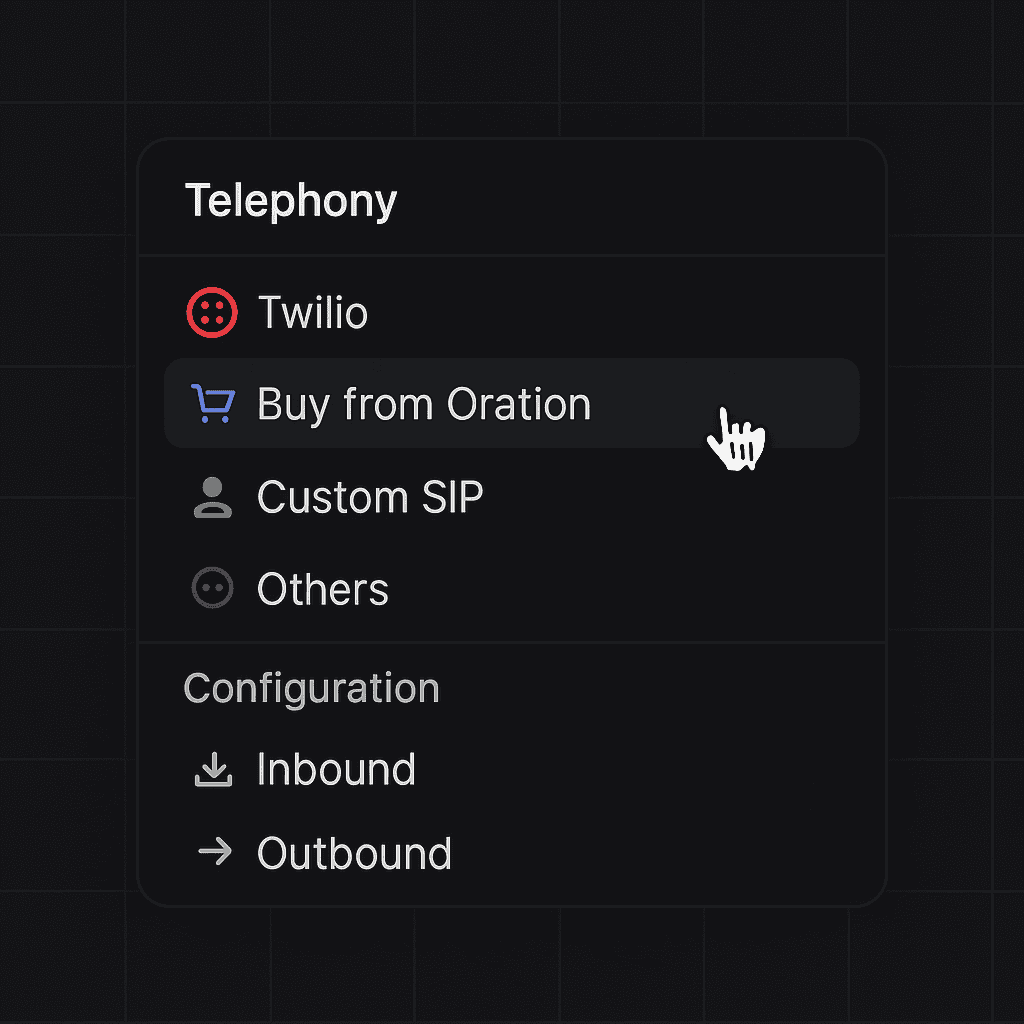
We've expanded our telephony capabilities to give you complete flexibility in how you manage phone numbers for your AI digital workers.
With this update, you now have three options for phone number management:
- Import from Twilio: Seamlessly connect your existing Twilio phone numbers to Oration AI
- Buy from Oration: Purchase new phone numbers directly through our platform
- Import SIP Trunk: Bring your own SIP trunk provider with configurable settings for URL, username, and password
This enhancement provides several key benefits:
- Cost efficiency: Leverage your existing telephony infrastructure and contracts
- Simplified migration: Transition to Oration while maintaining your current phone numbers
- Enterprise-ready: Support for complex telephony configurations required by larger organizations
- Streamlined management: Configure all telephony options through our intuitive interface
To get started, simply navigate to the Phone Numbers section, click "New Phone Number" and select your preferred provider method from the dropdown menu.

In-platform Conversation Playback
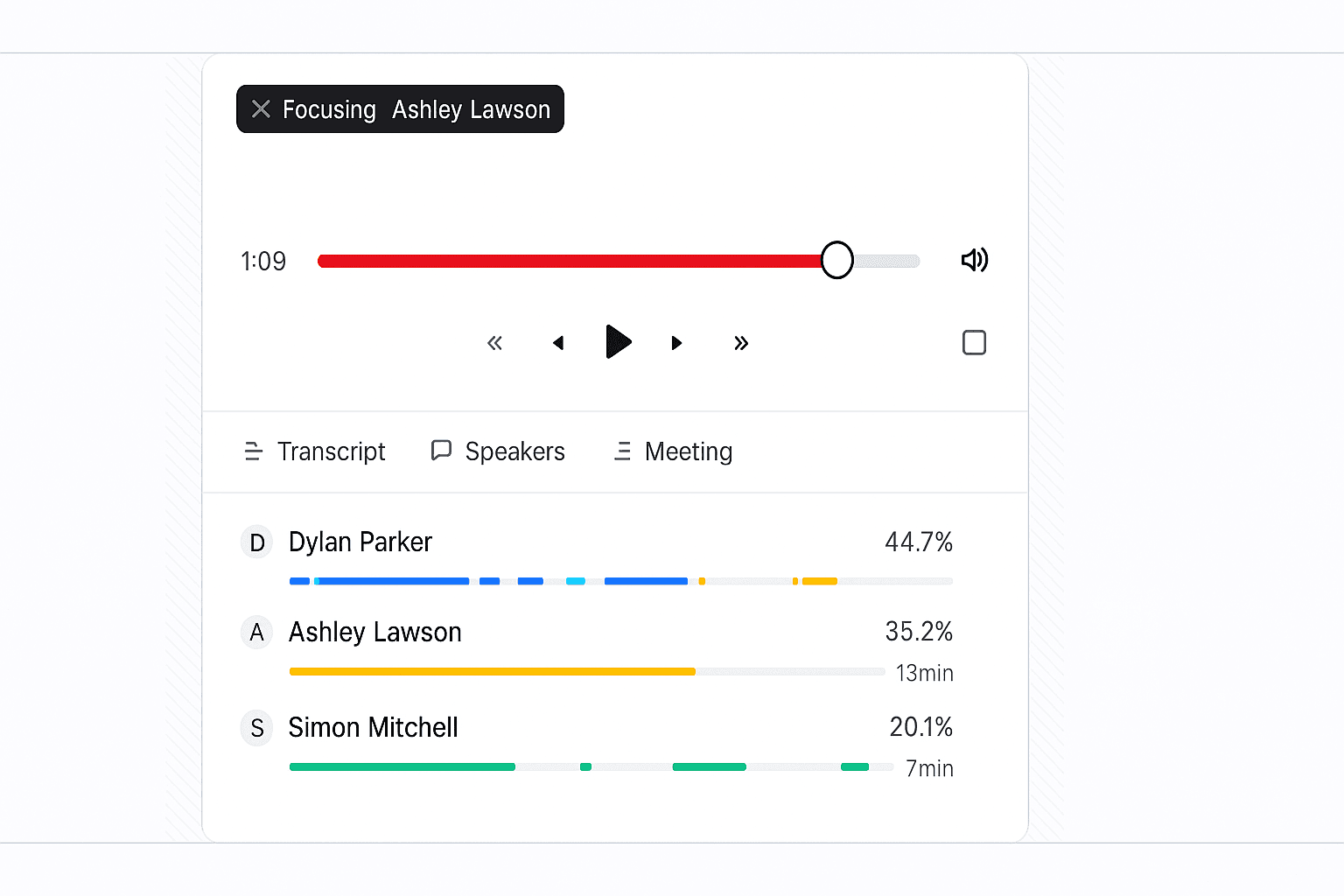
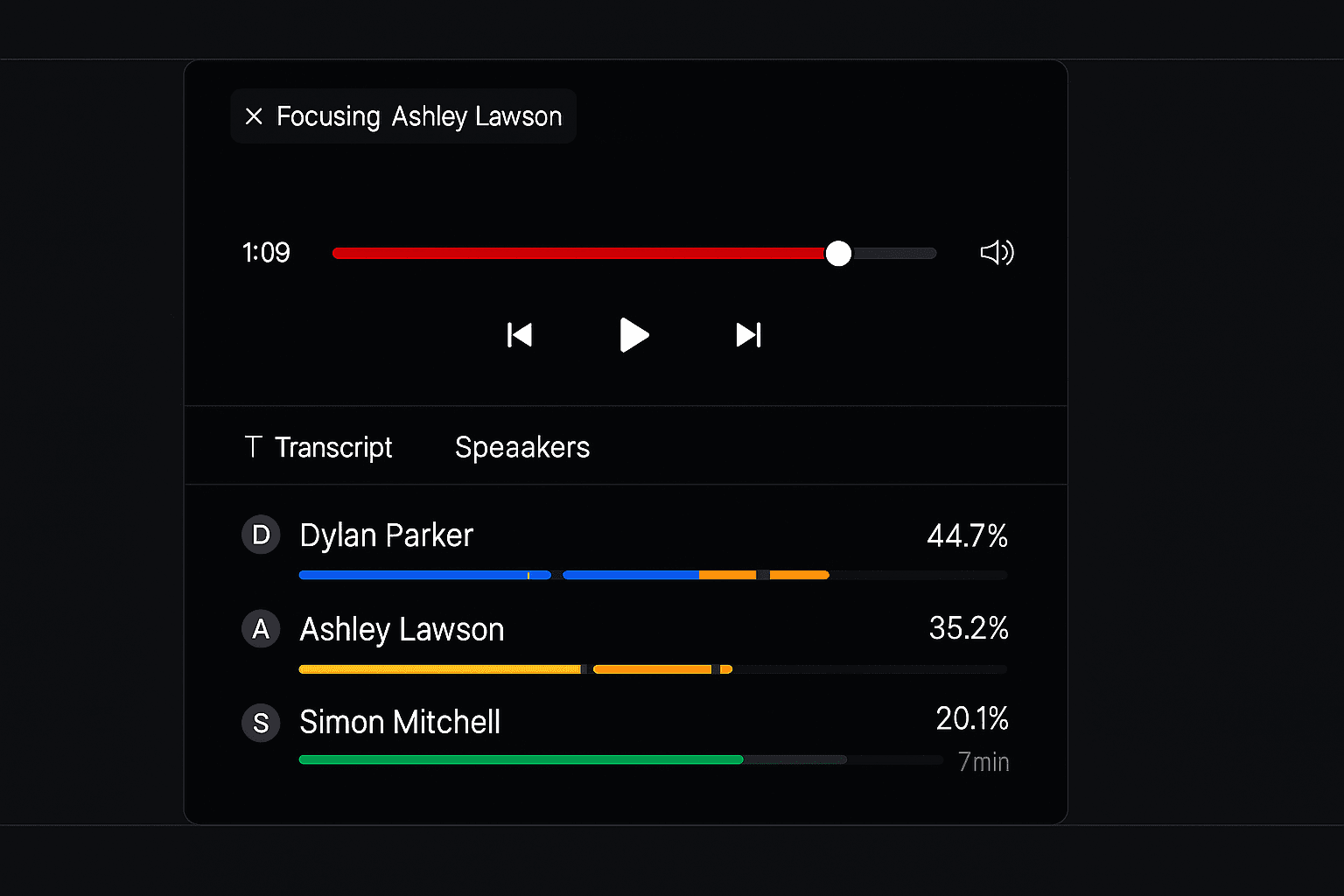
We've just launched a seamless conversation playback feature that lets you listen to your AI agent call recordings directly within the Oration platform.
With our new in-platform conversation playback:
- Instant access to recordings: Listen to any conversation with a single click right from your History page
- Intuitive audio controls: Navigate through calls with play/pause, skip, and a progress bar
- Time-stamped playback: Easily track conversation duration and jump to specific moments
- Channel-specific filtering: Quickly find telephony recordings through conversation type filters
- Streamlined quality assurance: Review agent performance without leaving the platform
This feature enhances your ability to monitor conversation quality, train your team, and identify opportunities for improving your AI agents' effectiveness.
To get started, simply navigate to the History page, locate a telephony conversation with a "Play" button, and click to hear the recording instantly within your browser.
