Deep Research Mode for Knowledgebase

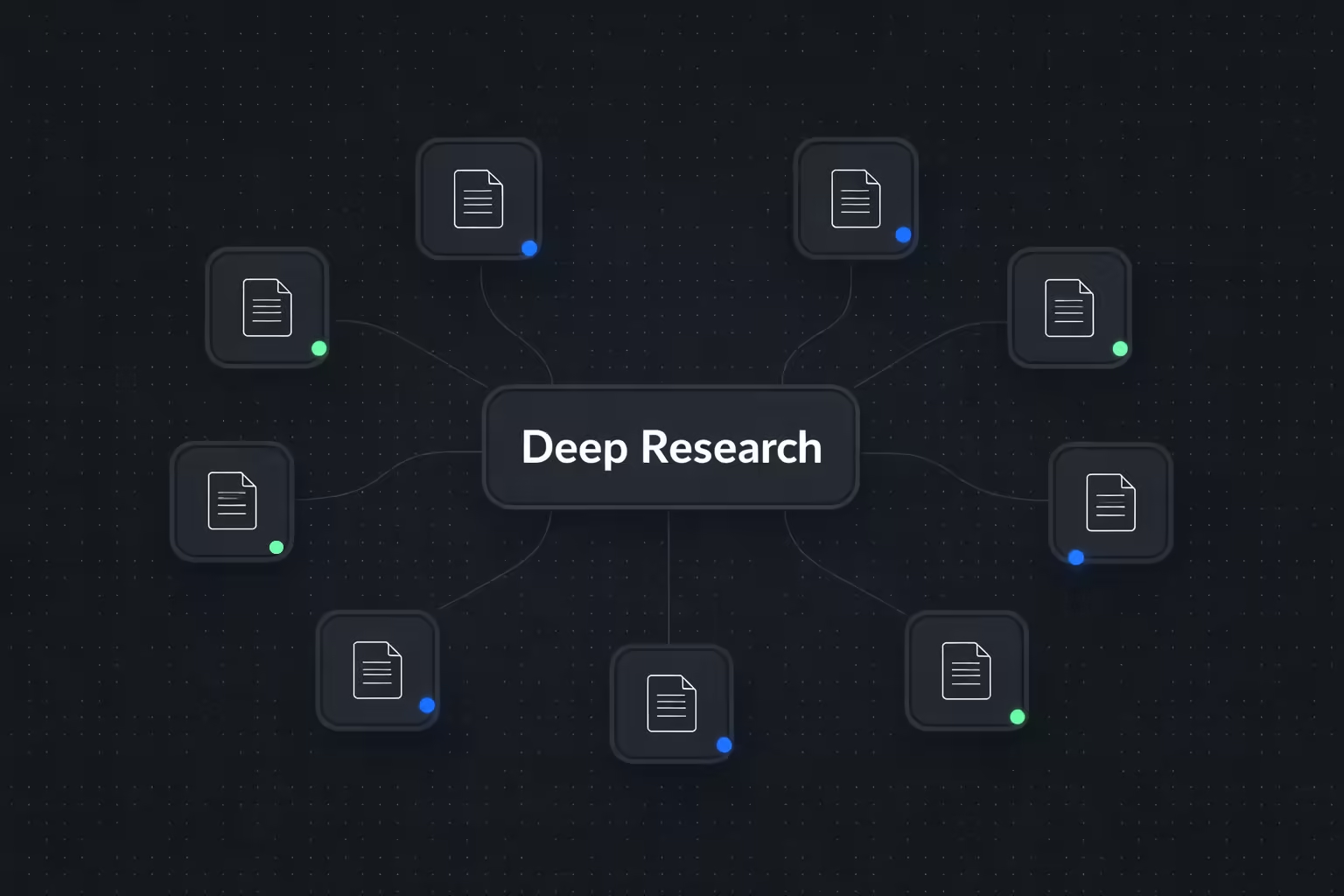
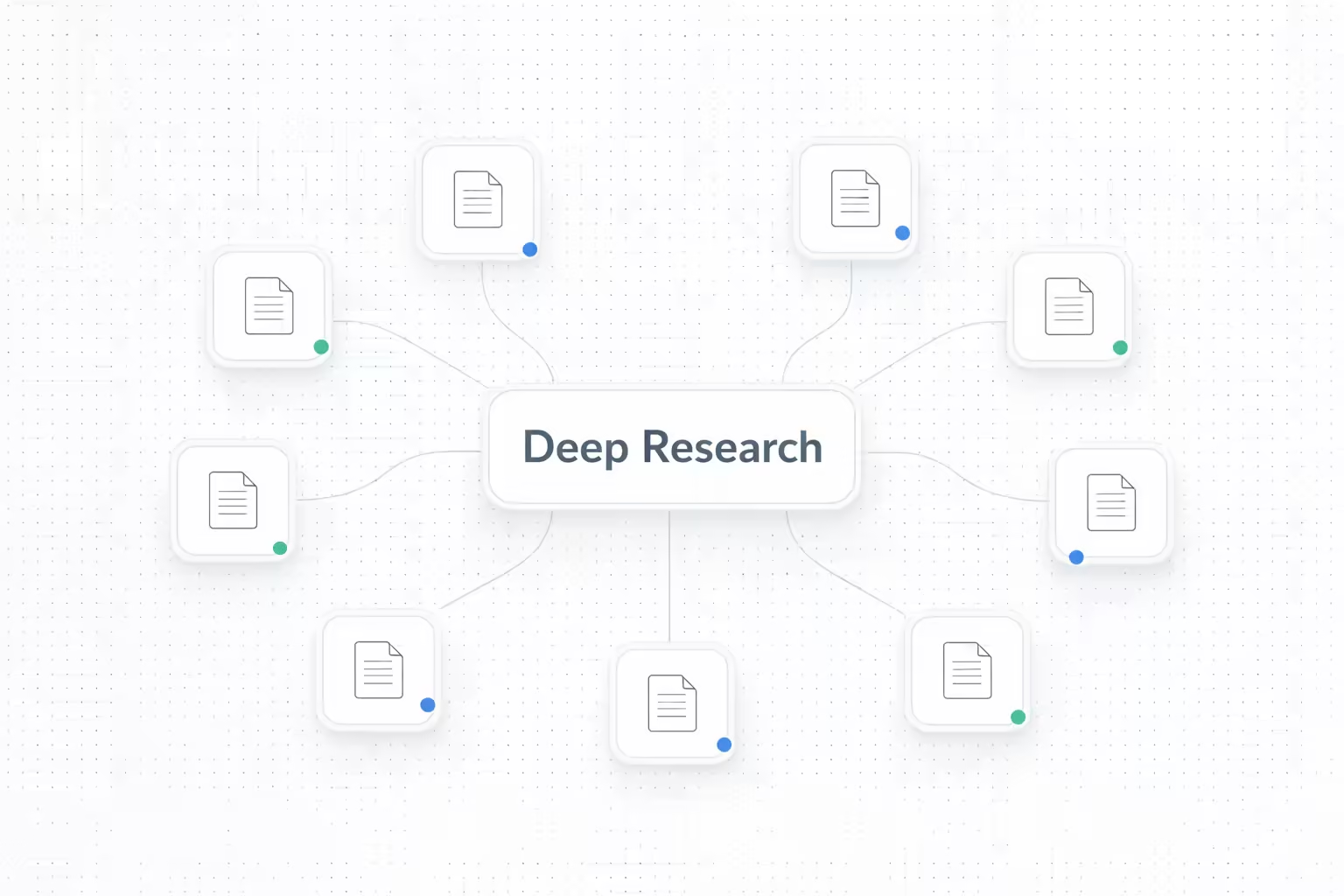
We've introduced Deep Research for your knowledgebases, allowing your AI agents to perform a much more thorough search when handling complex user queries. While it takes longer than a standard search, it ensures that even the most subtle and intricate details are retrieved accurately.
With Deep Research, you can now:
- Retrieve complex information with precision: Enable your agents to scan deeper across your documents to find specific answers that might be missed by regular search.
- Handle intricate data queries: Perfect for knowledgebases containing technical manuals, legal documents, or dense product specifications where accuracy is paramount.
- Balance speed and depth: Choose when to prioritize depth over speed by enabling Deep Research for specific knowledgebases.
- Easy configuration: Simply toggle Deep Research on or off for any knowledgebase directly from your settings.
To enable this feature, navigate to your Knowledgebase > [Choice of Knowledgebase] > Settings and toggle on Deep Research.
