Enhanced Call Transcripts

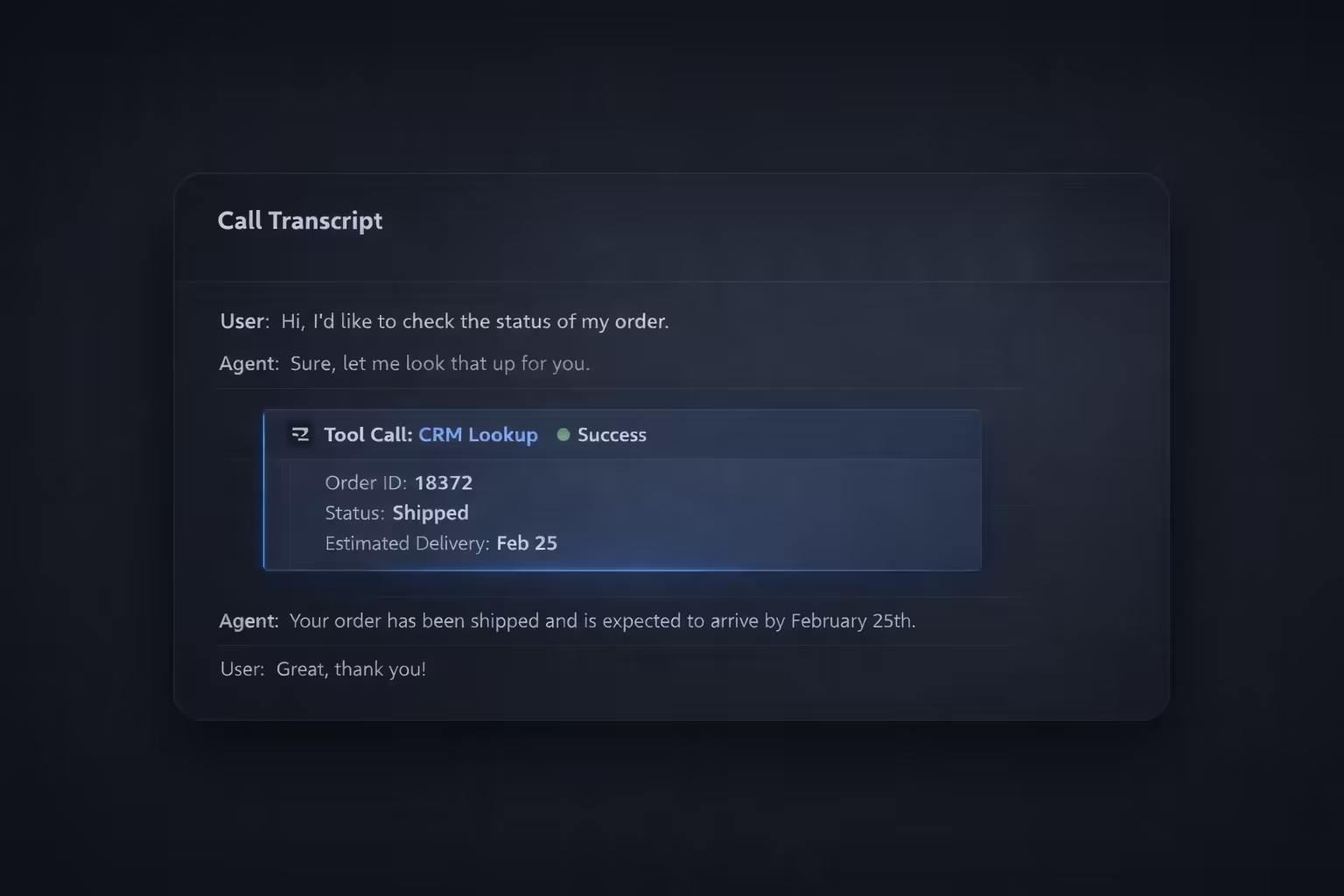
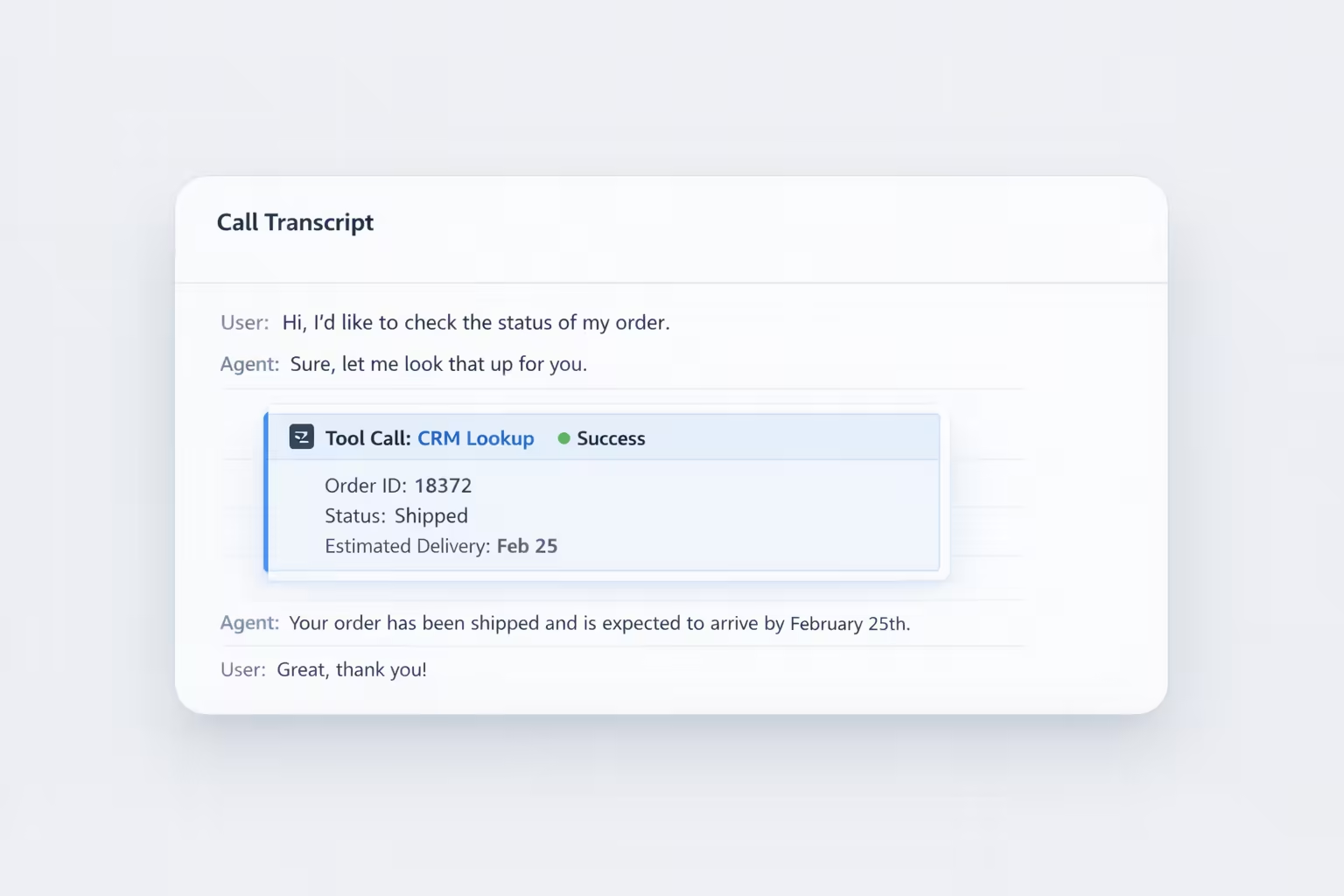
We’ve completely overhauled the Call Transcript view to give you unprecedented visibility into how your AI agents are performing during live interactions.
With these enhancements, you can now dive deeper into every conversation to understand the context, performance, and technical execution of your digital workers.
- Comprehensive Details Tab: Access critical metadata at a glance, including total talk time, call status, transfer status, and the specific reason a call ended.
- Highlighted Tool Interactions: Every tool called during a conversation is now highlighted within the transcript. You can view the response in an easy-to-read format, making it simple to verify technical accuracy.
- Downloadable Call Recordings: Need to perform an offline audit or share a recording? You can now download the full audio of any call directly from the history page.
- Agent Attribution: The name of the specific agent who handled the call is now clearly included in the transcript, providing better context for multi-agent environments.
To explore these updates, simply navigate to the History page in your dashboard and click on any call to view its enhanced transcript and details tab.
