Single Sign-On

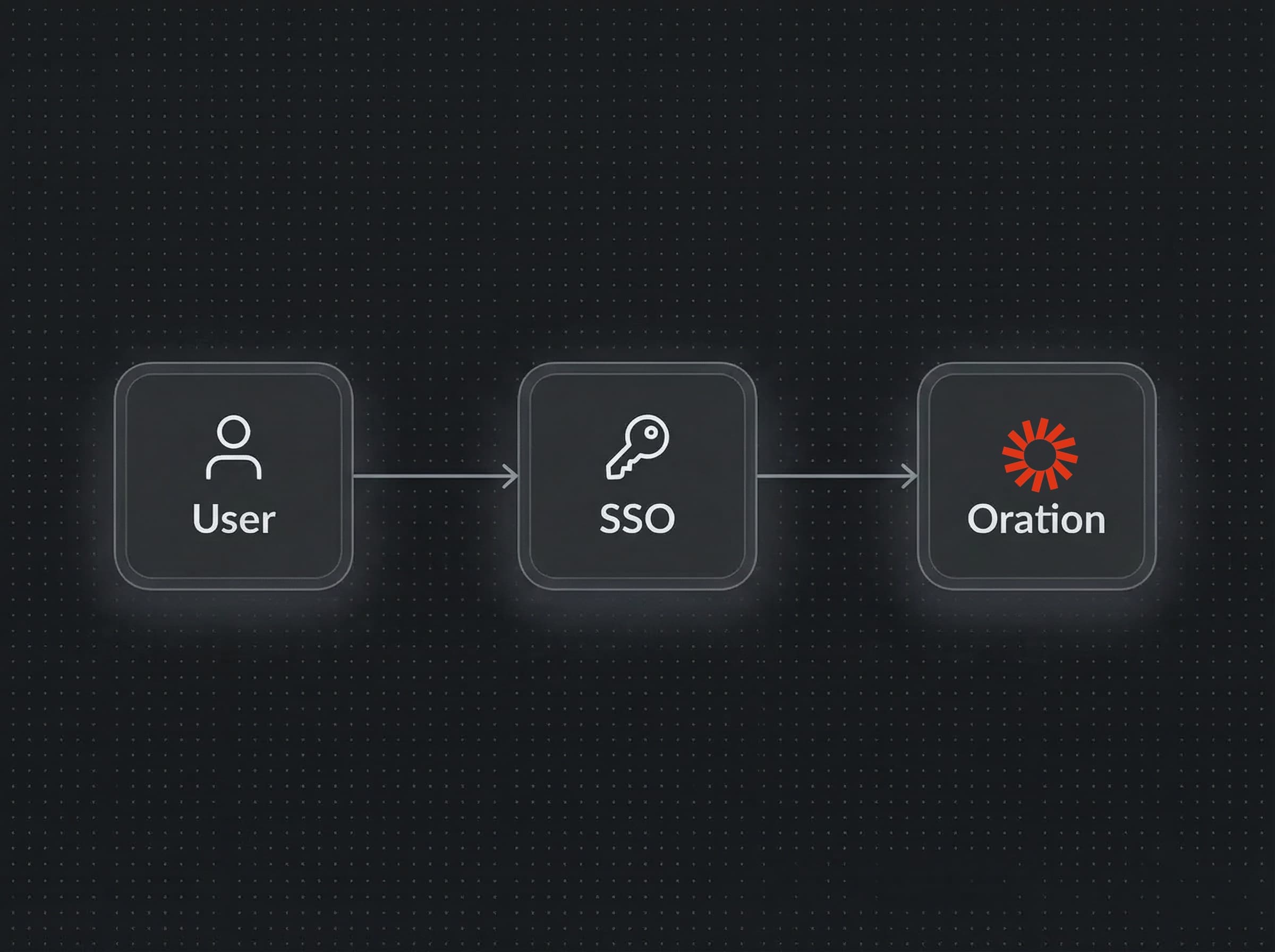
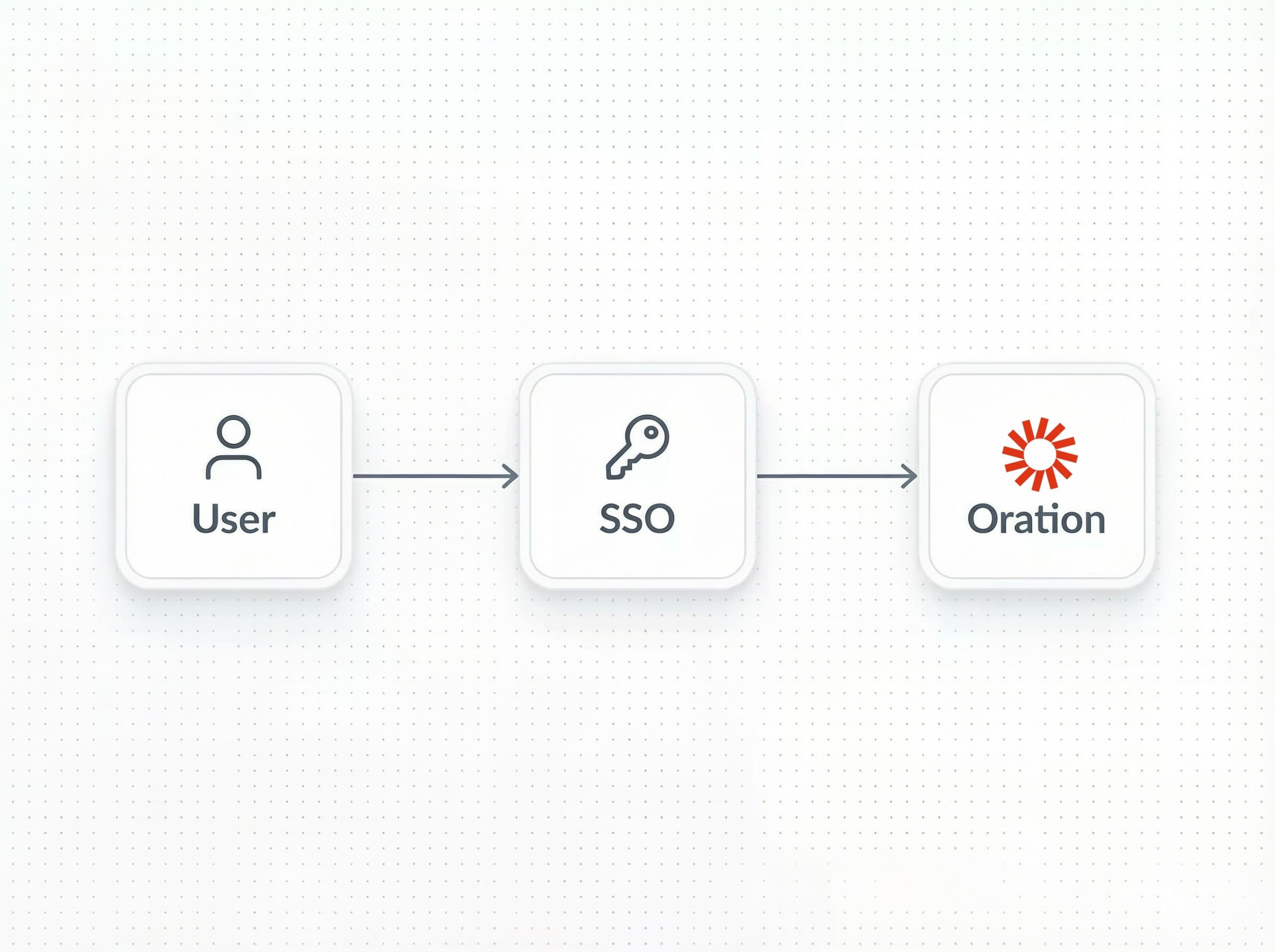
We've shipped Single Sign-On (SSO), so your team can access Oration through the identity provider you already use — no separate credentials to manage, no extra login step.
With SSO, you can now:
- Connect your existing identity provider: Oration supports SAML 2.0 and OIDC-compatible providers, including Okta, Azure Active Directory, Google Workspace, and more. If your team already authenticates through one of these, you're ready to go.
- Centralized access control: Manage who has access to Oration directly from your IdP. When someone leaves the organization and you disable their account there, their Oration access is revoked automatically.
- Enforce authentication policies across the board: MFA requirements, session timeouts, and login restrictions you've configured in your IdP apply to Oration as well — no duplicate policy management needed.
- Smooth onboarding for new teammates: New team members get access to Oration the moment they're provisioned in your IdP. No invitation emails, no account creation steps on their end.
- Audit-ready login history: All sign-in events flow through your IdP's audit logs, giving your security team a single place to review access across every tool in your stack.
To set up SSO for your organization, go to Settings → SSO in your dashboard. You'll need your IdP's metadata URL/certificate or issuer/discovery URL + clientID/secret to complete the configuration — your IT or security team should have this handy.
